What is Mole Similarity Chrome Extension?
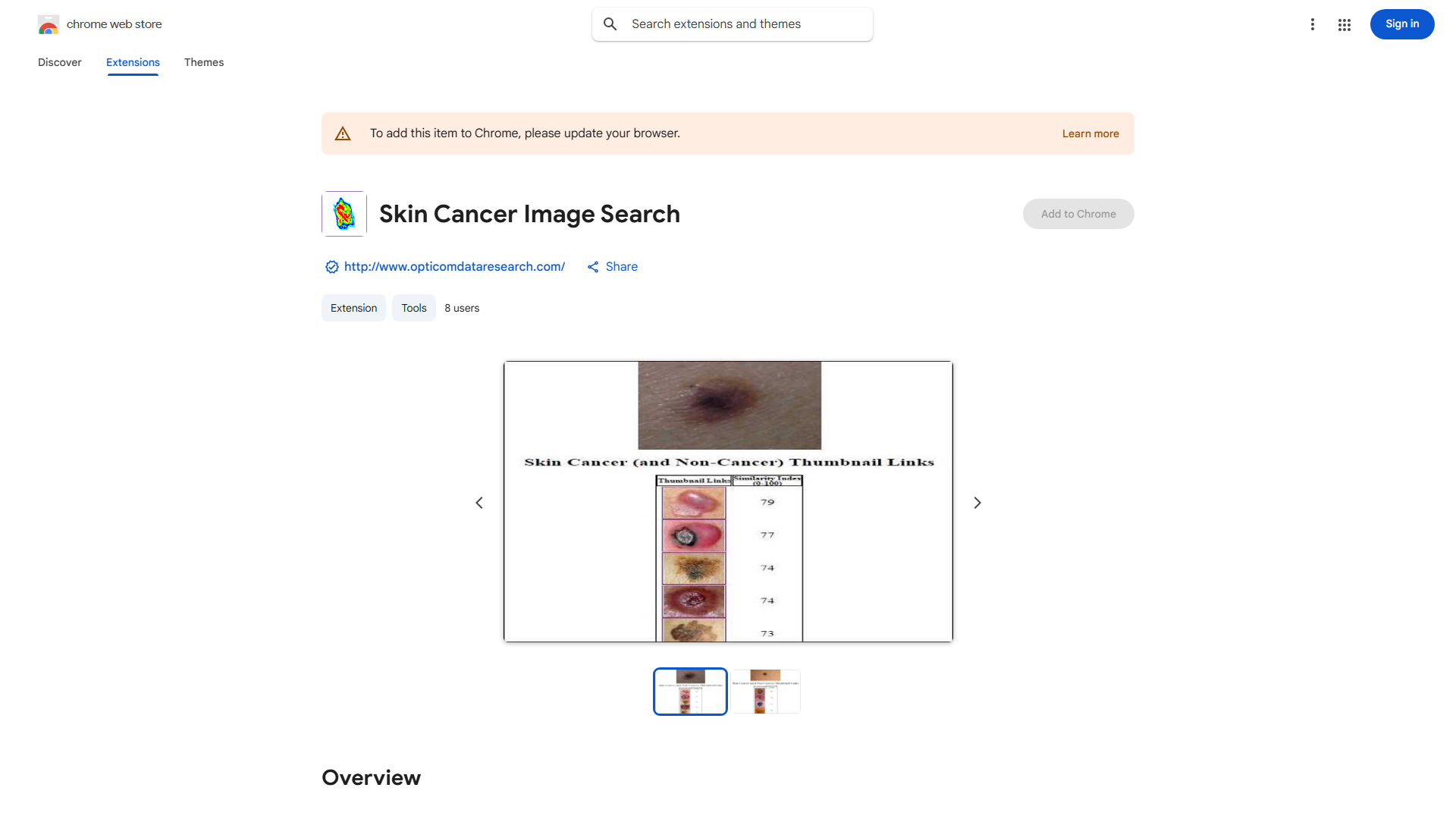
The Mole Similarity Chrome Extension is a browser tool that analyzes moles by comparing images with skin cancer databases. It provides instant risk assessments, serving as a valuable screening tool for individuals and medical professionals concerned about skin health.
How to use Mole Similarity Chrome Extension?
Install the extension from Chrome Web Store, then click its icon in your browser toolbar. Upload a clear mole photo. The extension processes the image and compares it with the database, presenting risk assessment results in an easy-to-read format.
Core features of Mole Similarity Chrome Extension?
- Advanced image recognition for accurate mole analysis
- Instant risk assessment results for timely decisions
- User-friendly interface for all skill levels
- Educational resources on skin cancer awareness
- Secure and confidential data handling