
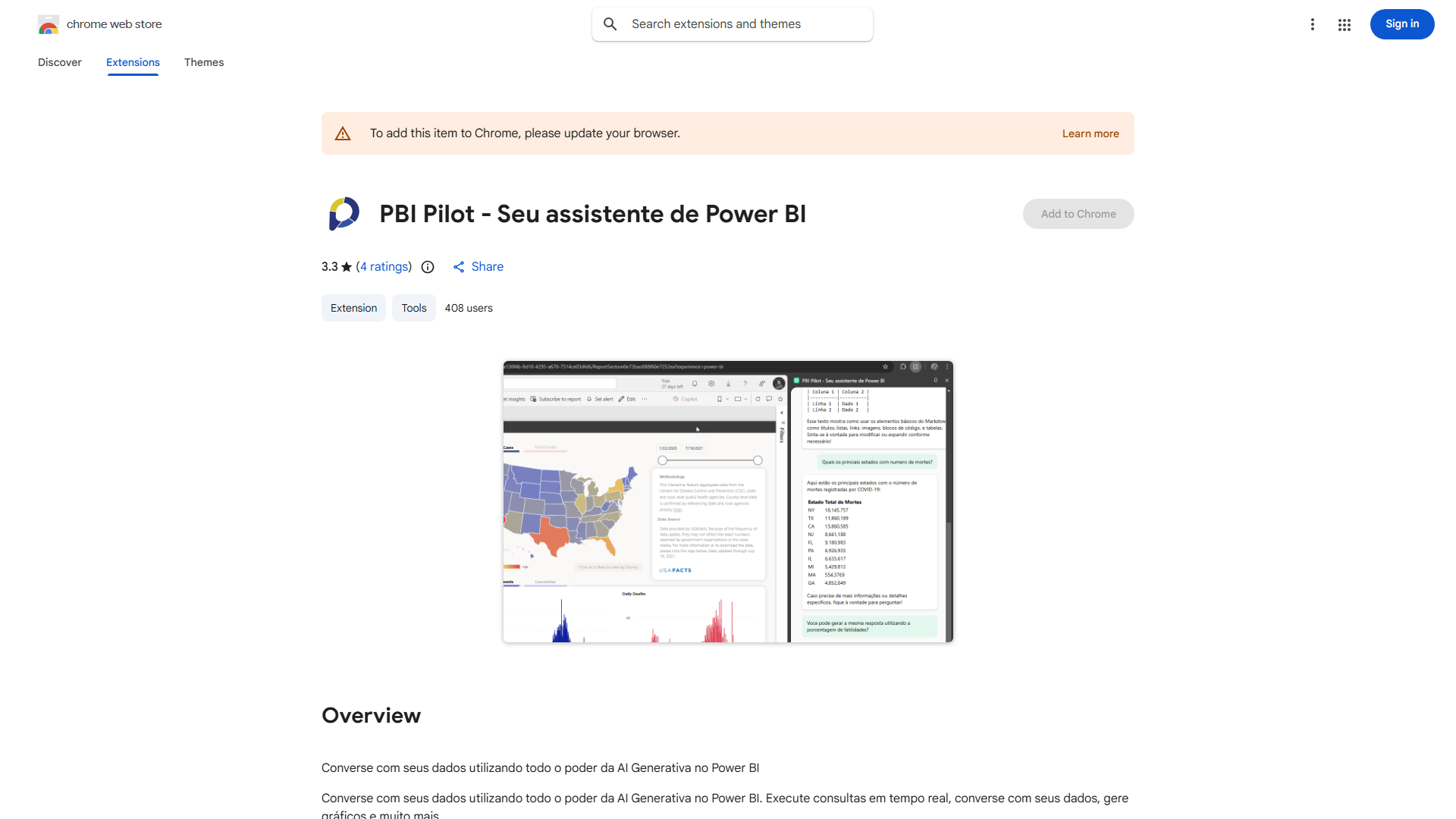
What is Power BI?
Power BI is a comprehensive data analytics tool that leverages Generative AI to transform raw data into actionable insights. It enables real-time data interaction, allowing users to query and visualize complex information from vast datasets. This platform is designed for businesses seeking to make data-driven decisions by uncovering patterns and trends that drive growth across various domains like sales, marketing, and operations.
How to use Power BI?
To use Power BI, start by connecting to your data sources through the intuitive interface. You can import data from cloud databases, local files, or online services. Next, use the drag-and-drop functionality to create custom queries and visualizations. Build interactive dashboards by selecting from various chart types and arranging them according to your needs. Finally, share your reports with team members to collaborate on insights and make data-informed decisions.
Core features of Power BI?
- Data Integration: Connect to multiple data sources including SQL Server, Excel, and cloud platforms.
- Generative AI: Automatically query data and generate intelligent insights and visualizations.
- Real-Time Analytics: Monitor live data streams to track performance and make timely decisions.
- Advanced Visualization: Create compelling charts, graphs, and maps to represent data effectively.
- Collaboration Tools: Share dashboards and reports securely across teams and organizations.