What is Motionik?
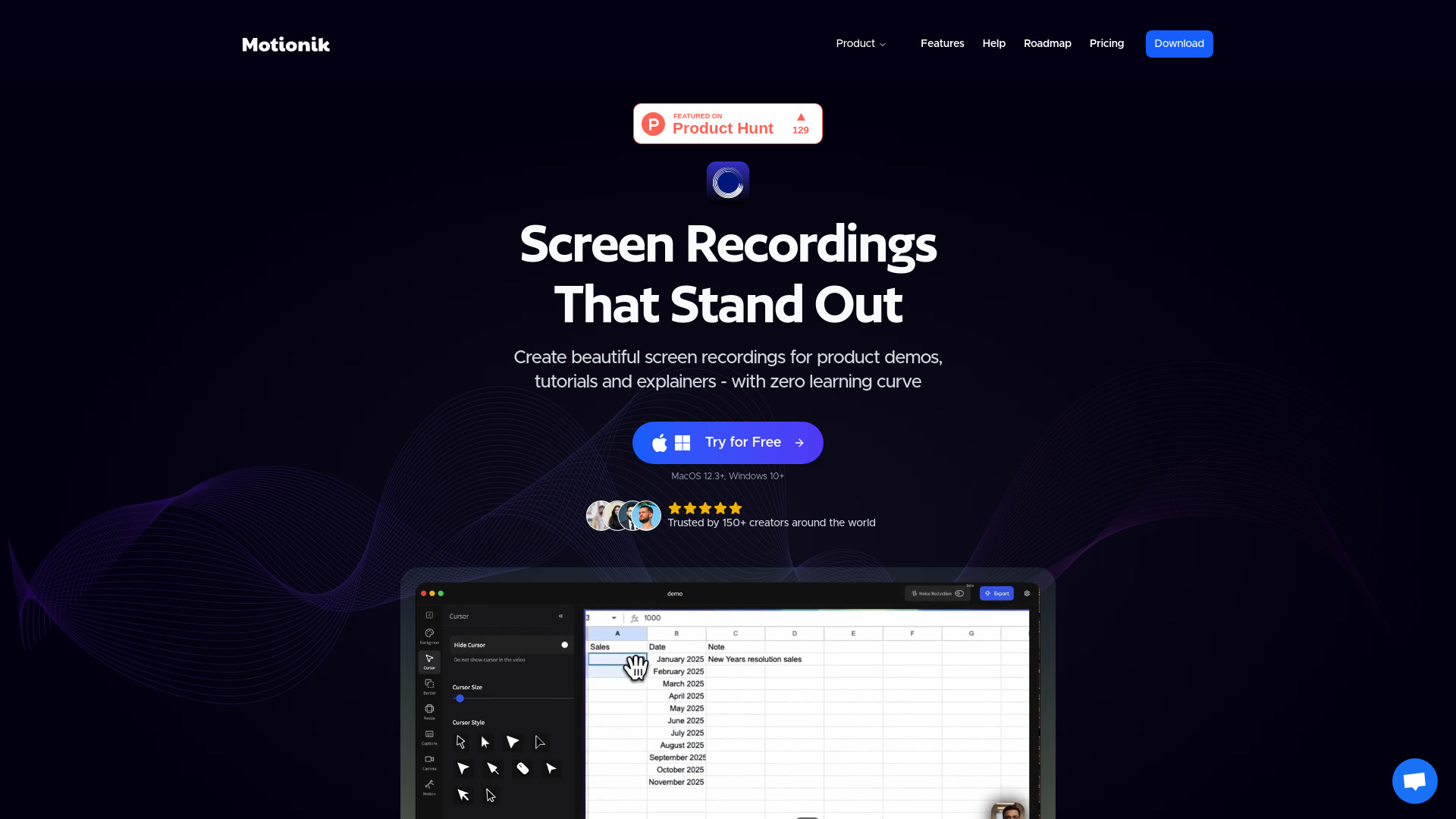
Motionik is a comprehensive screen recording and video editing application designed for creating professional product demonstrations, tutorials, and explainer videos. It empowers users to capture screen activities, add annotations, and edit videos with precision. Ideal for tech professionals, marketers, and educators, Motionik enables the production of high-quality videos that effectively communicate messages and engage audiences.
How to use Motionik?
Begin by launching the application and selecting your recording area. Click the record button to start capturing your screen activities. During recording, use annotation tools to highlight key elements. After recording, access the editing interface to trim clips, add text overlays, and apply visual effects. Finally, export your video in various formats and share directly to platforms like YouTube, Vimeo, or social media.
Core features of Motionik?
- One-click recording: Instantly capture screen activities with a single button
- Professional annotation tools: Add text, callouts, and highlights to emphasize important points
- Advanced editing capabilities: Trim, split, and enhance videos with precision
- Multi-platform export: Save videos in multiple formats for different devices and platforms
- Real-time drawing: Annotate directly on screen during recording for dynamic explanations