What is Image to Text (OCR)?
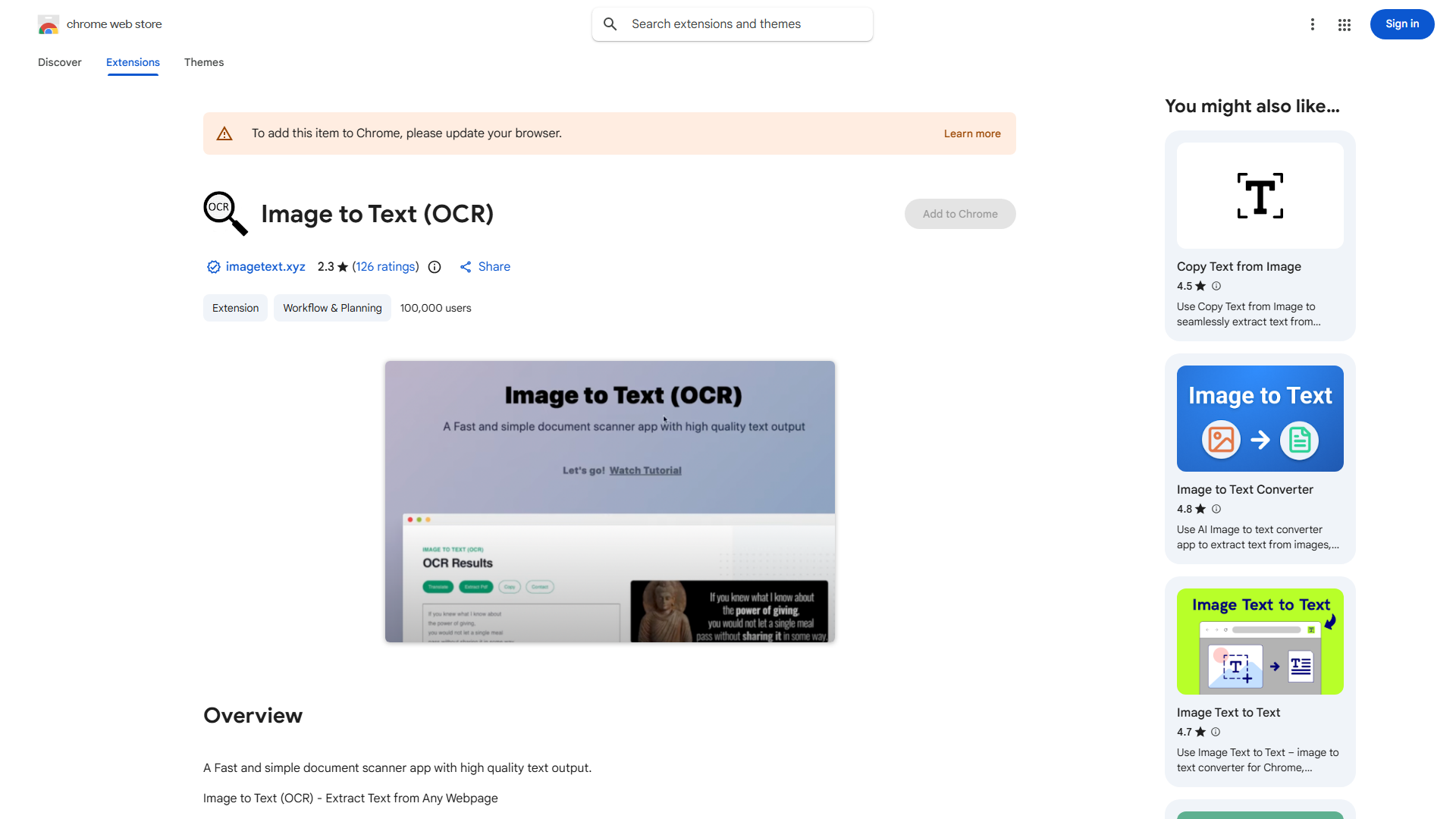
Image to Text (OCR) is a Chrome extension that extracts editable text from images and PDFs using Optical Character Recognition technology. It converts static visuals into searchable, copyable text, saving time on manual typing. Perfect for students, researchers, and professionals who need to digitize content from screenshots, scanned documents, or web images.
How to use Image to Text (OCR)?
- Install the extension from Chrome Web Store
- Navigate to the webpage or file containing your image/PDF
- Click the extension icon in your toolbar
- Select the area containing text to process
- Extracted text appears instantly - click "Copy" to use
Core features of Image to Text (OCR)?
- High-accuracy OCR engine ensuring precise text recognition
- Multi-format support for JPG, PNG, GIF, and PDF documents
- Seamless browser integration with no external uploads
- Multi-language recognition for global accessibility
- Instant text extraction in seconds with a single click