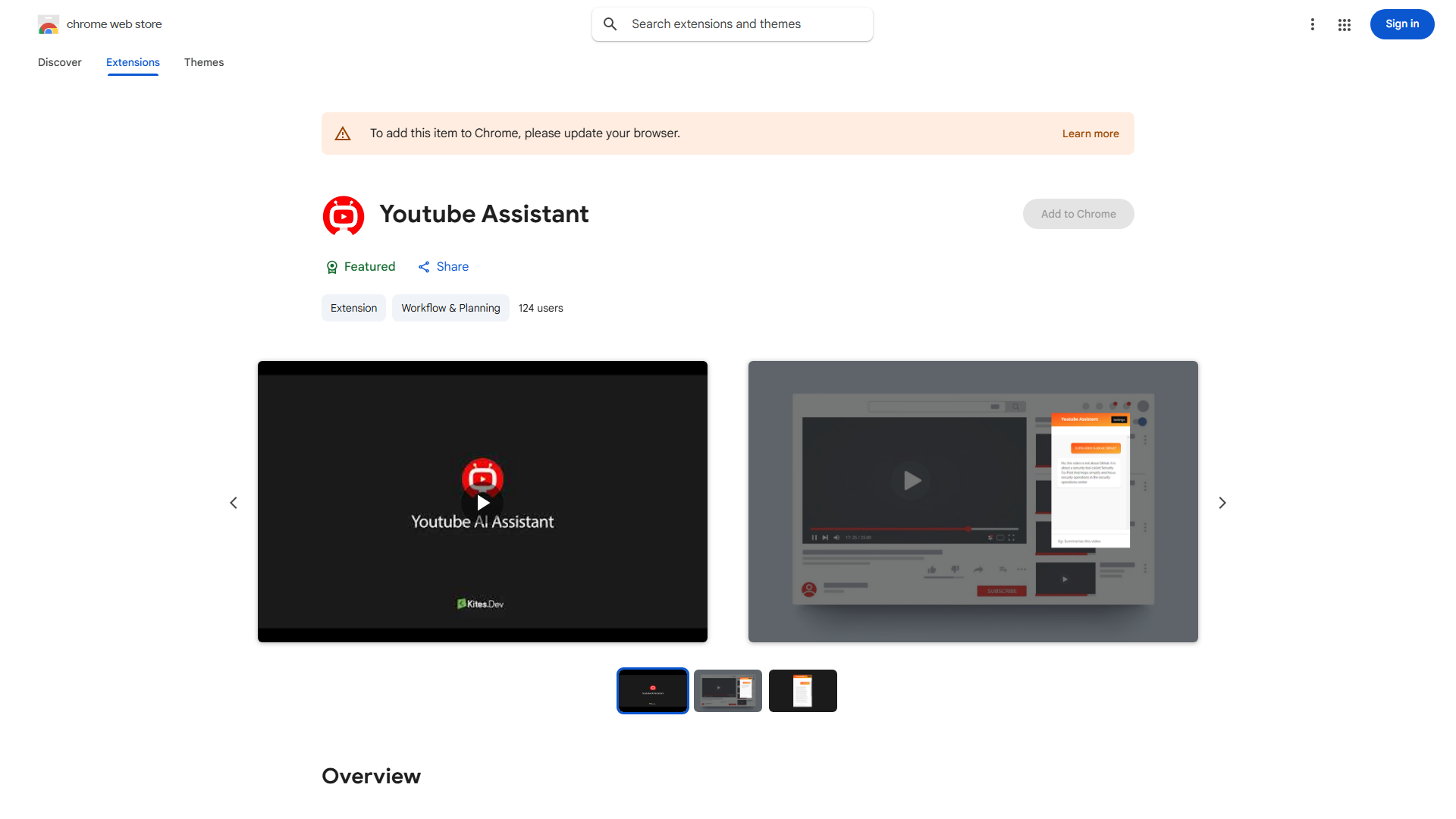
What is YouTube Assistant?
YouTube Assistant is an AI-powered Chrome extension designed to enhance your YouTube viewing experience. It serves as your personal video assistant, allowing you to get instant answers about any YouTube video content. This tool is perfect for students, researchers, content creators, and anyone seeking deeper insights into videos. With its intuitive interface and advanced AI capabilities, YouTube Assistant provides immediate access to detailed information, translations, and related content, making it an invaluable asset for regular YouTube users.
How to use YouTube Assistant?
Using YouTube Assistant is straightforward. First, install the Chrome extension from the Chrome Web Store. Once installed, it automatically integrates with your YouTube browser experience. When watching any video, simply click the YouTube Assistant icon in your browser toolbar. The extension will analyze the video content and provide a sidebar with various options. You can ask specific questions about the video, request translations, view summaries, or discover related content. The tool works in real-time as you watch, providing instant responses to your queries without leaving the video page.
Core features of YouTube Assistant?
- Instant Q&A: Get immediate answers to questions about video content, speakers, or topics without searching elsewhere
- AI-powered summaries: Receive concise overviews of long videos, perfect for research and quick information gathering
- Multi-language support: Translate video content in real-time to understand videos in different languages
- Related content discovery: Find similar videos and additional resources based on your interests and viewing history
- Time-stamped information: Access specific details from any part of the video with precise time markers for easy reference