
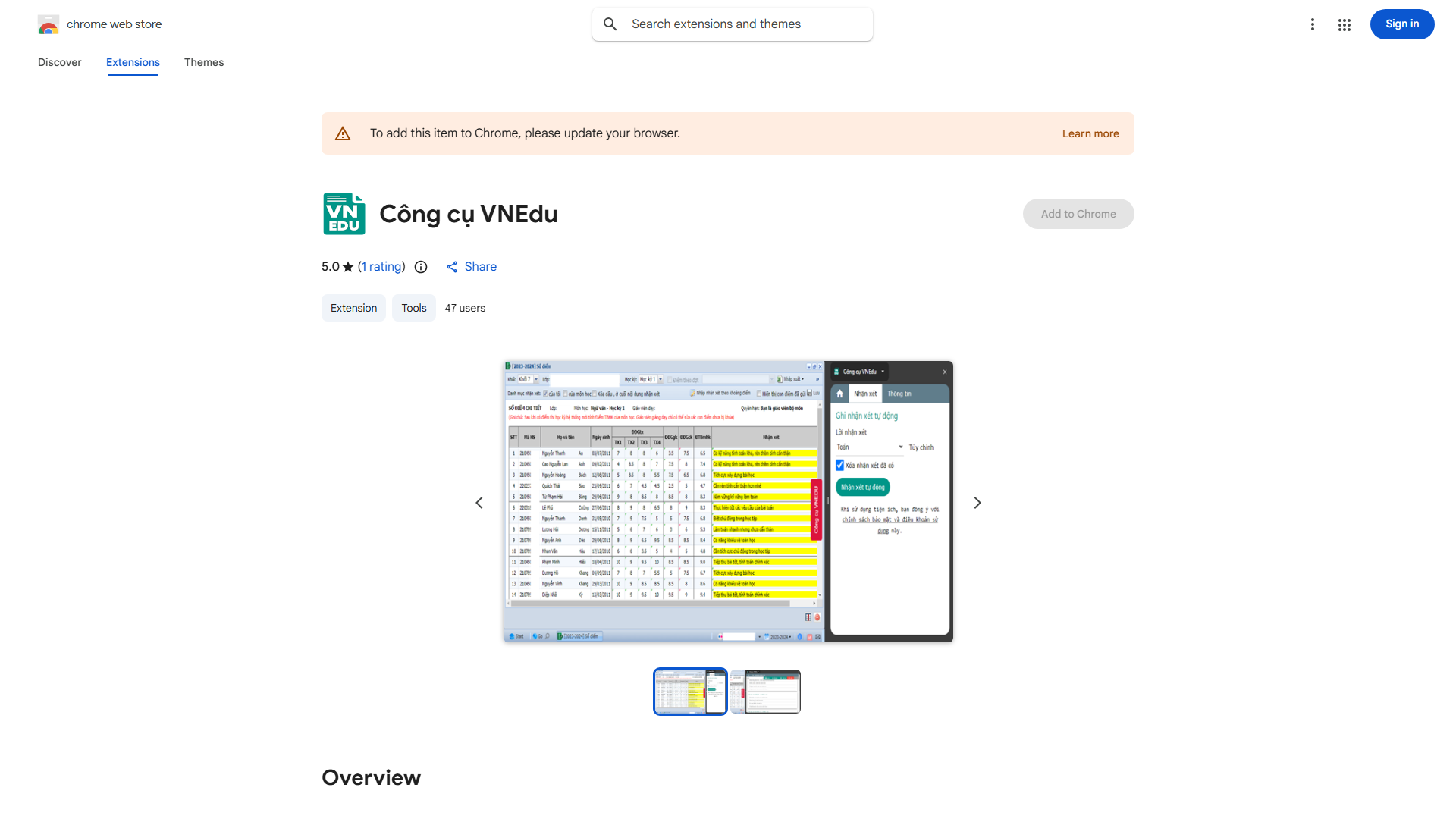
What is VNEDU Tool?
VNEDU Tool is a browser extension designed for teachers using the VNEDU system. It automates the tedious process of inputting student comments, reducing administrative workload and saving hours each term. The tool enables consistent, meaningful feedback through customizable templates or AI-generated suggestions.
How to use VNEDU Tool?
First, install the extension in Chrome or Firefox. Log in to VNEDU and navigate to the student comment section. Select individual students or your entire class. Choose from pre-written templates or use AI suggestions. Click once to populate feedback fields automatically, completing the process in seconds.
Core features of VNEDU Tool?
Automatic Comment Insertion eliminates manual typing. Customizable Template Library allows creating personalized comments for different subjects and performance levels. Class-Wide Application enables bulk feedback for entire classes. Seamless System Integration ensures flawless operation with the VNEDU platform.