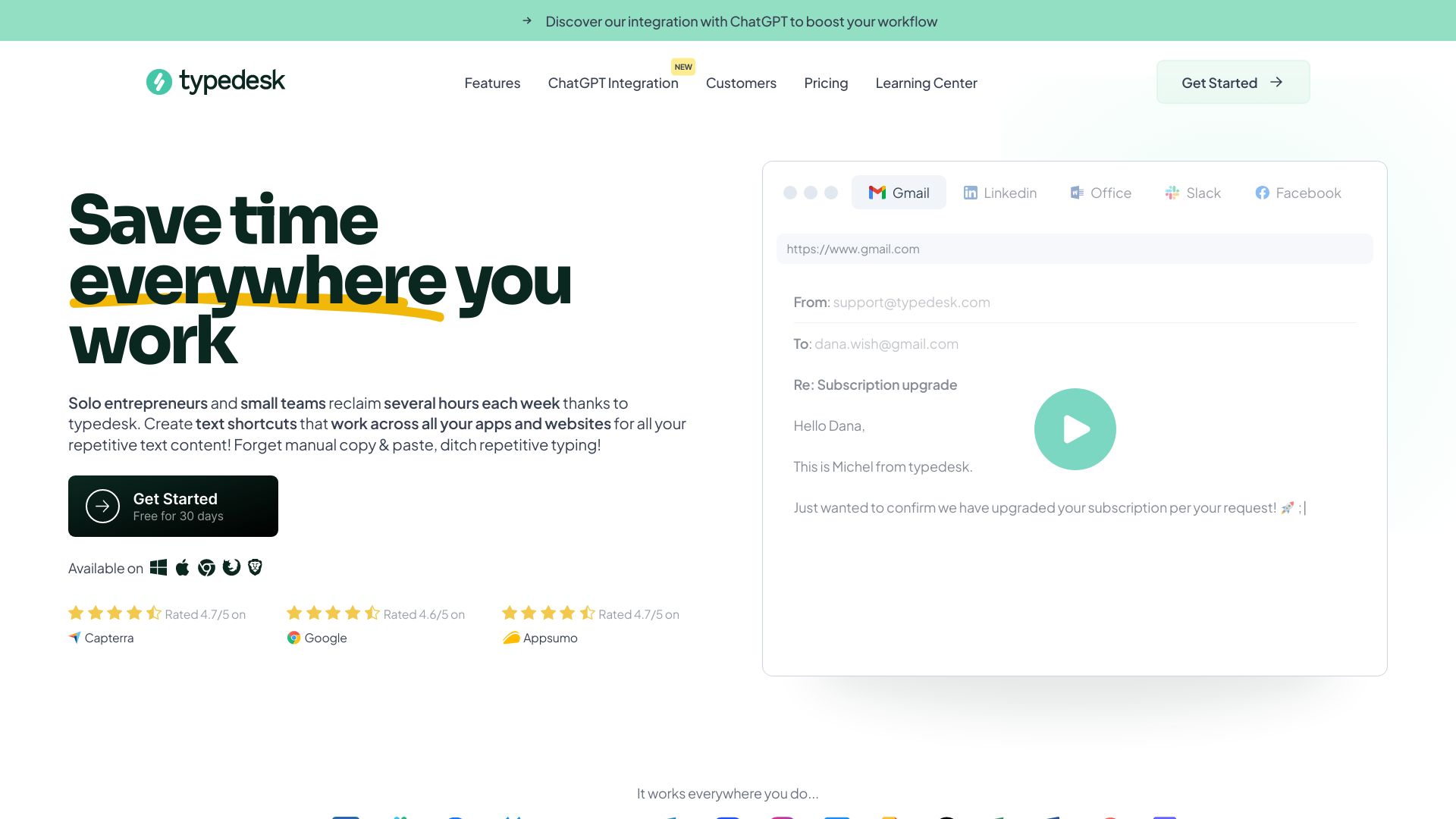
What is typedesk?
TypeDesk is a powerful text expander and keyboard automation application designed to streamline your typing experience across all apps and websites. By creating custom text shortcuts, you can type faster and more efficiently. Whether you're writing emails, composing documents, or engaging on social media, TypeDesk saves you time and effort. With features like smart auto-correction, clipboard history, and seamless integration across platforms, TypeDesk is your go-to tool for boosting productivity.
How to use typedesk?
Using TypeDesk is straightforward. After installing the app, you can start creating custom shortcuts for frequently used text. For instance, you can set a shortcut like "HBD" to automatically expand to "Happy Birthday." TypeDesk supports rich text and even allows you to use images and links as part of your shortcuts. The app works seamlessly across all apps and websites, making it a versatile tool for any digital task.
Core features of typedesk?
TypeDesk boasts several core features that make it a must-have tool for anyone looking to improve their typing efficiency:
- Custom Text Shortcuts: Create and save shortcuts for frequently used phrases, saving you time and effort.
- Smart Auto-correction: Automatically correct spelling and grammatical errors, ensuring your text is always polished.
- Clipboard History: Access your recent copied text with ease, making it simpler to paste the right content at the right time.
- Cross-Platform Integration: Use TypeDesk on any device, ensuring consistency in your typing experience.
- Rich Text Support: Expand your shortcuts to include formatting, images, and links, making your text more dynamic.