What is RemoveHandwriting?
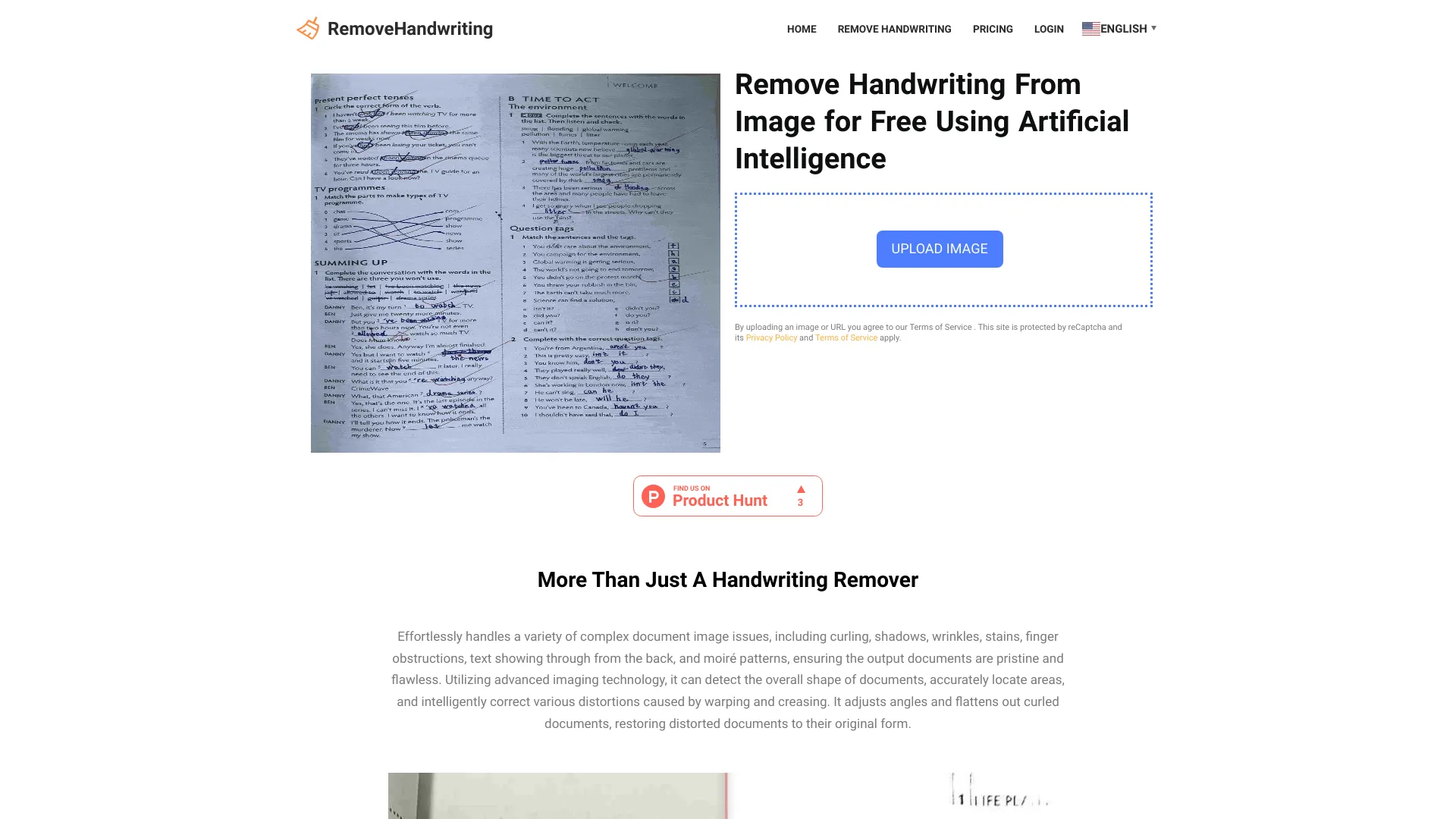
RemoveHandwriting is an advanced AI-powered application designed to eliminate handwriting from images and PDF documents with precision. This innovative tool transforms scanned documents, handwritten notes, and PDFs into clean, professional digital files by removing unwanted text while preserving the original document structure. Perfect for students, professionals, and researchers, it streamlines document digitization, making content searchable, shareable, and easily editable. The application ensures your documents maintain their original formatting while eliminating handwriting artifacts, smudges, and imperfections for a polished final result.
How to use RemoveHandwriting?
Using RemoveHandwriting is straightforward and efficient. First, upload your image or PDF file through the intuitive interface. Next, use the selection tools to mark areas containing handwriting that need removal. The AI engine automatically processes these selections, analyzing and removing handwriting while preserving the underlying document content. Within seconds, you'll receive a cleaned version ready for download, editing, or further processing. The application supports batch processing for multiple files and offers preview functionality to ensure satisfaction before finalizing changes.
Core features of RemoveHandwriting?
- Intelligent handwriting detection: Advanced AI algorithms precisely identify and remove handwriting from various document types
- Multi-format support: Works seamlessly with PDFs, JPEG, PNG, and other common image formats
- Batch processing: Process multiple documents simultaneously to save time on large projects
- Preservation technology: Maintains original document layout, formatting, and non-handwritten elements
- Quick turnaround: Delivers processed documents in seconds, significantly faster than manual editing
- User-friendly interface: Intuitive design requires no technical expertise for effective use