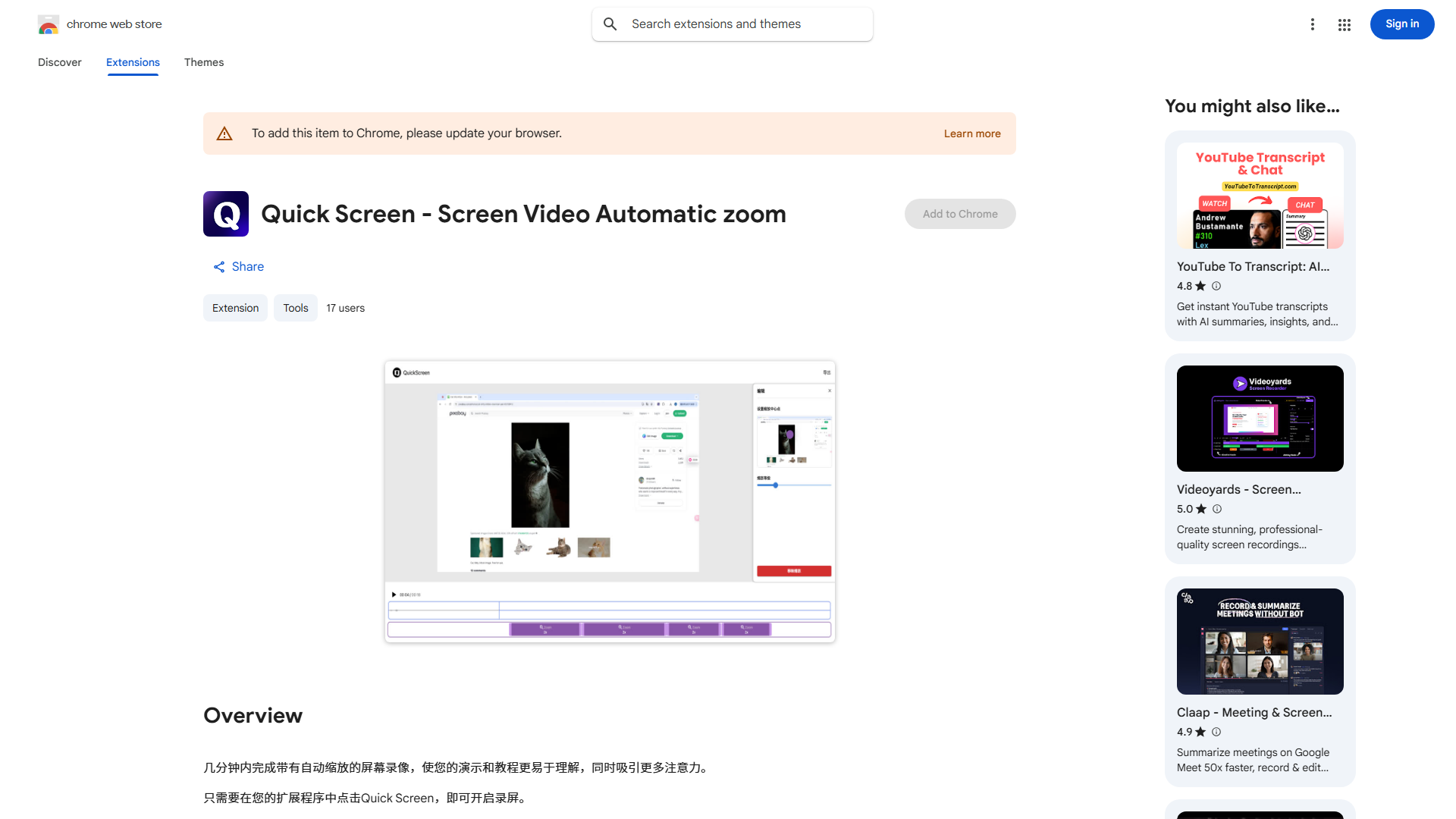
What is Quick Screen?
Quick Screen is a professional screen recording application designed for creating high-quality videos with minimal effort. It serves as an all-in-one solution for capturing, editing, and sharing screen content, making it ideal for gamers, educators, and presenters who need to produce professional videos efficiently. The application combines intuitive design with powerful features to streamline the video creation process from start to finish.
How to use Quick Screen?
Using Quick Screen is straightforward. First, launch the application and select your recording area - choose between full screen, specific window, or custom region. Configure your settings including audio sources, video quality, and frame rate. Activate the automatic zoom feature to ensure all details are captured clearly. Click the record button to start capturing your screen, and use keyboard shortcuts or the control panel to pause or stop recording. After recording, import your video into the built-in editor where you can trim, crop, add annotations, and apply filters. Finally, export your finished video in your preferred format and share it directly to platforms or save locally.
Core features of Quick Screen?
- Automatic Zoom Technology: Intelligently focuses on important elements during recording, ensuring clarity and detail without manual adjustment.
- Real-time Editing Tools: Edit your recordings on the fly with trimming, cropping, and annotation capabilities while maintaining original quality.
- Multi-source Audio Recording: Capture system audio, microphone input, or both simultaneously for comprehensive video production.
- One-click Sharing: Direct integration with popular platforms like YouTube, Vimeo, and social media for instant content distribution.
- Advanced Export Options: Customize output formats, resolutions, and compression settings to optimize videos for different use cases.