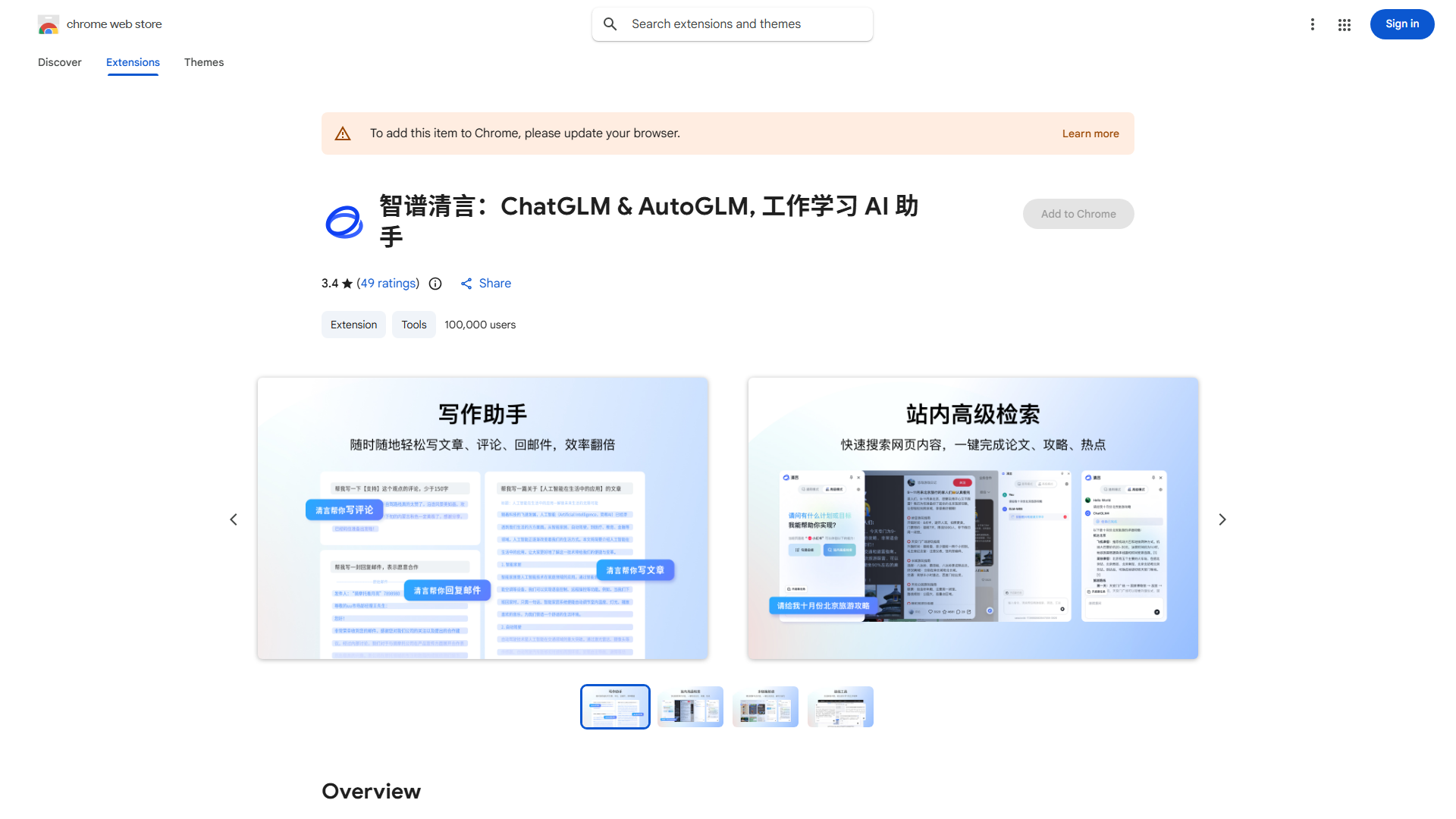
What is Qingyan?
Qingyan is a browser extension that enhances digital reading and writing experiences. It provides a distraction-free environment, improves comprehension, and boosts productivity through advanced algorithms. Perfect for students, professionals, and casual readers, Qingyan elevates digital literacy with its intuitive interface.
How to use Qingyan?
Install Qingyan from your browser's extension store. Once installed, it automatically integrates. Open any webpage or document, then click the Qingyan icon to activate features. Toggle distraction-free mode, take notes directly on pages, and receive real-time writing suggestions as you read or compose.
Core features of Qingyan?
- Distraction-Free Reading Mode: Eliminates visual clutter for focused content consumption.
- Integrated Note-Taking: Annotate webpages with notes that save for future reference.
- Real-time Grammar & Style Suggestions: Improves writing quality as you type.
- Customizable Interface: Personalize themes and settings to match your preferences.