What is Movavi?
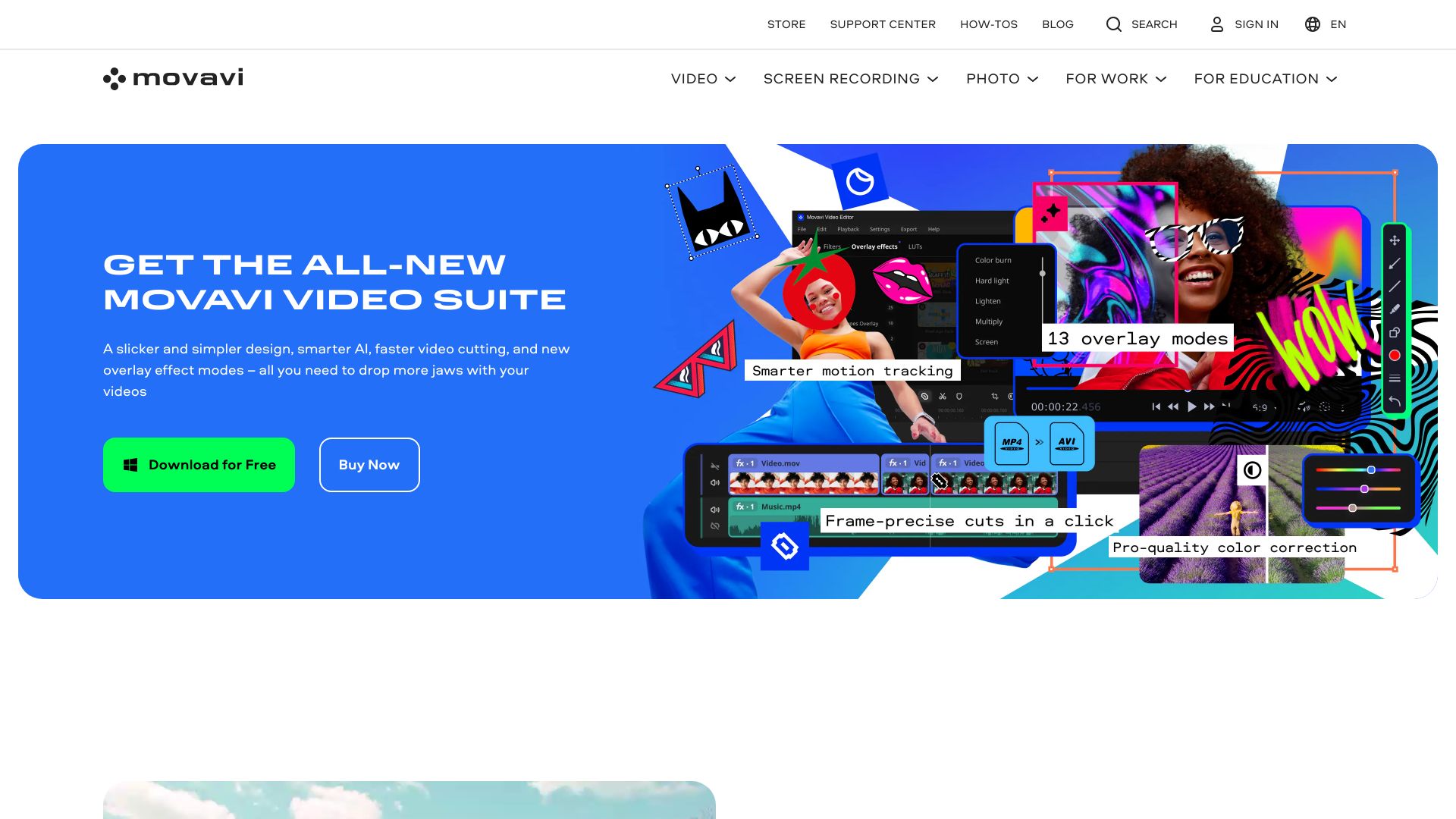
Movavi is a versatile photo and video editing software designed for both beginners and professionals. It offers an intuitive interface combined with AI-driven features to transform media effortlessly, catering to a wide range of editing needs from basic enhancements to advanced video production.
How to use Movavi?
Start by importing your media files into the software. Select either photo or video editing mode based on your needs. Use the intuitive interface to apply edits like cropping, trimming, color correction, or adding effects. The guided workflow makes the process efficient and user-friendly for all skill levels.
Core features of Movavi?
- Photo Editor: Enhance images with AI-driven color correction, noise reduction, and face recognition
- Video Editor: Trim, merge clips, add transitions, and apply filters to create professional videos
- AI-powered Features: Automatic scene detection and face tracking for streamlined editing
- Intuitive Interface: User-friendly design that makes editing accessible to everyone
- Comprehensive Toolset: From basic adjustments to advanced effects, providing all necessary editing capabilities