What is Feishu Clipper?
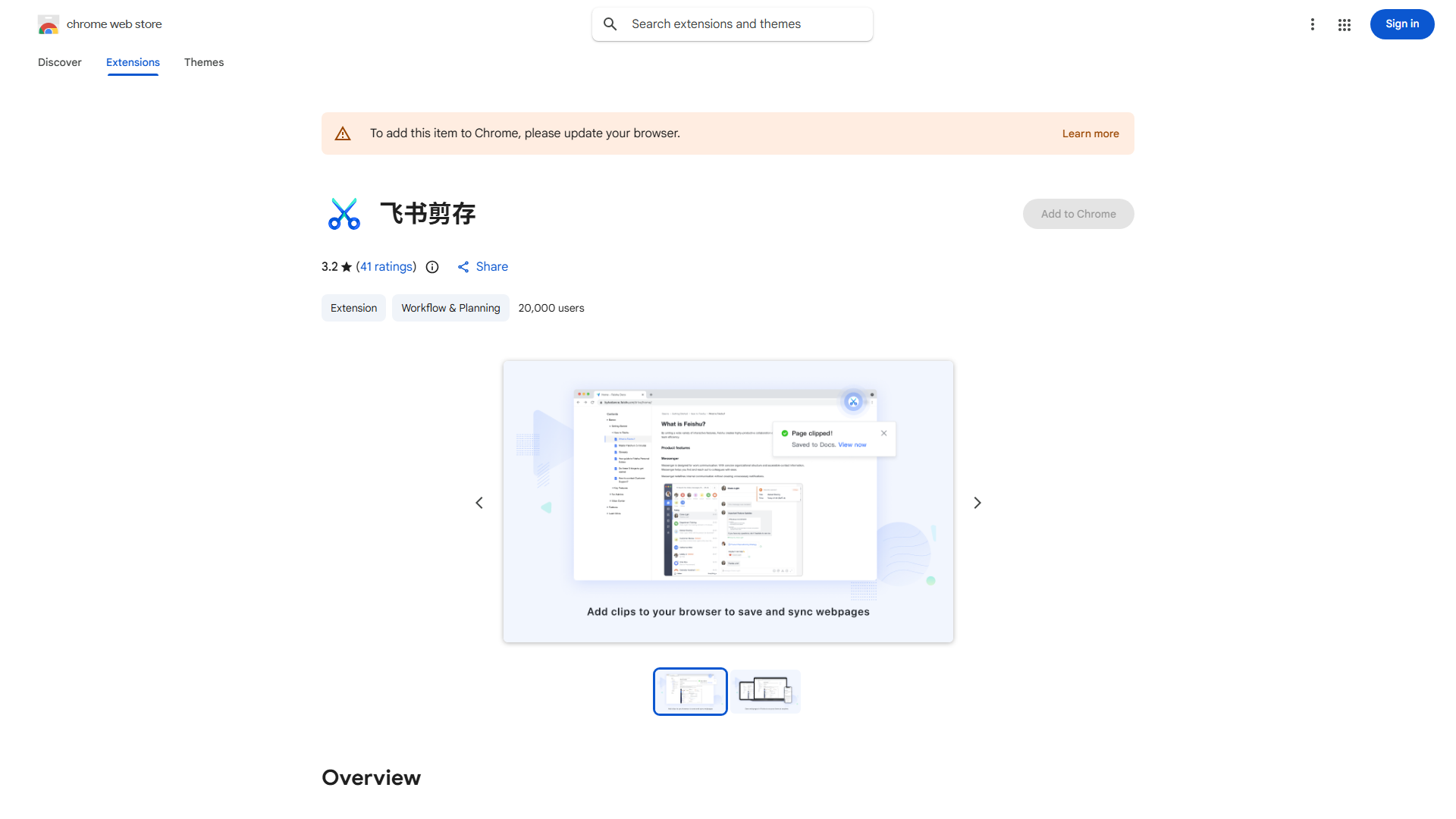
Feishu Clipper is a browser extension that saves web content directly to your Feishu workspace. It removes ads and distractions, allowing you to archive articles, research, and notes without cluttering browser tabs. It integrates seamlessly with Feishu's collaboration features, enhancing productivity for professionals and students.
How to use Feishu Clipper?
After installing the extension, click the Feishu Clipper icon while viewing content. The app automatically saves cleaned content to your Feishu workspace. Customize the format to match your workflow. Access saved content anytime from your Feishu workspace across devices.
Core features of Feishu Clipper?
- Ad removal for distraction-free content
- One-click saving to Feishu workspace
- Customizable formatting options
- Cross-device accessibility
- Time-saving automation