What is Document Translator?
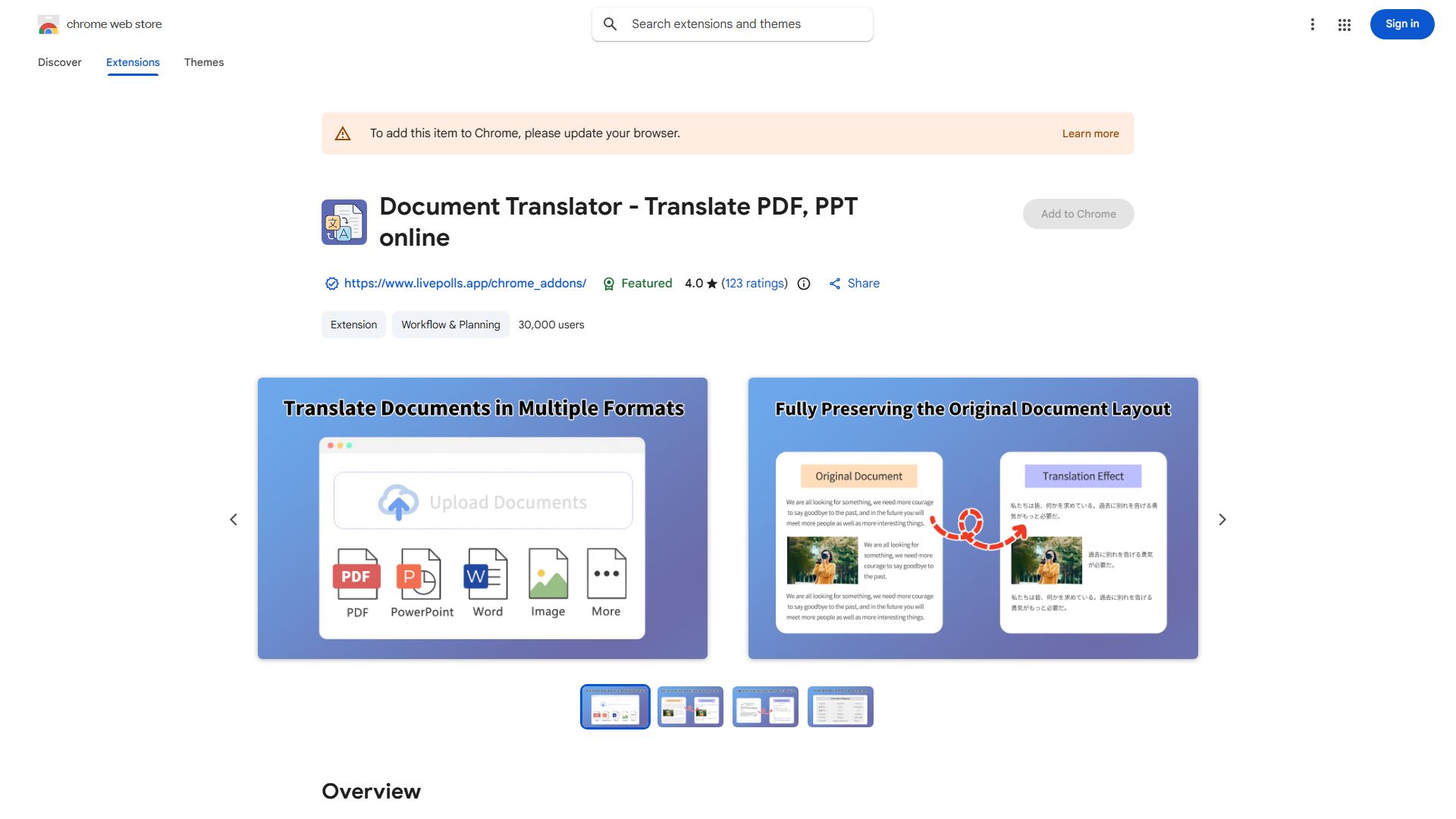
Document Translator is a powerful application designed to seamlessly convert documents between languages while preserving original formatting. It serves as an essential tool for global business professionals, students, and individuals requiring cross-language communication. The app supports extensive language ranges and file types, ensuring accurate translations that maintain document integrity. With its intuitive interface and efficient workflow, Document Translator simplifies the translation process, making international communication more accessible and efficient.
How to use Document Translator?
Using Document Translator is straightforward. First, upload your document through the app's interface or cloud storage integration. Next, select the source language and target language from the comprehensive language menu. The app will automatically process your document while preserving formatting. You can preview the translation before finalizing. Once satisfied, download the translated document in your preferred format, ready for immediate use in your global communications.
Core features of Document Translator?
- Advanced formatting preservation: Maintains original document structure including tables, images, and text layout during translation
- Batch translation capability: Process multiple documents simultaneously for increased efficiency
- Real-time preview: View translations instantly with side-by-side comparison
- Cloud integration: Directly access and translate documents from cloud storage services
- Offline mode: Translate documents without internet connection when needed