
What is Coursera Flashcards?
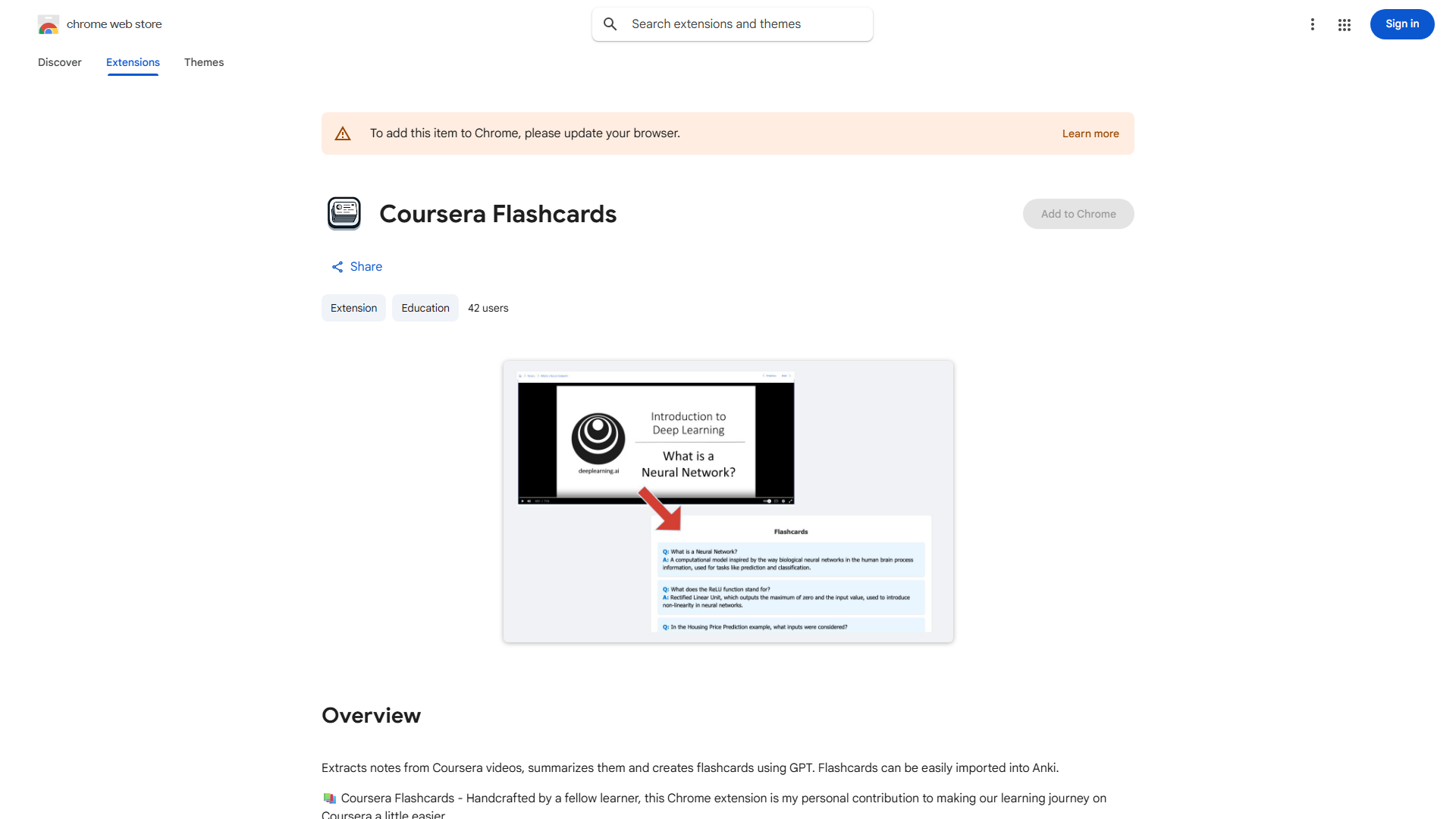
This Chrome extension transforms passive Coursera video viewing into active learning by automatically generating flashcards and summaries from lecture content, improving knowledge retention and saving study time.
How to use Coursera Flashcards?
Install the extension from Chrome Web Store, then play any Coursera video lecture. The extension works in background to extract key information. Access your personalized flashcards and summary by clicking the extension icon after the lecture.
Core features of Coursera Flashcards?
Automatic flashcard generation identifies key terms and definitions. Smart lecture summarization provides concise overviews. Seamless Coursera integration works within the platform. Customizable decks allow editing and personalization of study materials.