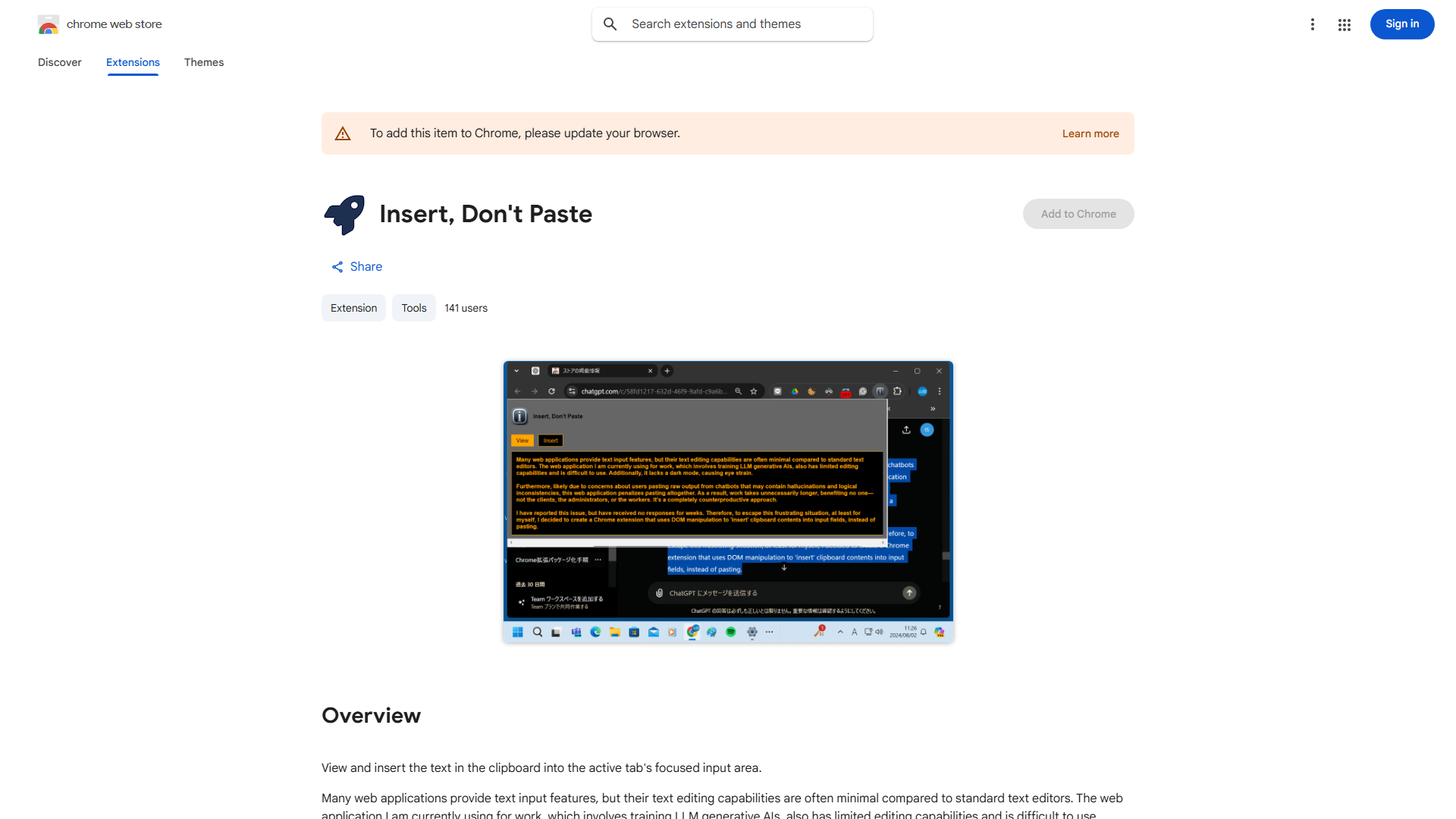
What is Chrome Extension for Text Input?
The Chrome Extension for Text Input is a browser tool designed to enhance online productivity by enabling seamless text insertion into web forms and input fields. This extension eliminates pasting restrictions, allowing users to transfer clipboard content directly into any text field across websites. It serves as an essential solution for professionals, students, and anyone who frequently works with online forms, article writing, or web-based communication platforms.
How to use Chrome Extension for Text Input?
- Install the extension from the Chrome Web Store
- Once installed, the extension icon appears in your browser toolbar
- Navigate to any webpage with text input fields
- Copy your desired text to clipboard
- Click the extension icon to activate
- The extension automatically detects input fields and allows text insertion
- Your clipboard content appears in the selected field without restrictions
Core features of Chrome Extension for Text Input?
- Clipboard Bypass Technology: Overcomes website restrictions that block traditional pasting methods
- Universal Compatibility: Works across all websites and web applications
- One-Click Activation: Simple interface requiring minimal user interaction
- Real-time Detection: Automatically identifies input fields for immediate text insertion
- Privacy Protection: Operates locally without transmitting your text data to external servers