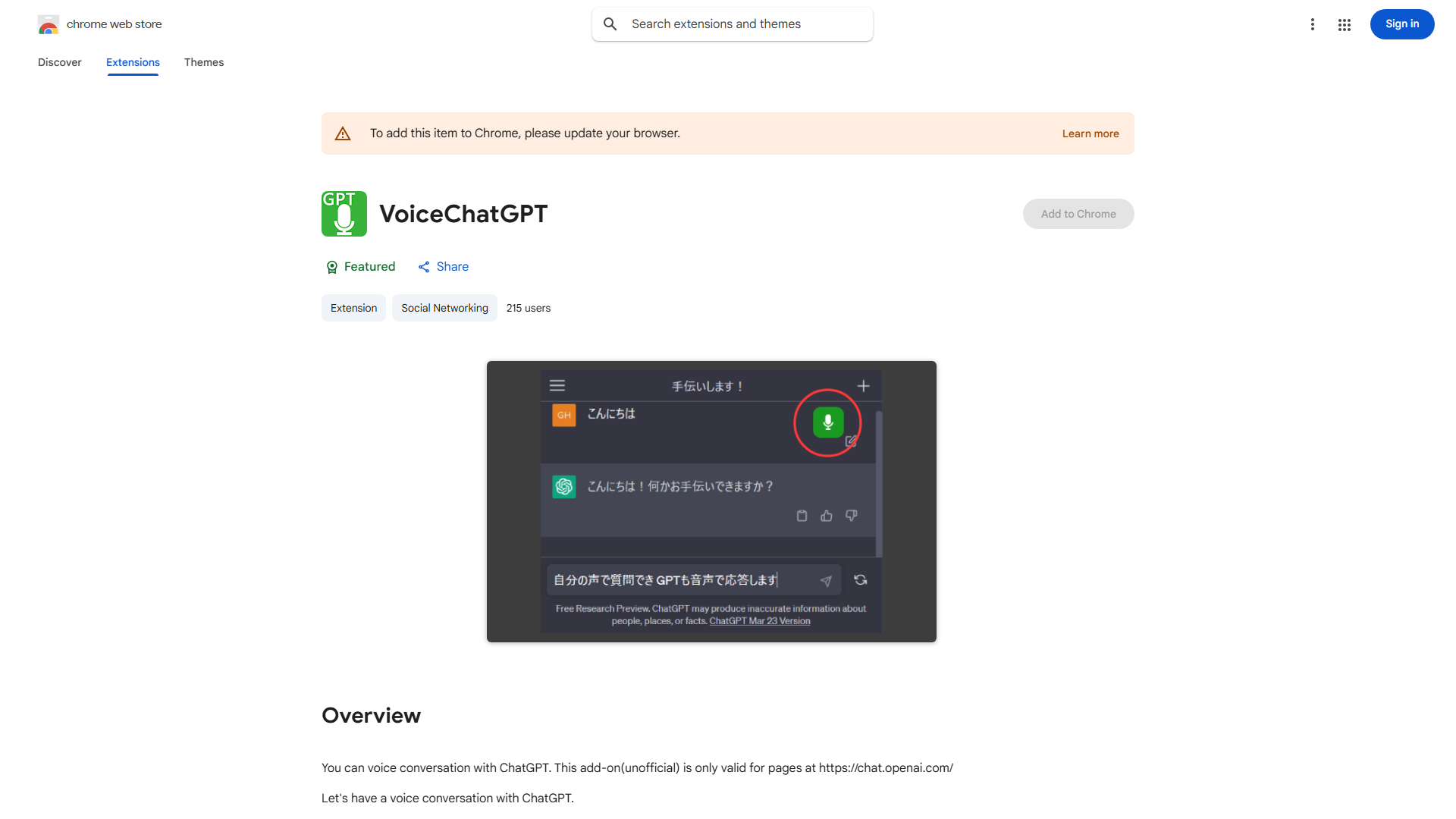
What is ChatGPT Voice Conversation Add-on?
The ChatGPT Voice Conversation Add-on is a revolutionary tool that enables seamless voice interactions with ChatGPT on chat.openai.com. This innovative add-on transforms traditional text-based communication into natural voice conversations, providing a more intuitive and efficient way to interact with AI. Designed for both professionals and AI enthusiasts, it bridges the gap between human speech and AI responses, making complex queries easier to handle and enhancing overall productivity during AI interactions.
How to use ChatGPT Voice Conversation Add-on?
Using the add-on is straightforward. First, navigate to chat.openai.com and ensure you're logged into your account. Locate and activate the Voice Conversation Add-on from the available extensions or settings. Once activated, click the voice input button and speak your query clearly. The advanced voice recognition technology will convert your speech to text, sending it to ChatGPT for processing. Listen for the AI's response, which will be delivered both as text and spoken audio. You can continue the conversation by speaking again or switch back to text input at any time.
Core features of ChatGPT Voice Conversation Add-on?
- Natural Voice Interaction: Engage in fluid, conversation-like exchanges with ChatGPT using your voice, mimicking human-to-human dialogue for a more intuitive experience.
- Real-time Speech Processing: Enjoy instant voice-to-text conversion with minimal latency, ensuring smooth and responsive conversations without delays.
- Multimodal Response Delivery: Receive ChatGPT's answers as both text and spoken audio, catering to different user preferences and accessibility needs.
- Hands-free Operation: Perfect for multitasking professionals who can interact with AI while working on other tasks, enhancing productivity and convenience.
- Advanced Noise Cancellation: Benefit from sophisticated audio processing that filters background noise, ensuring accurate voice recognition even in imperfect acoustic environments.