
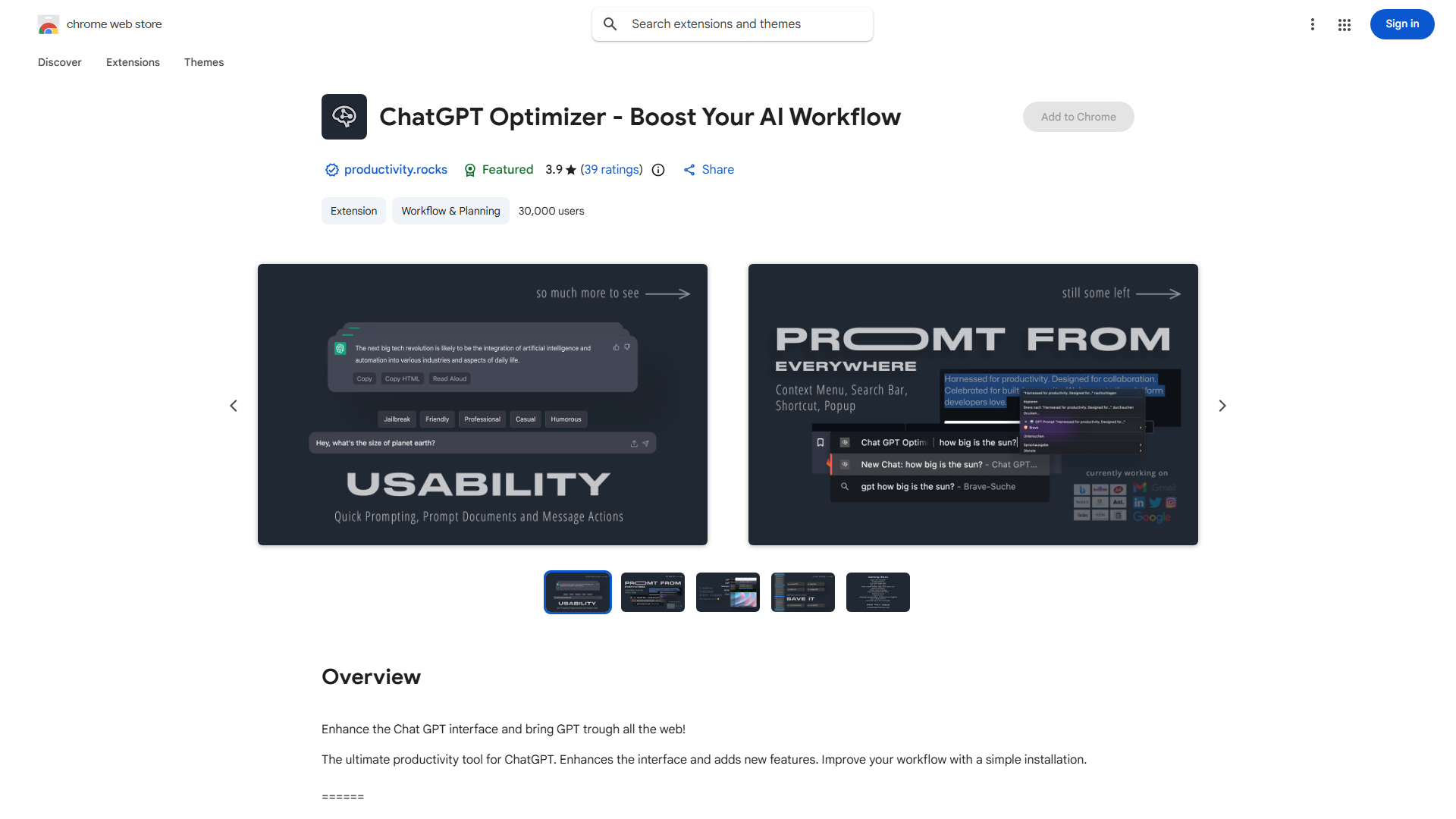
What is ChatGPT Optimizer?
ChatGPT Optimizer is a productivity enhancement tool designed to maximize the capabilities of ChatGPT. This innovative application introduces advanced features and an intuitive interface that transforms how users interact with AI. It streamlines workflows for research, task automation, and conversational AI applications, making ChatGPT more efficient and user-friendly. The tool serves as an essential companion for professionals, students, and AI enthusiasts seeking to unlock the full potential of ChatGPT.
How to use ChatGPT Optimizer?
Begin by installing the application and connecting it to your ChatGPT account. Once integrated, you can access the enhanced interface through your browser or desktop application. The tool automatically activates its features during ChatGPT interactions. For real-time translation, simply enable the translation feature before starting your conversation. To integrate with other productivity tools, navigate to the settings menu and follow the connection instructions for your preferred applications like project management or note-taking software.
Core features of ChatGPT Optimizer?
Advanced Customization allows users to tailor ChatGPT responses according to specific needs and preferences. Real-Time Translation enables seamless communication across 100+ languages without additional tools. Seamless Integration connects with popular productivity applications including Trello, Evernote, and Google Workspace. Workflow Automation creates custom templates and shortcuts for repetitive tasks. Context Management maintains conversation history and provides advanced search capabilities across all interactions.