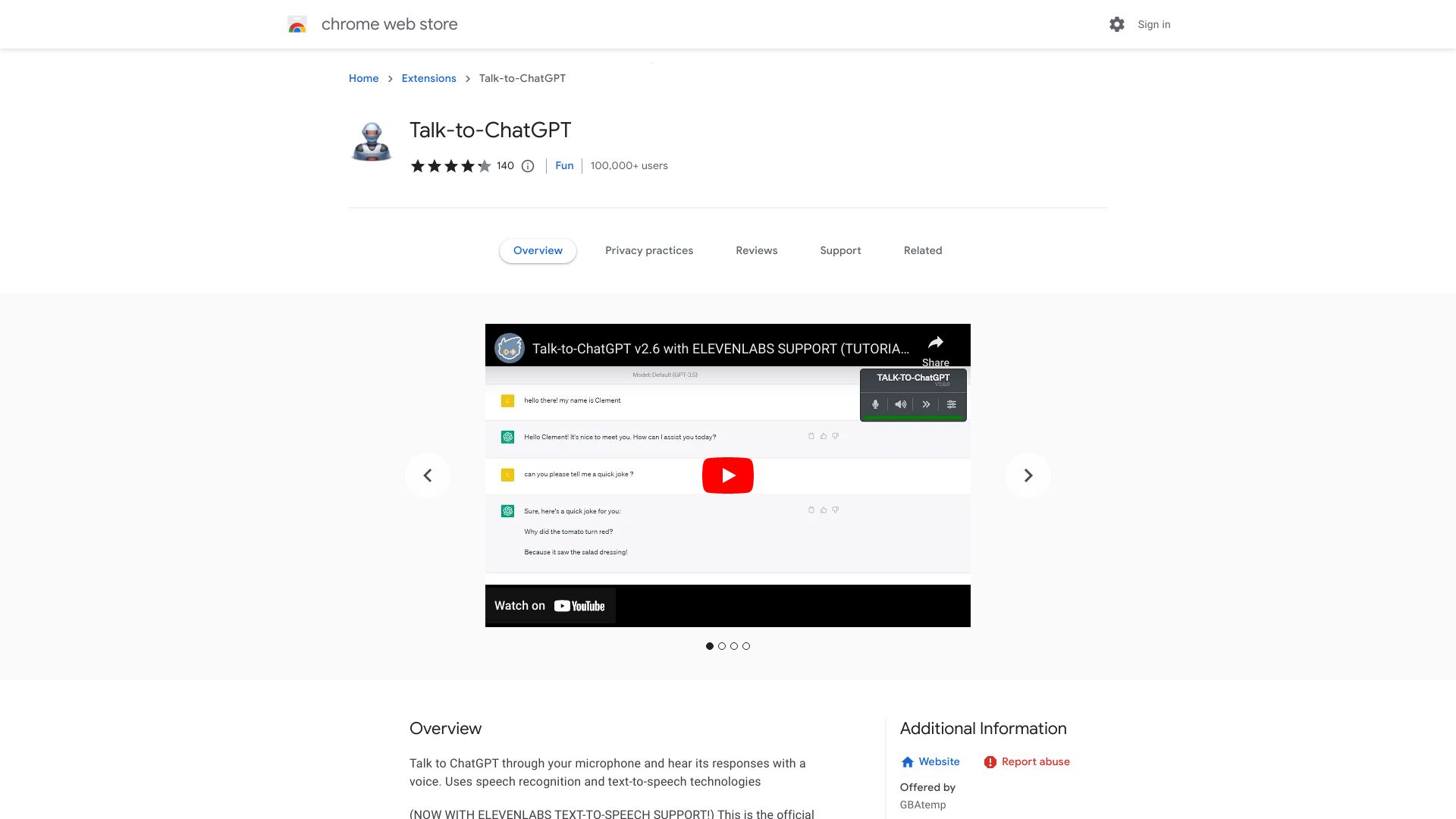
What is Talk-to-ChatGPT?
Talk-to-ChatGPT is a Chrome extension that enables voice interaction with ChatGPT through advanced speech recognition and text-to-speech technology. This innovative tool transforms how users communicate with AI by allowing hands-free conversations, making it ideal for professionals seeking efficiency and individuals requiring typing assistance. The extension bridges the gap between human speech and AI interaction, providing an accessible alternative to traditional text-based communication.
How to use Talk-to-ChatGPT?
First, install the extension from the Chrome Web Store. After installation, activate it by clicking the extension icon in your browser toolbar. To start a conversation, simply click the microphone button and speak your query. The extension transcribes your voice to text in real-time, sending it to ChatGPT. When ChatGPT responds, the extension converts the text to speech, allowing you to hear the AI's reply through your device's speakers. You can continue the conversation by speaking additional queries or commands.
Core features of Talk-to-ChatGPT?
Real-time voice transcription converts spoken words to text instantly with high accuracy. Seamless text-to-speech conversion delivers ChatGPT responses audibly for hands-free interaction. Voice command control allows users to manage conversations entirely through speech, eliminating the need for typing. The extension supports multiple languages and dialects, adapting to various user preferences. Additionally, it includes privacy controls to manage microphone access and data handling preferences.