What is NaturalReader?
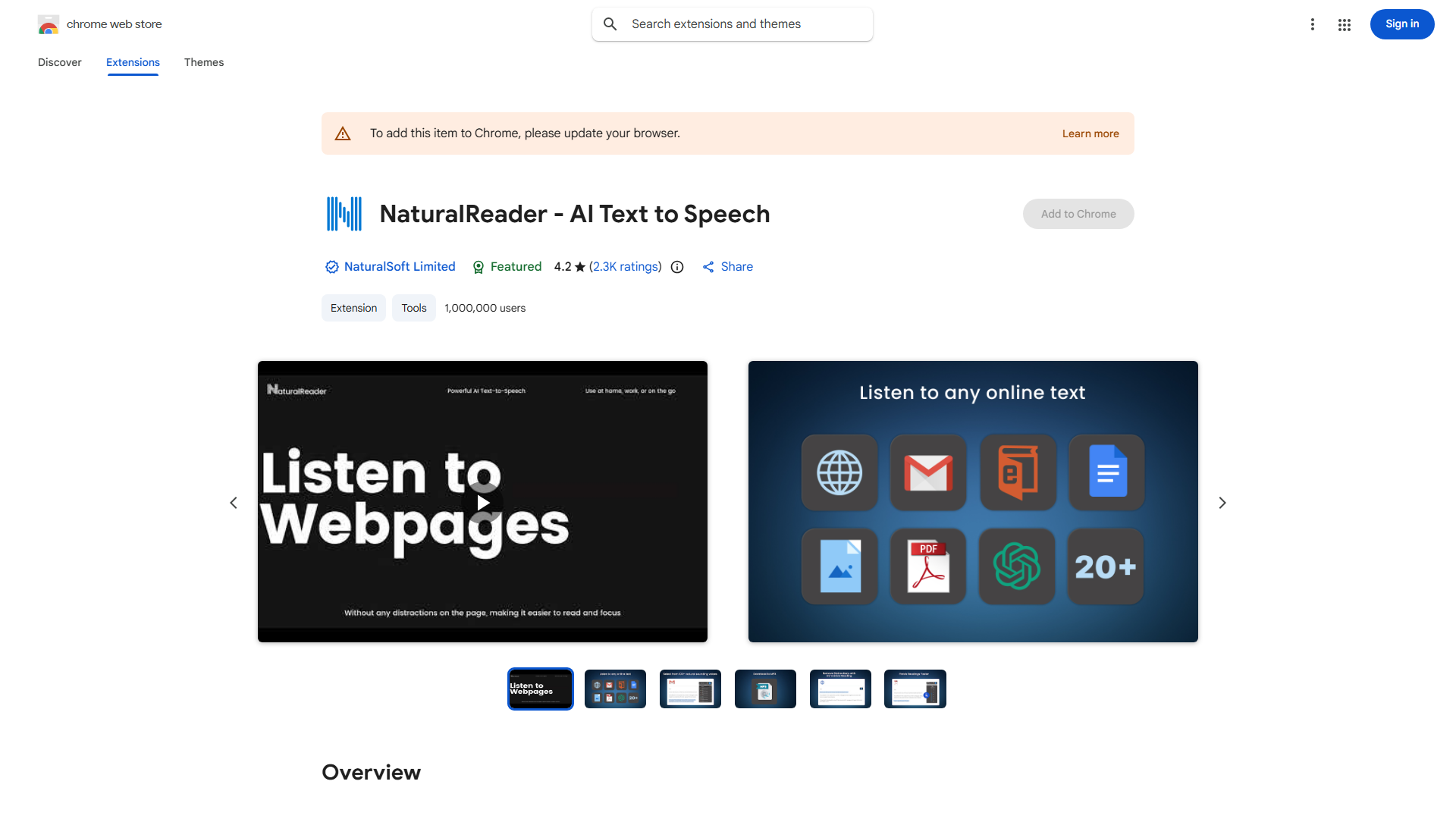
NaturalReader is a Chrome extension that transforms digital text into natural-sounding audio, making content consumption more accessible and efficient. This text-to-speech tool converts articles, emails, and documents into high-quality spoken audio with human-like intonation.
How to use NaturalReader?
Install from Chrome Web Store. Navigate to any webpage, highlight text, and click the NaturalReader icon. Alternatively, right-click selected text and choose "Read with NaturalReader." Control playback with pause, stop, and adjust reading speed.
Core features of NaturalReader?
Multiple natural-sounding voices across 50+ languages. Adjustable reading speeds from 0.5x to 2x. Text highlighting synchronized with audio. Support for various document formats. Convert text to MP3 files for offline listening.