What is MagicBrush AI?
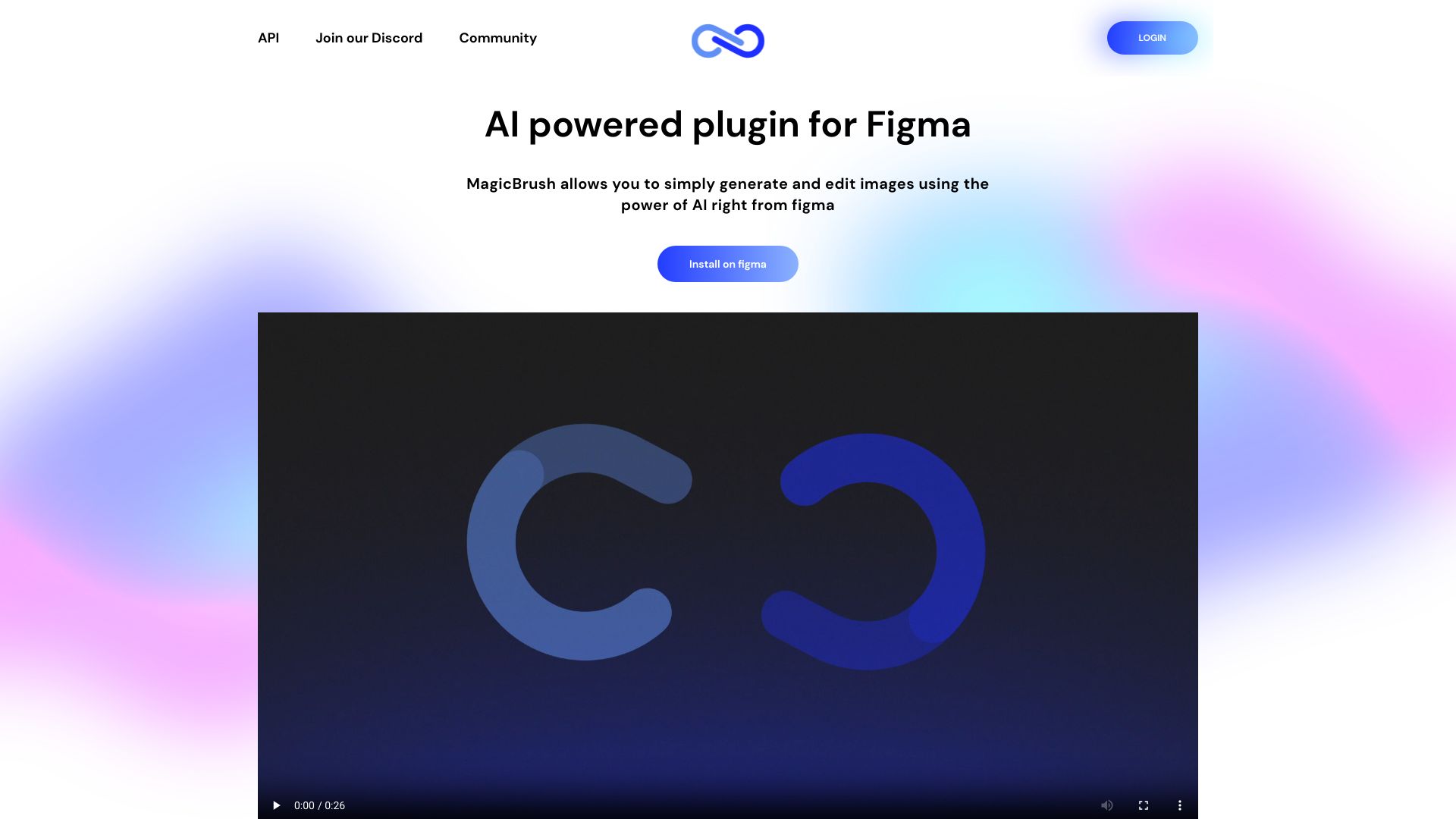
MagicBrush AI is an advanced Figma plugin designed for AI-driven image generation and editing. This powerful tool empowers designers to create stunning visuals effortlessly by leveraging artificial intelligence. With its intuitive interface and seamless integration, MagicBrush AI enhances the design workflow for professionals, enabling quick creation of high-quality graphics for social media, UI/UX elements, and marketing materials.
How to use MagicBrush AI?
First, install the plugin within your Figma workspace. Access the AI image generation feature by clicking the MagicBrush AI icon. Input your design requirements, and the AI will generate images based on your specifications. You can then edit these images directly within Figma using the plugin's advanced editing tools, making adjustments and refinements as needed.
Core features of MagicBrush AI?
Real-time AI Image Generation: Create high-quality visuals instantly tailored to your design needs. Seamless Figma Integration: Effortlessly incorporate AI-generated content into your projects without switching platforms. Advanced Editing Capabilities: Fine-tune images with professional-grade tools including filters, adjustments, and layer controls. Customization Options: Personalize designs with text, icons, and other elements. Time-Saving Workflow: Streamline your design process while maintaining creative control.