What is Grok Studio?
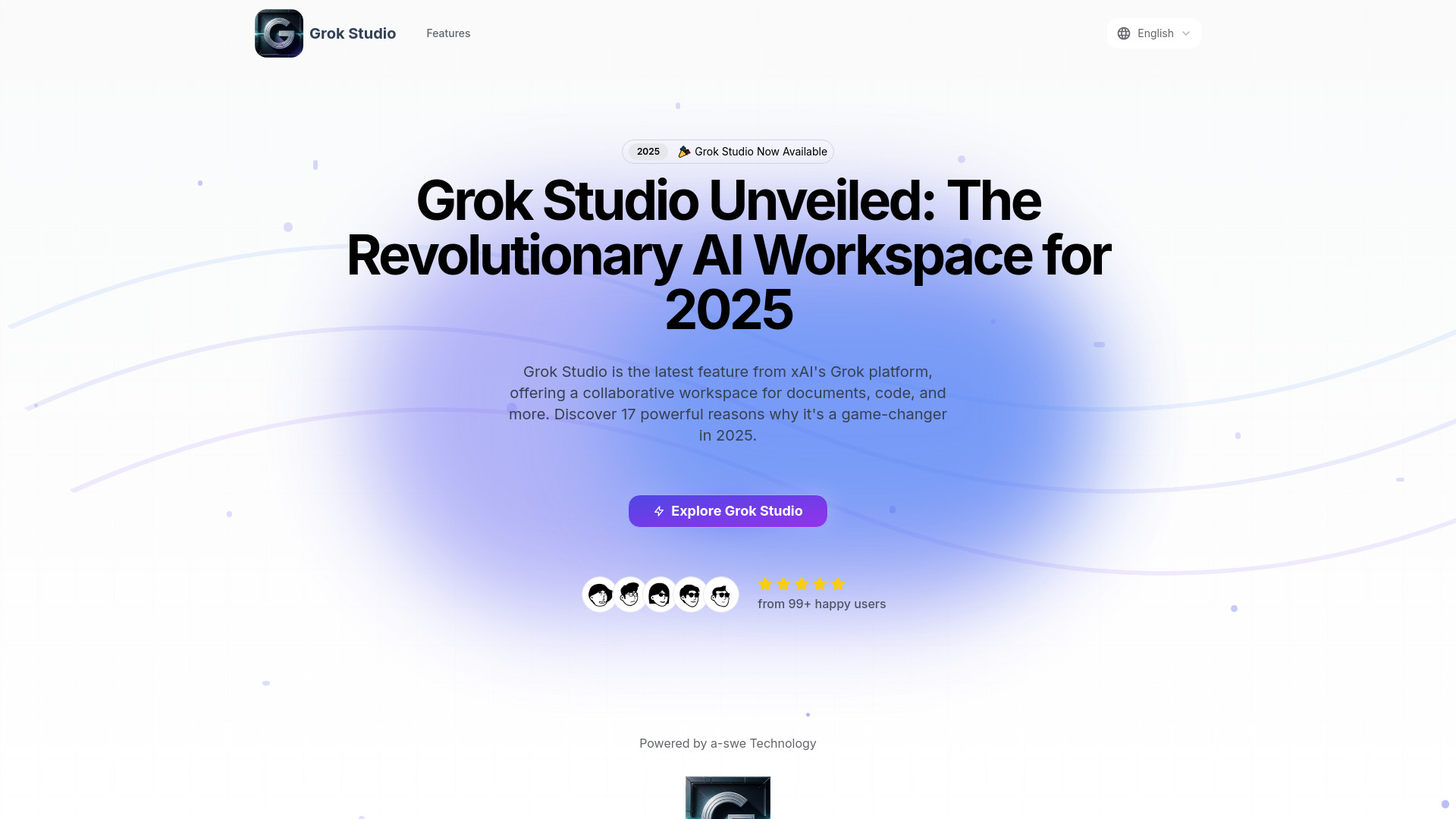
Grok Studio is a dynamic, collaborative AI workspace designed for professionals across various fields. It serves as a comprehensive platform that merges artificial intelligence with intuitive collaboration tools, enabling seamless workflow management for document editing, coding, report creation, and browser game development. The application adapts to user needs with a user-friendly interface while providing intelligent support to enhance productivity and creativity across diverse professional tasks.
How to use Grok Studio?
Begin by creating an account through the secure registration process. Once logged in, select your desired workspace type from the main dashboard—choose between document editing, code development, report generation, or game creation modules. Upload or create your project files, then invite team members through the integrated sharing system. The AI assistant will provide real-time suggestions and auto-complete features as you work. Use the project tracking tools to monitor progress and collaborate with team members through live editing and commenting features. Save your work automatically to the cloud and access it from any device.
Core features of Grok Studio?
Integrated code editor with real-time syntax highlighting, debugging tools, and version control
Advanced document sharing with collaborative editing, commenting, and permission management
Comprehensive project tracking system with milestones, task assignments, and progress visualization
Immersive game development modules featuring drag-and-drop interface builders and asset libraries
AI-powered suggestions that learn from your workflow patterns to provide personalized recommendations