What is GPTs Menu?
GPTs Menu is a comprehensive third-party GPT store offering access to over 10,000+ Generative Pre-trained Transformers. This innovative platform serves as a centralized hub for AI-powered tools, designed specifically for developers, content creators, and data scientists. The application provides seamless integration through its browser extension, enabling users to discover, access, and utilize cutting-edge AI technology to enhance productivity and creative workflows.
How to use GPTs Menu?
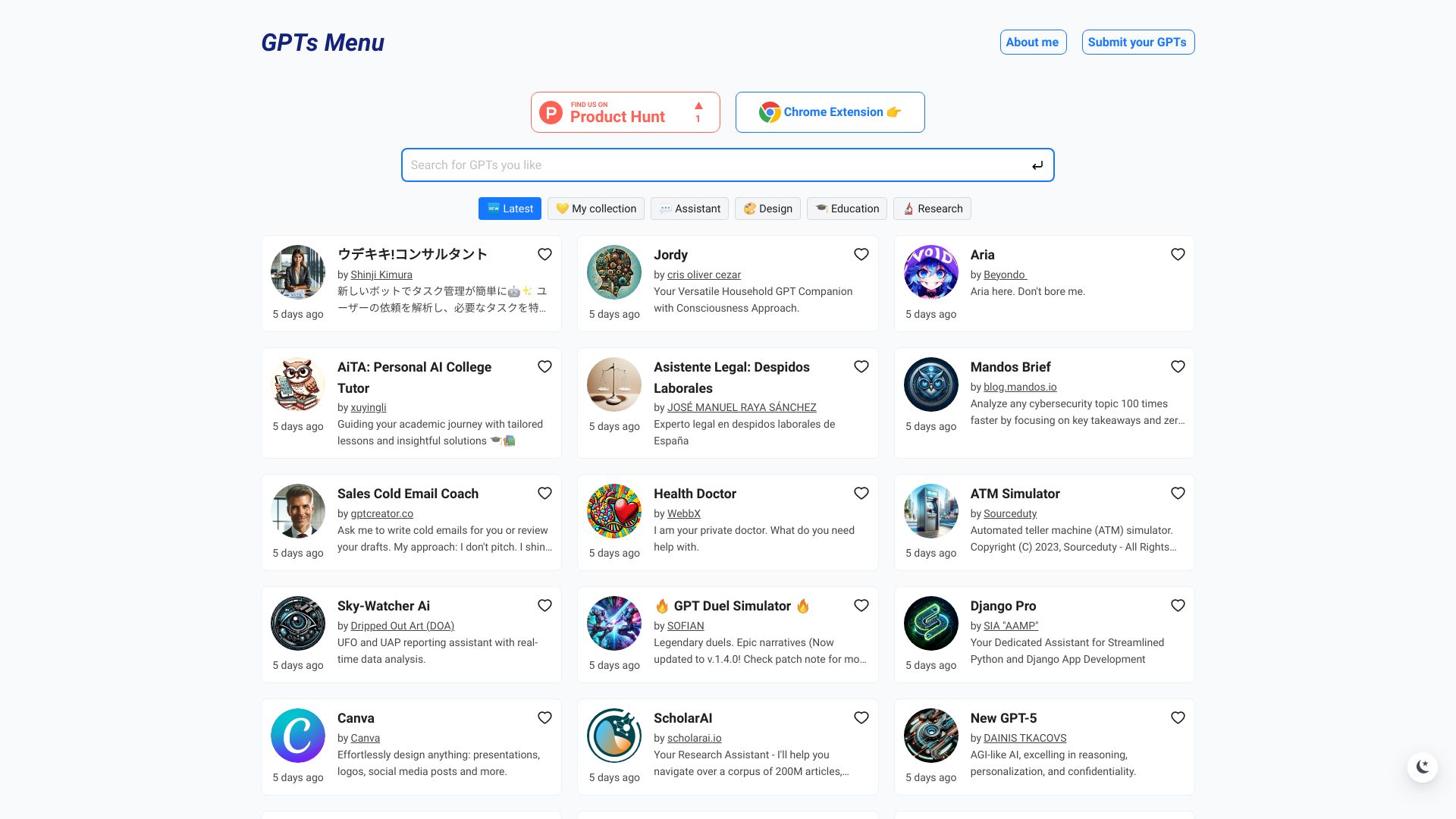
To begin using GPTs Menu, first install the browser extension from the official website. Once installed, navigate to the GPTs Menu platform where you can browse the extensive library of available GPTs. Search or filter through categories to find tools matching your specific needs. Click on any GPT to view detailed information, then integrate it directly into your workflow through the browser extension. The platform allows you to manage your favorite GPTs, track usage, and receive updates on new releases.
Core features of GPTs Menu?
- Extensive GPT Library: Access over 10,000+ AI tools covering diverse domains including language processing, image recognition, data analysis, and creative generation.
- Seamless Browser Integration: The extension enables one-click access to GPTs without leaving your current browser or workflow.
- Advanced Search & Filtering: Powerful search capabilities with multiple filters to quickly locate the most relevant AI tools for your projects.
- Workflow Automation: Automate repetitive tasks and streamline processes with AI-powered solutions tailored to your specific needs.
- Regular Updates: Continuous addition of new GPTs and features ensures you always have access to the latest AI innovations.