What is Flowsage?
Flowsage is an innovative AI-powered Chrome extension that transforms your text into flowcharts effortlessly. This powerful tool streamlines collaboration and enhances understanding by visualizing complex information in a clear, structured format. Designed for project managers, educators, and anyone who needs to communicate ideas visually, Flowsage allows you to quickly convert written content into flowcharts directly from your Chrome browser, making it an invaluable asset for improving workflow and sharing information effectively.
How to use Flowsage?
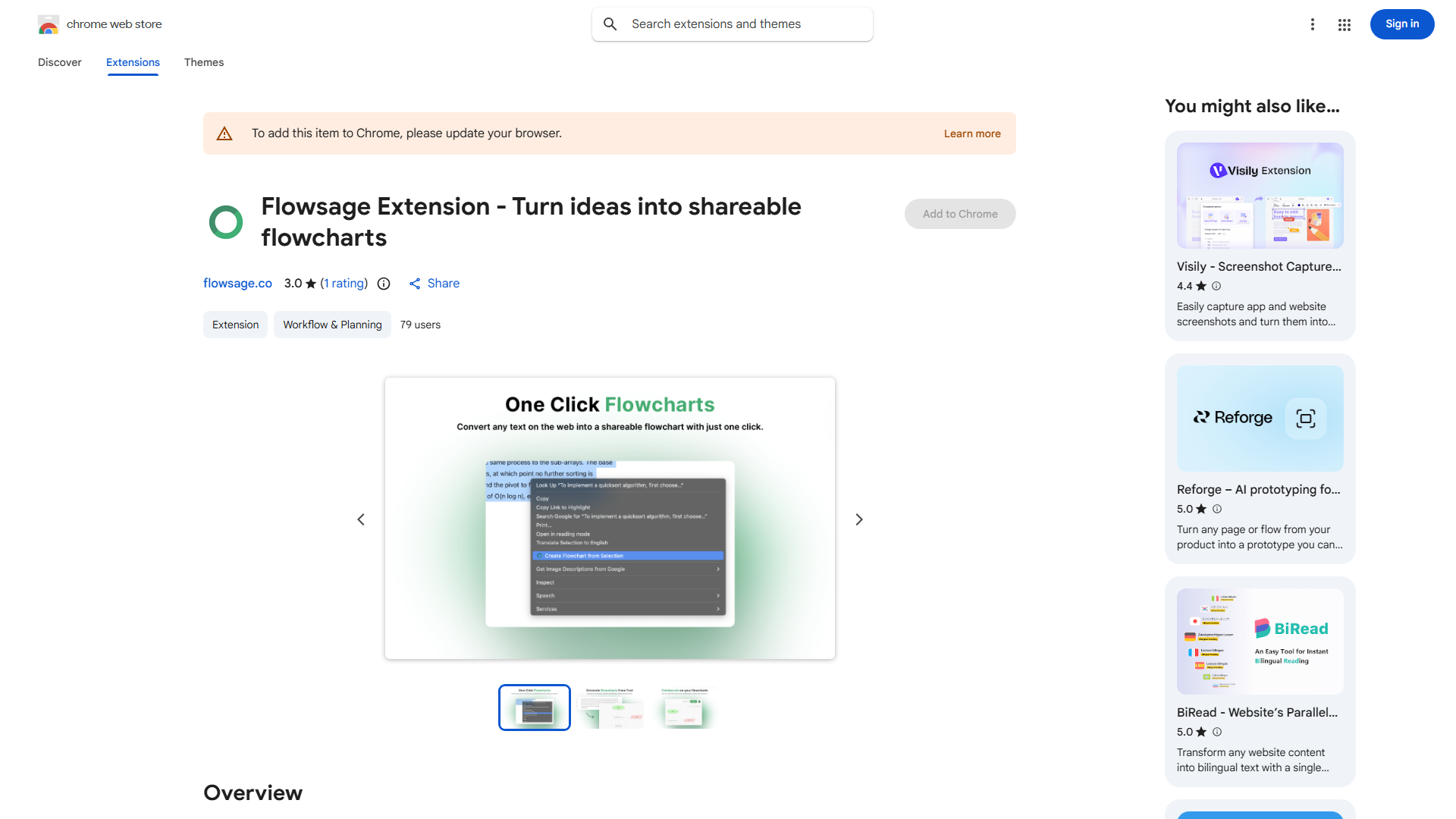
Using Flowsage is straightforward. First, install the extension from the Chrome Web Store. Once installed, navigate to any webpage containing text you want to convert. Select the desired text, then right-click to access the context menu and choose "Convert to Flowchart." The AI will analyze your selected text and automatically generate a flowchart that you can customize, save, or share with others. The entire process takes just seconds, making it perfect for quick visualizations during meetings or while working on projects.
Core features of Flowsage?
- Instant Text-to-Flowchart Conversion: Transform any text into a flowchart in seconds with AI-powered analysis
- Customizable Flowcharts: Tailor your flowcharts with various shapes, colors, and layouts to fit your specific needs
- Seamless Collaboration: Share flowcharts directly with team members or students through export options or cloud integration
- Chrome Integration: Works seamlessly with your existing browser setup without requiring additional software
- Smart AI Analysis: The artificial intelligence ensures accurate flowchart generation by identifying relationships and structures in your text