What is Doco?
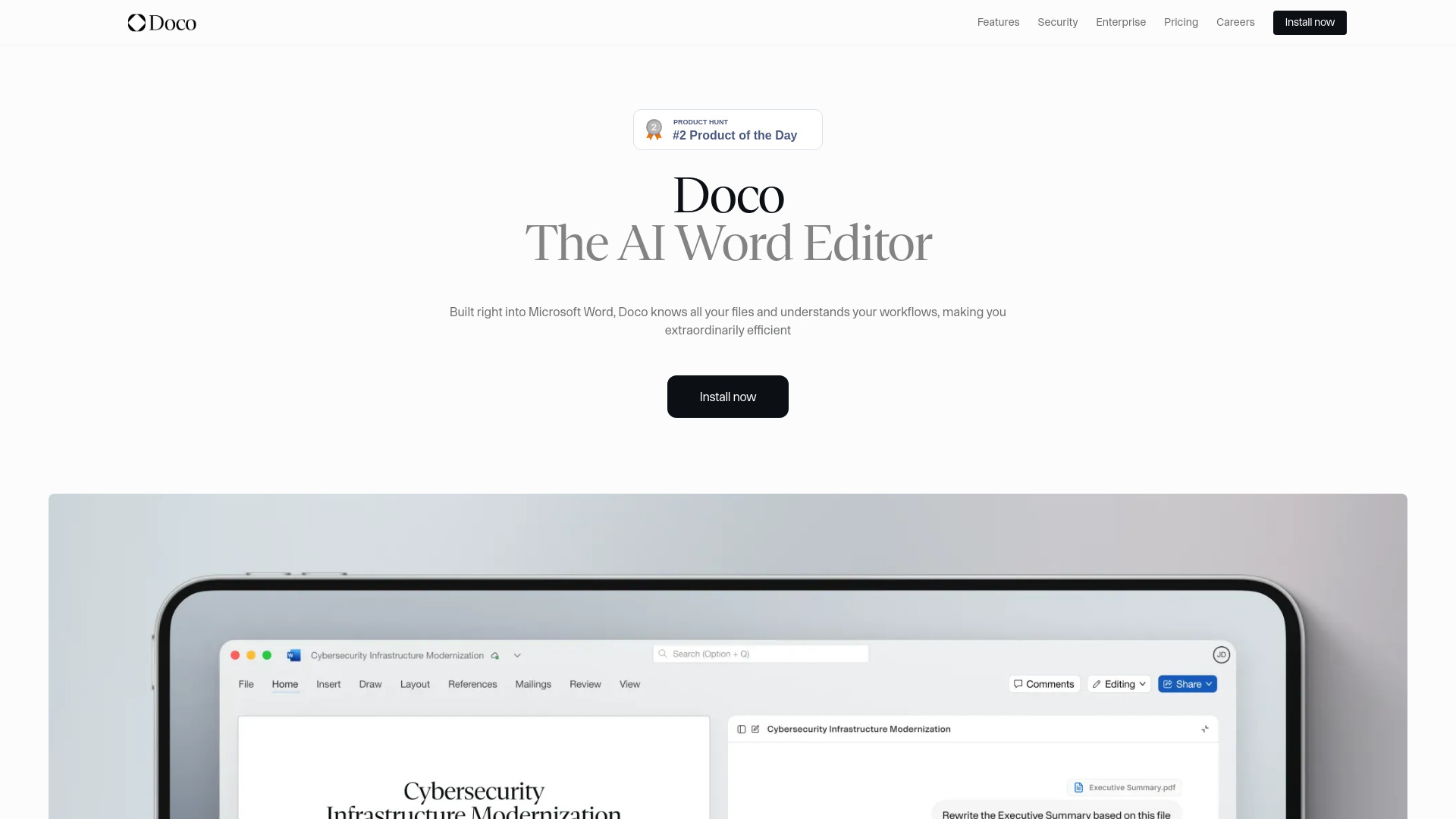
Doco is a cutting-edge AI writing assistant designed to revolutionize your document creation process within Microsoft Word. By seamlessly integrating with your workflow, Doco enhances productivity and accuracy by optimizing structured document workflows. This powerful tool offers a suite of features including intelligent suggestions for content improvement, automatic formatting, and real-time grammar and spelling checks. Whether you're crafting a business report, academic paper, or creative writing, Doco is your go-to assistant for ensuring your documents are polished, professional, and error-free. With its user-friendly interface and advanced AI capabilities, Doco is the ideal choice for anyone looking to streamline their document creation process.
How to use Doco?
The process is straightforward. Once installed, Doco integrates seamlessly into your Word experience. As you type, Doco provides real-time suggestions for improving your content, from grammar and spelling corrections to style enhancements. The tool also offers formatting assistance and can help you organize your document structure for optimal readability. Simply enable Doco in your Word toolbar and begin writing - the AI assistant works in the background, offering suggestions and corrections as you compose your document.
Core features of Doco?
- Intelligent Content Suggestions: Doco uses advanced AI algorithms to offer tailored suggestions that enhance the quality and clarity of your writing.
- Automatic Formatting: With Doco, your document will maintain a consistent and professional format throughout, saving you time on manual adjustments.
- Real-Time Grammar and Spelling Checks: Say goodbye to errors and typos, as Doco scans your text in real-time and provides immediate corrections.
- Structured Document Workflow: Doco helps you organize your content effectively, making it easier to create well-structured and coherent documents.
- Productivity Enhancement: By automating routine writing tasks, Doco allows you to focus on content creation while it handles the technical aspects of document preparation.