What is ChatGPTable?
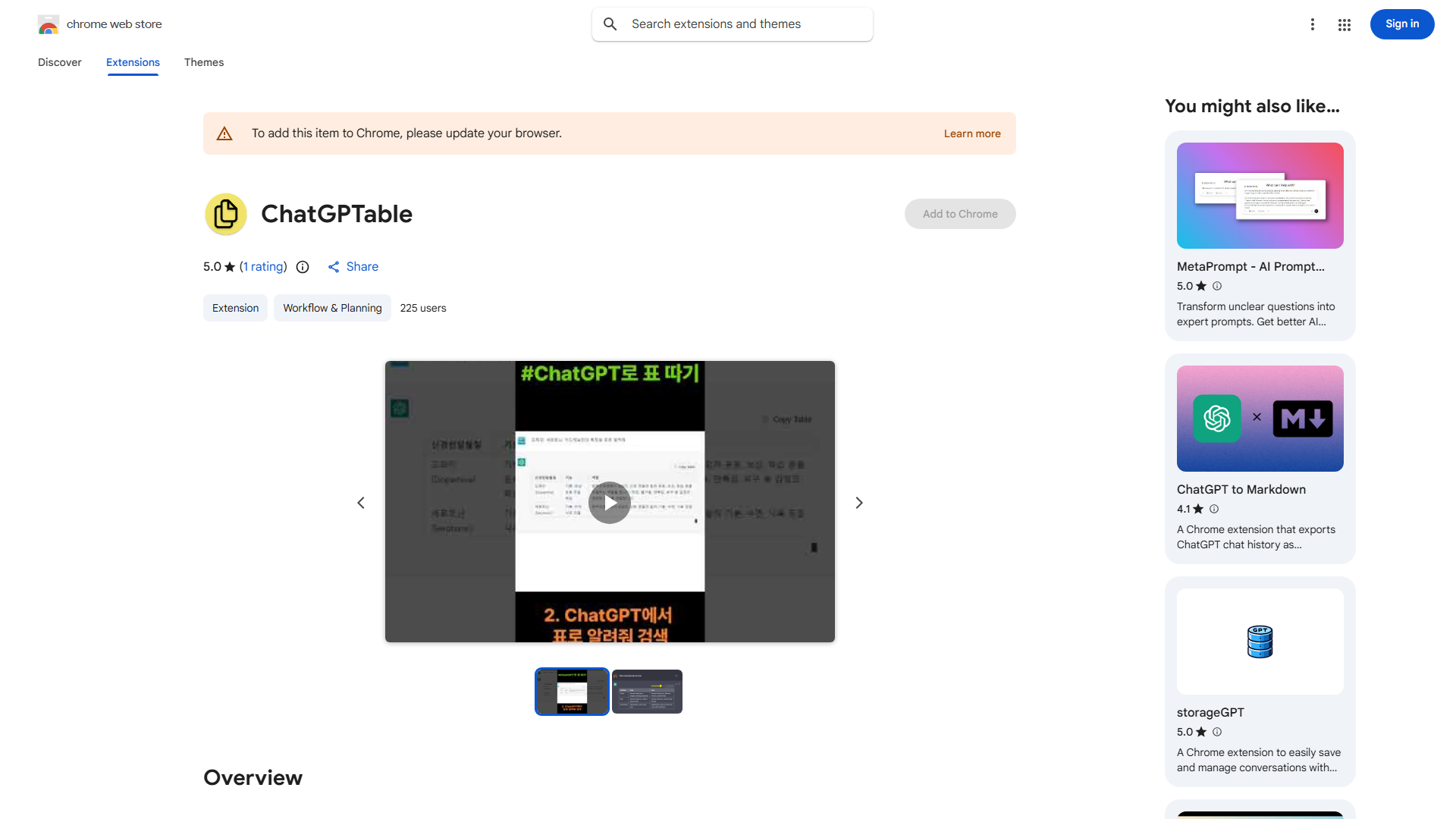
ChatGPTable is a Chrome extension designed to convert HTML tables from ChatGPT into Markdown format, streamlining data transfer between platforms. This productivity tool targets data analysts, content creators, and professionals who frequently work with tabular data, ensuring information remains accessible and editable across different applications. By eliminating manual formatting, ChatGPTable saves time and enhances workflow efficiency with its intuitive design and focus on speed and accuracy.
How to use ChatGPTable?
- Install the Chrome extension from the Chrome Web Store
- Open ChatGPT and generate or access an HTML table
- Click the ChatGPTable icon in your browser toolbar
- The extension automatically converts the HTML table to Markdown format
- Copy the converted Markdown and paste it into your desired application
- Edit or use the Markdown table as needed in your workflow
Core features of ChatGPTable?
- Instant HTML to Markdown conversion with a single click
- Preserves table structure, headers, and data integrity during conversion
- Supports complex tables including merged cells and formatting
- Works seamlessly with ChatGPT's output without additional configuration
- Lightweight extension that doesn't impact browser performance
- No login or account required for basic functionality