
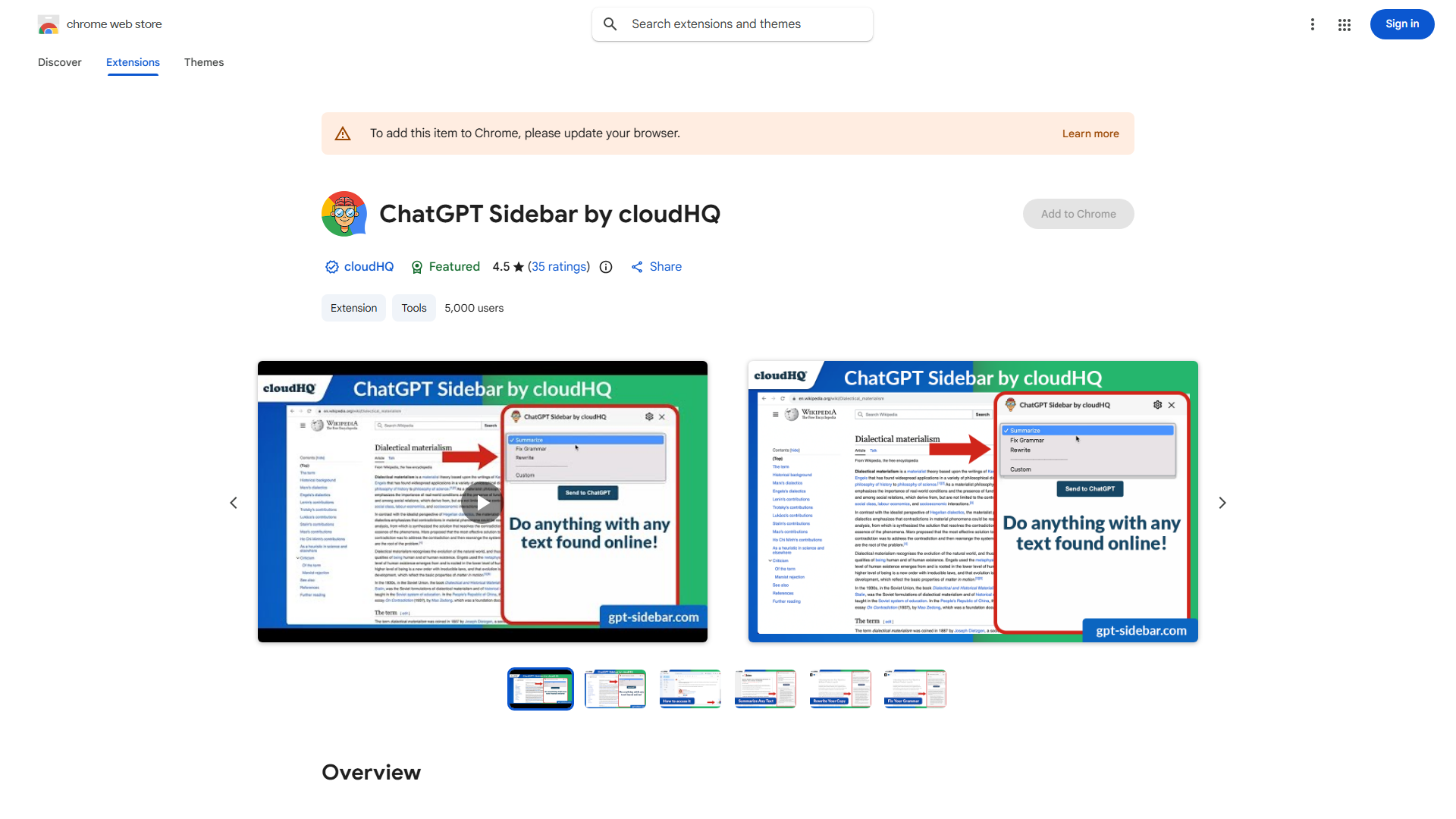
What is ChatGPT Sidebar by cloudHQ?
ChatGPT Sidebar by cloudHQ is a browser extension that integrates ChatGPT's AI capabilities directly into your web browser. This innovative tool provides instant access to AI-powered assistance without leaving your current webpage, making it an essential productivity companion for researchers, writers, and professionals. The sidebar transforms your browsing experience by offering real-time information retrieval and content generation capabilities, eliminating the need to switch between tabs or applications while working on important tasks.
How to use ChatGPT Sidebar by cloudHQ?
To use the ChatGPT Sidebar, first install the extension from your browser's app store. Once installed, the sidebar will appear as a collapsible panel on the side of your browser window. Click on the sidebar to activate it, then type your query or request in the input field. The AI will process your request and provide responses directly within the sidebar. You can continue browsing your current page while the sidebar remains accessible, allowing for seamless multitasking. For content generation, simply provide prompts and the AI will create text, summaries, or answers based on your needs.
Core features of ChatGPT Sidebar by cloudHQ?
The ChatGPT Sidebar by cloudHQ offers several powerful features that enhance your productivity:
- Real-time information retrieval that provides accurate answers to your questions as you browse
- AI-powered content generation for creating articles, reports, emails, and other written materials
- Context-aware assistance that understands the content of your current webpage for more relevant responses
- Customizable interface with options to adjust the sidebar size, position, and AI behavior
- Seamless integration with popular browsers including Chrome, Firefox, and Edge without disrupting your existing workflow