What is ChatGPT Conversation Exporter?
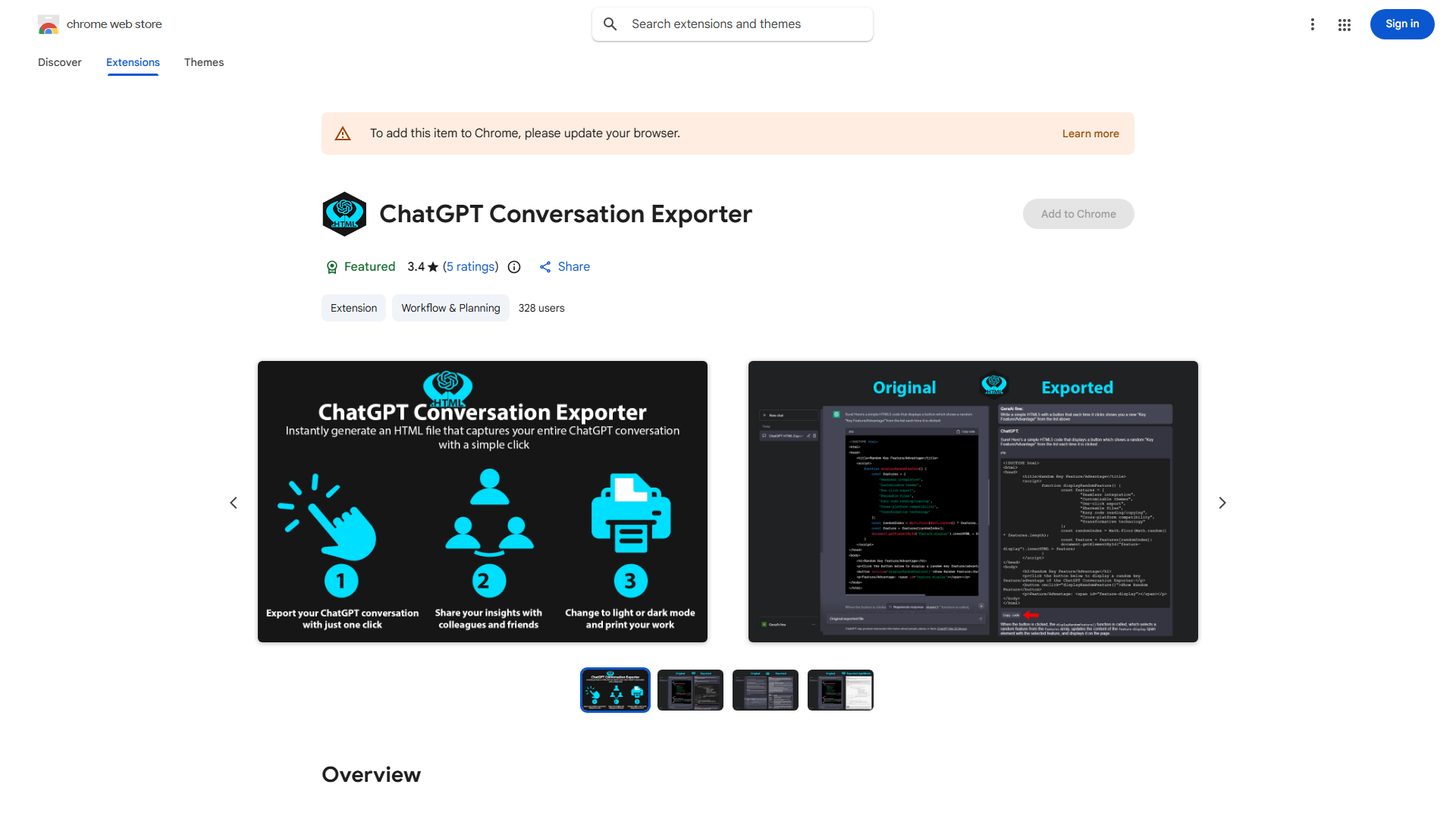
ChatGPT Conversation Exporter is a Chrome extension that enables users to export, print, and share ChatGPT conversations as HTML files. It serves as a digital archivist for AI interactions, helping professionals, researchers, and students preserve valuable dialogues.
How to use ChatGPT Conversation Exporter?
Install the extension in Chrome browser. Open ChatGPT and navigate to the conversation you want to save. Click the extension icon in your toolbar, select export, print, or share options. Choose your preferred format and destination to save your conversation.
Core features of ChatGPT Conversation Exporter?
- Export conversations to HTML files for easy storage
- Print conversations directly from the extension
- Share conversations via email or other platforms
- User-friendly interface requiring minimal technical knowledge
- Batch export multiple conversations simultaneously