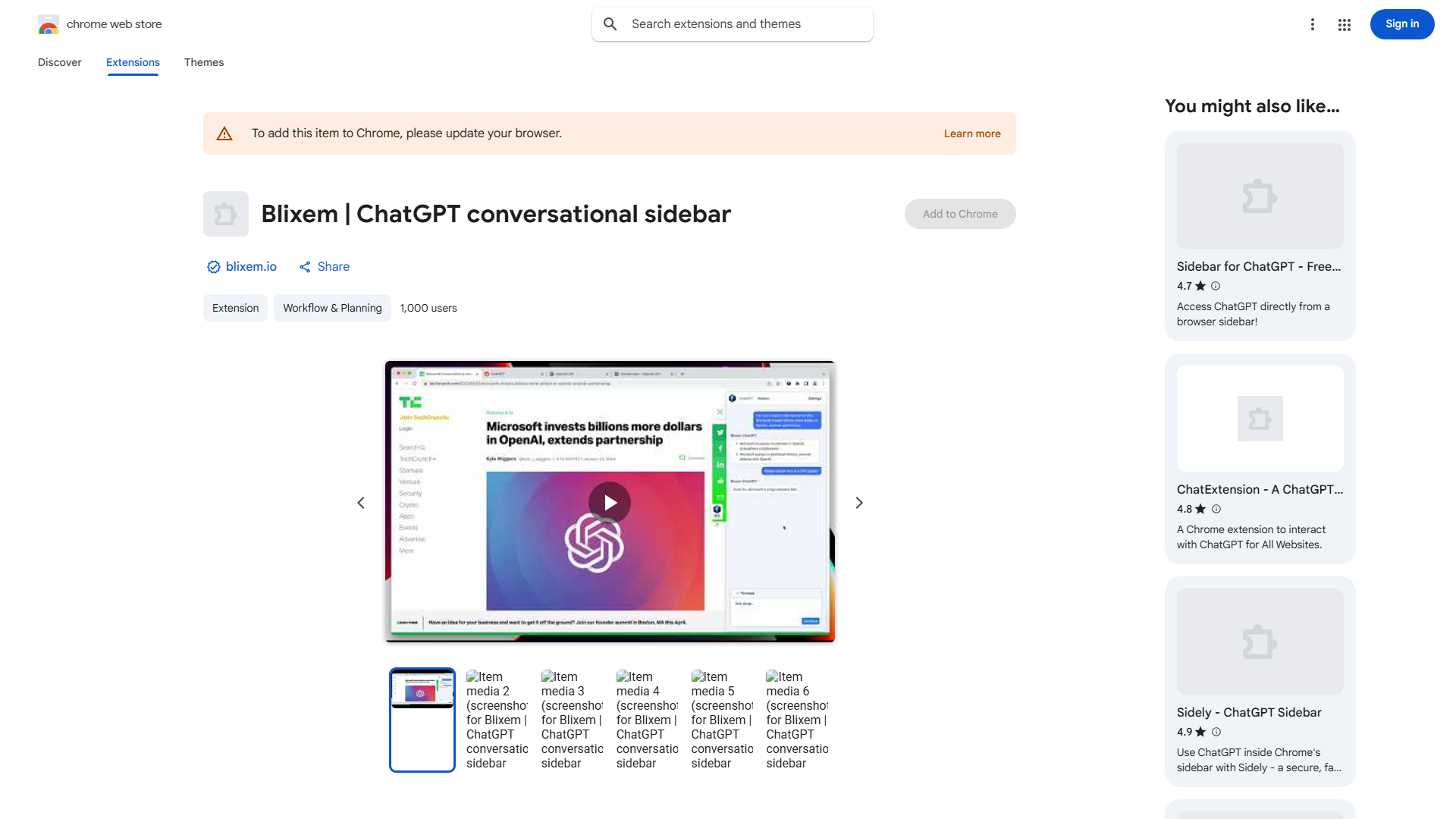
What is Blixem?
Blixem is a revolutionary browser extension that enhances your ChatGPT experience with seamless access and robust privacy protection. It transforms how you interact with AI by providing direct browser-based access to ChatGPT while ensuring your conversations remain private and secure. Designed for both professionals and casual users, Blixem streamlines AI assistance without compromising personal data.
How to use Blixem?
Install Blixem from your browser's extension store. Once installed, the extension icon appears in your toolbar. Click the icon to open ChatGPT in a sidebar or popup. Type your queries directly in the interface. Your conversations sync across devices. Manage privacy settings through the extension's options menu. Use keyboard shortcuts for quick access to enhance your workflow efficiency.
Core features of Blixem?
- One-click access to ChatGPT directly from your browser toolbar
- Enhanced privacy protection with encrypted conversations and data security
- Seamless integration with your browsing experience
- Cross-device synchronization for conversation continuity
- Customizable interface with keyboard shortcuts for power users