What is Voice To Notes?
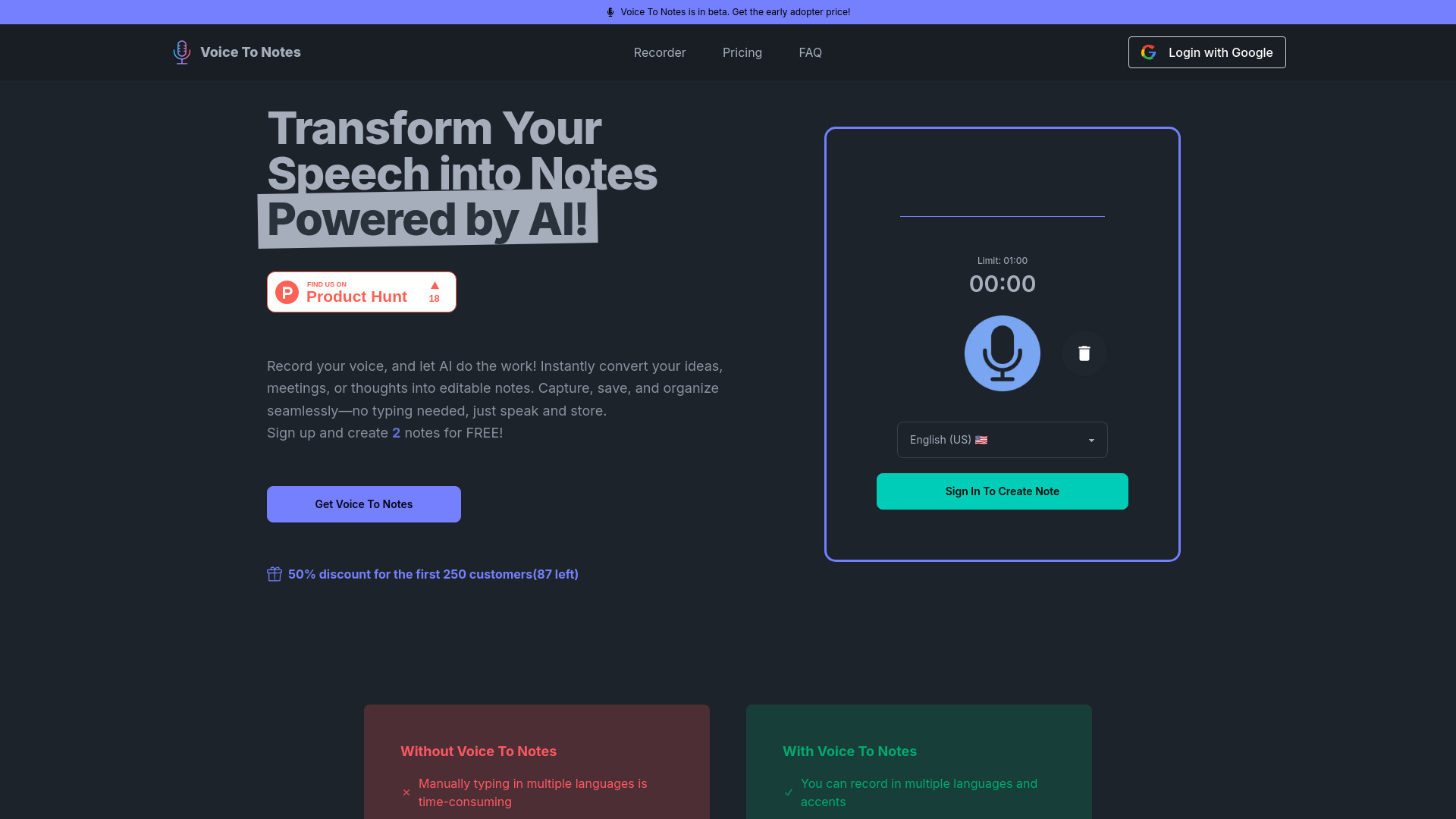
Voice To Notes is an AI-powered transcription application that converts spoken words into editable text across more than 100 languages. Designed for productivity enhancement, it transforms audio recordings from meetings, lectures, and brainstorming sessions into clear, actionable notes. The tool leverages advanced voice recognition technology to ensure accuracy and efficiency, making it an essential companion for students, professionals, and entrepreneurs seeking to streamline their workflow and maintain organized documentation.
How to use Voice To Notes?
Using Voice To Notes is straightforward and intuitive. First, launch the application and select the recording function. Speak clearly into your device's microphone during meetings, lectures, or any verbal session. The app will automatically transcribe your speech in real-time. After recording, review and edit the transcribed text as needed, then save, share, or export your notes in various formats including PDF, DOCX, or plain text. The entire process from recording to final document takes just minutes, enabling immediate access to your transcribed content.
Core features of Voice To Notes?
Voice To Notes offers several powerful features that distinguish it as a leading transcription tool. Multi-language support enables transcription in over 100 languages with automatic language detection. Real-time transcription provides instant conversion as you speak, eliminating waiting time. Advanced speech recognition technology ensures high accuracy even in noisy environments. Editable notes allow full customization with formatting options, and seamless sharing capabilities let you distribute content directly to colleagues or cloud storage. The application also includes speaker identification for multi-person conversations and keyword highlighting for quick information retrieval.