What is AutoCut?
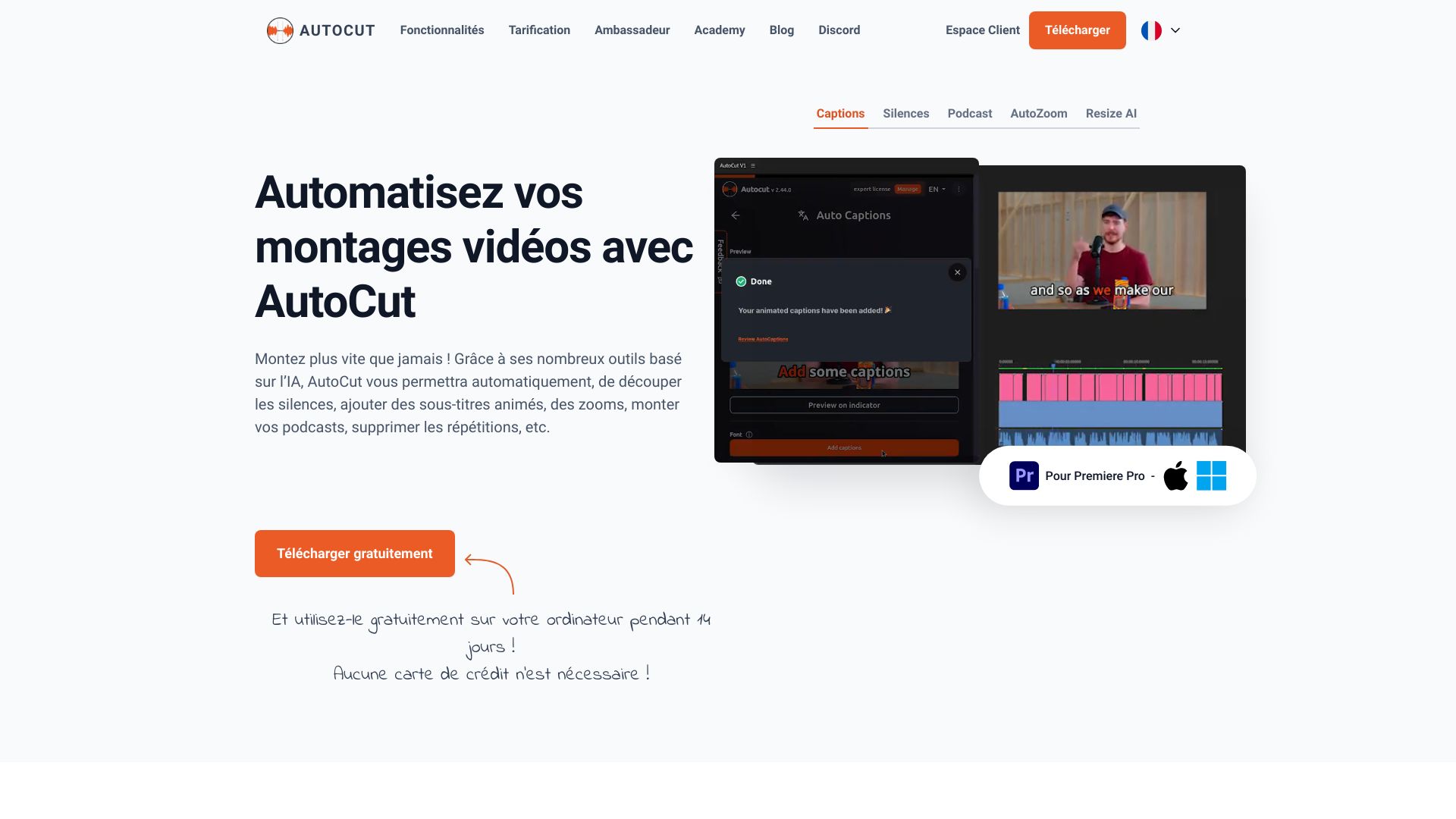
AutoCut is an AI-powered plugin designed for video editors to streamline workflows in Premiere Pro and DaVinci Resolve. This innovative tool automates time-consuming editing tasks, saving hours of manual work. Using intelligent algorithms, AutoCut analyzes footage, identifies key moments, and automatically trims, cuts, and organizes clips with precision. It enhances productivity, ensures consistency, and allows users to focus on creativity. The intuitive interface and seamless integration make it an essential addition to any video editing toolkit.
How to use AutoCut?
After installing the plugin in your preferred video editing software, import your footage into the timeline. AutoCut will automatically scan the video, identifying key frames and moments. You can then adjust settings to fine-tune the automatic cuts according to your preferences. The intuitive interface allows for easy customization, ensuring the final product aligns with your creative vision. Simply let the AI handle the tedious tasks while you focus on storytelling.
Core features of AutoCut?
- Intelligent Analysis: Advanced AI algorithms analyze your video to identify optimal cut points for seamless viewing experiences
- Automatic Trimming: Automatically removes unnecessary portions of clips, saving significant editing time
- Customizable Cuts: Fine-tune automatic edits to match your specific editing style and preferences
- Seamless Integration: Effortlessly integrates with Premiere Pro and DaVinci Resolve, enhancing existing workflows
- Time-Saving Automation: Reduces manual editing time by up to 70%, allowing faster project completion