What is Toolbar?
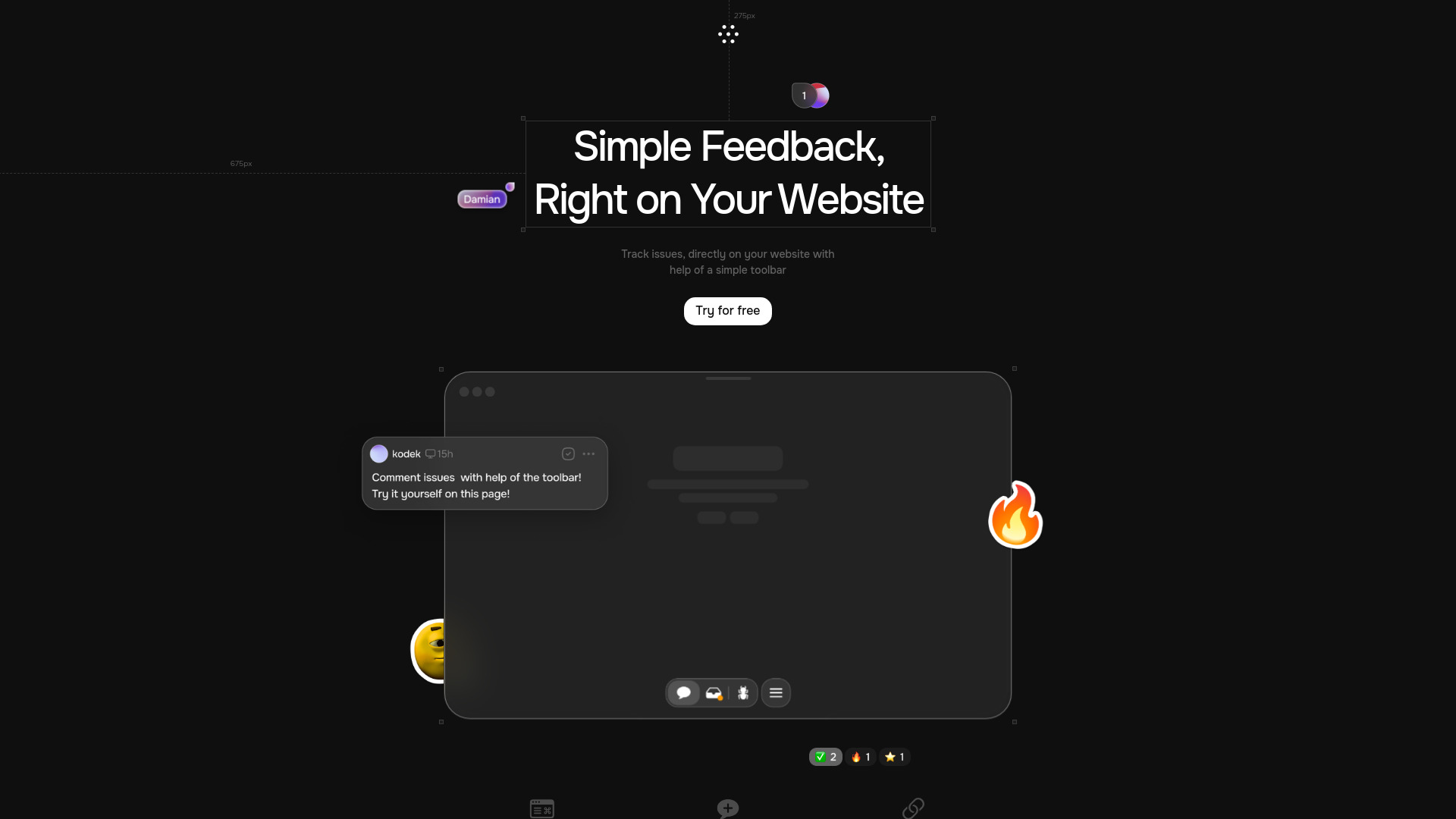
Toolbar is a powerful website feedback and collaboration tool designed to streamline the process of providing direct comments, tracking issues, and fostering team collaboration. Ideal for businesses and teams looking to enhance user experience and improve website performance, Toolbar offers a user-friendly interface that allows for real-time feedback and issue resolution. With its robust features, including direct commenting, issue tracking, and seamless team collaboration, Toolbar empowers users to quickly identify and address website issues, enhancing user satisfaction and driving engagement.
How to use Toolbar?
Simply install the Toolbar on your website, and you'll have access to a suite of tools that enable you to leave comments directly on the site, track issues as they arise, and collaborate with your team in real-time. This workflow ensures that every problem is addressed promptly, and every suggestion is considered. The process is straightforward and requires no technical expertise, making it accessible for teams of all sizes.
Core features of Toolbar?
- Direct Commenting: Leave comments directly on the website, allowing for immediate feedback and discussion
- Issue Tracking: Monitor and track issues as they are reported, ensuring they are resolved in a timely manner
- Team Collaboration: Facilitate communication and collaboration among team members to ensure a cohesive approach to website management
- Real-time Updates: Receive instant notifications when new feedback or issues are reported
- Customizable Workflows: Create tailored processes for reviewing and resolving website issues efficiently