
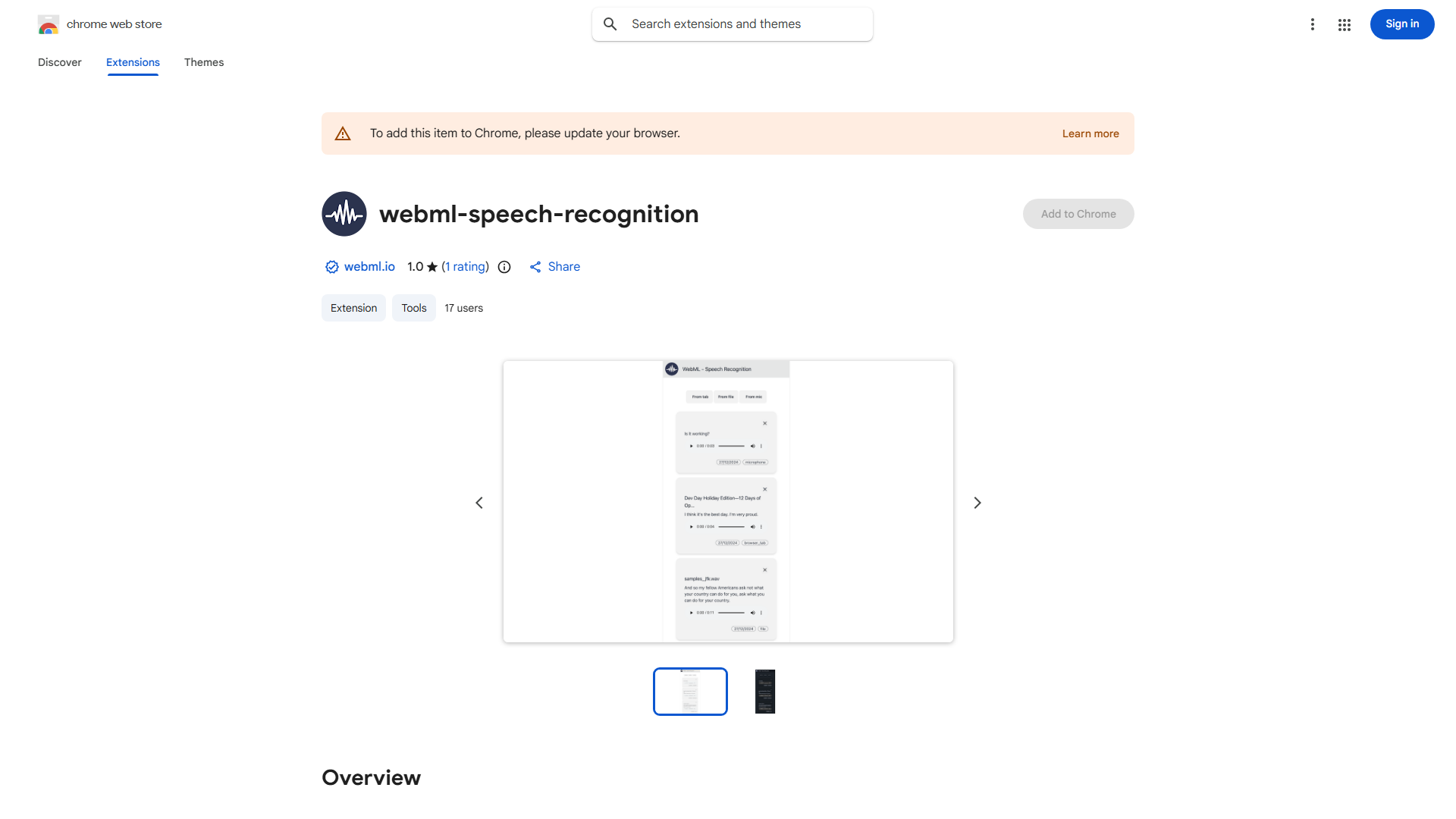
What is Speech Recognition Chrome Extension?
The Speech Recognition Chrome Extension is a powerful productivity tool that integrates seamlessly with your Chrome browser to convert spoken words into text with high accuracy. It serves as your personal assistant for efficient speech-to-text conversion, enabling you to transcribe audio files, capture spoken content from web pages, and utilize real-time microphone transcription. Designed for bloggers, students, professionals, and anyone seeking to streamline their content creation process, this extension transforms how you communicate and create content online.
How to use Speech Recognition Chrome Extension?
Using the Speech Recognition Chrome Extension is straightforward. First, install the extension from the Chrome Web Store. Once installed, click the extension icon in your browser toolbar to access its features. For audio file transcription, upload your audio files directly through the extension interface. To transcribe web page content, navigate to any webpage and activate the extension's transcription feature. For real-time transcription, enable your microphone and begin speaking - the extension will instantly convert your speech to text. You can save, copy, or export your transcriptions for further use.
Core features of Speech Recognition Chrome Extension?
The Speech Recognition Chrome Extension offers several powerful features:
- Multi-source transcription: Convert audio files, web page content, and real-time speech all within one tool
- High-accuracy recognition: Advanced algorithms ensure precise text conversion with minimal errors
- Real-time processing: Instant transcription as you speak with minimal delay
- Language support: Works with multiple languages for global accessibility
- Easy export options: Save transcriptions as text files, copy to clipboard, or integrate with other applications