What is Sherpa Coder?
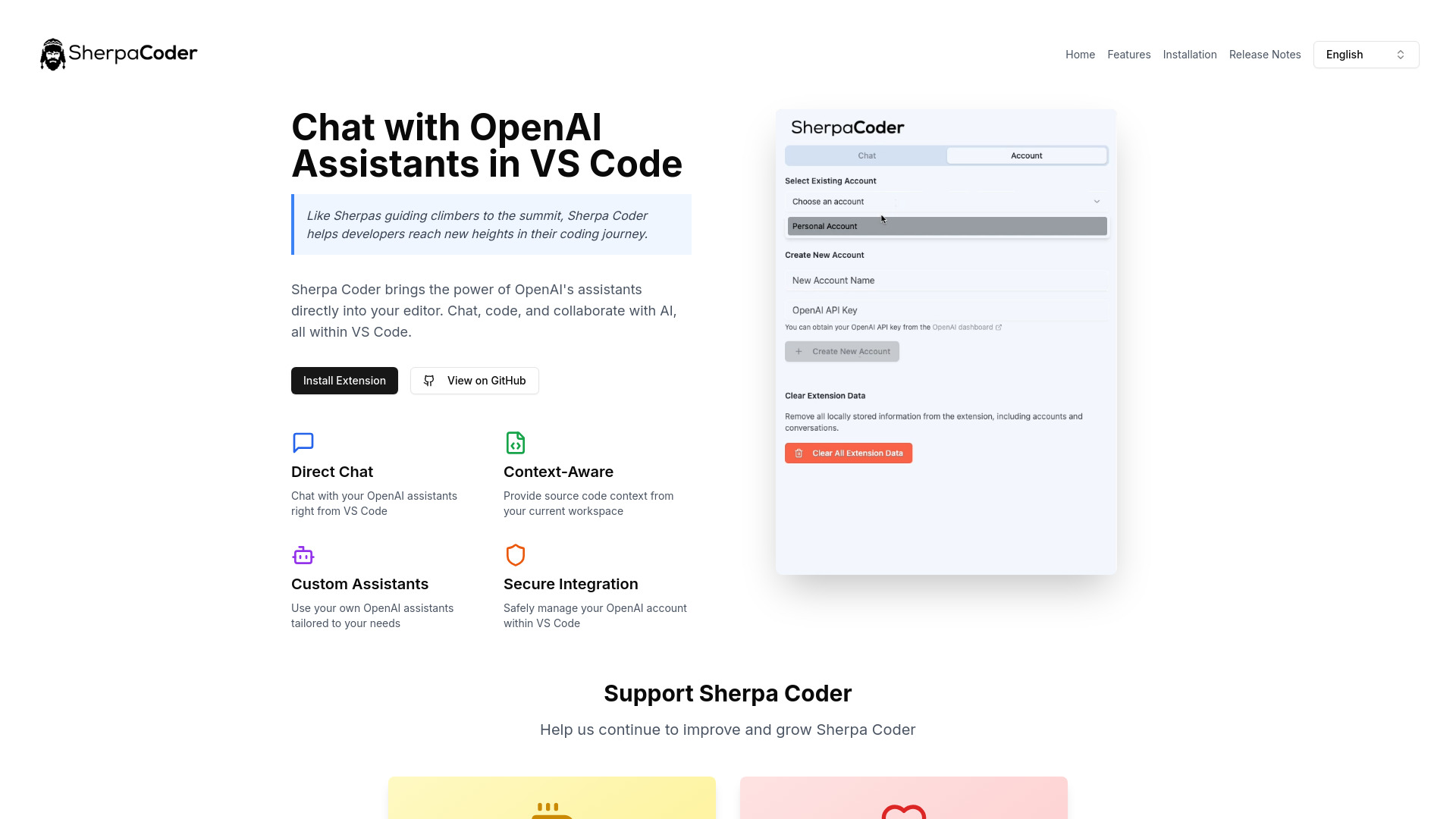
Sherpa Coder is a revolutionary VS Code extension that transforms your coding experience by integrating conversational AI assistance directly into your development environment. This powerful tool enables seamless interaction with OpenAI assistants while you code, significantly enhancing productivity and efficiency. Designed for developers who want to streamline their workflow, reduce time-to-resolution, and stay current with coding trends, Sherpa Coder provides real-time support for complex bugs, code optimization, and best practices. Its intuitive interface and advanced AI capabilities make it an indispensable tool for any developer's arsenal.
How to use Sherpa Coder?
To use Sherpa Coder, first install the extension through the VS Code marketplace. Once installed, activate the extension and configure your OpenAI API key in the settings. Open any code file in your editor, then access the Sherpa Coder sidebar or command palette. Type your coding questions or requests directly in the chat interface. The AI assistant will analyze your code context and provide relevant suggestions, explanations, and solutions. You can continue the conversation, ask follow-up questions, or request code modifications all within your development environment.
Core features of Sherpa Coder?
- Context-Aware Assistance: The AI analyzes your current code and provides relevant suggestions based on the specific programming language and project context.
- Real-Time Debugging Support: Get instant help identifying and resolving bugs with detailed explanations and potential solutions.
- Code Generation and Refactoring: Request the AI to write new code snippets or refactor existing code following best practices.
- Learning and Documentation: Access explanations of complex concepts, API documentation, and coding tutorials directly within your editor.
- Multi-Language Support: Works seamlessly with various programming languages and frameworks commonly used in modern development.