
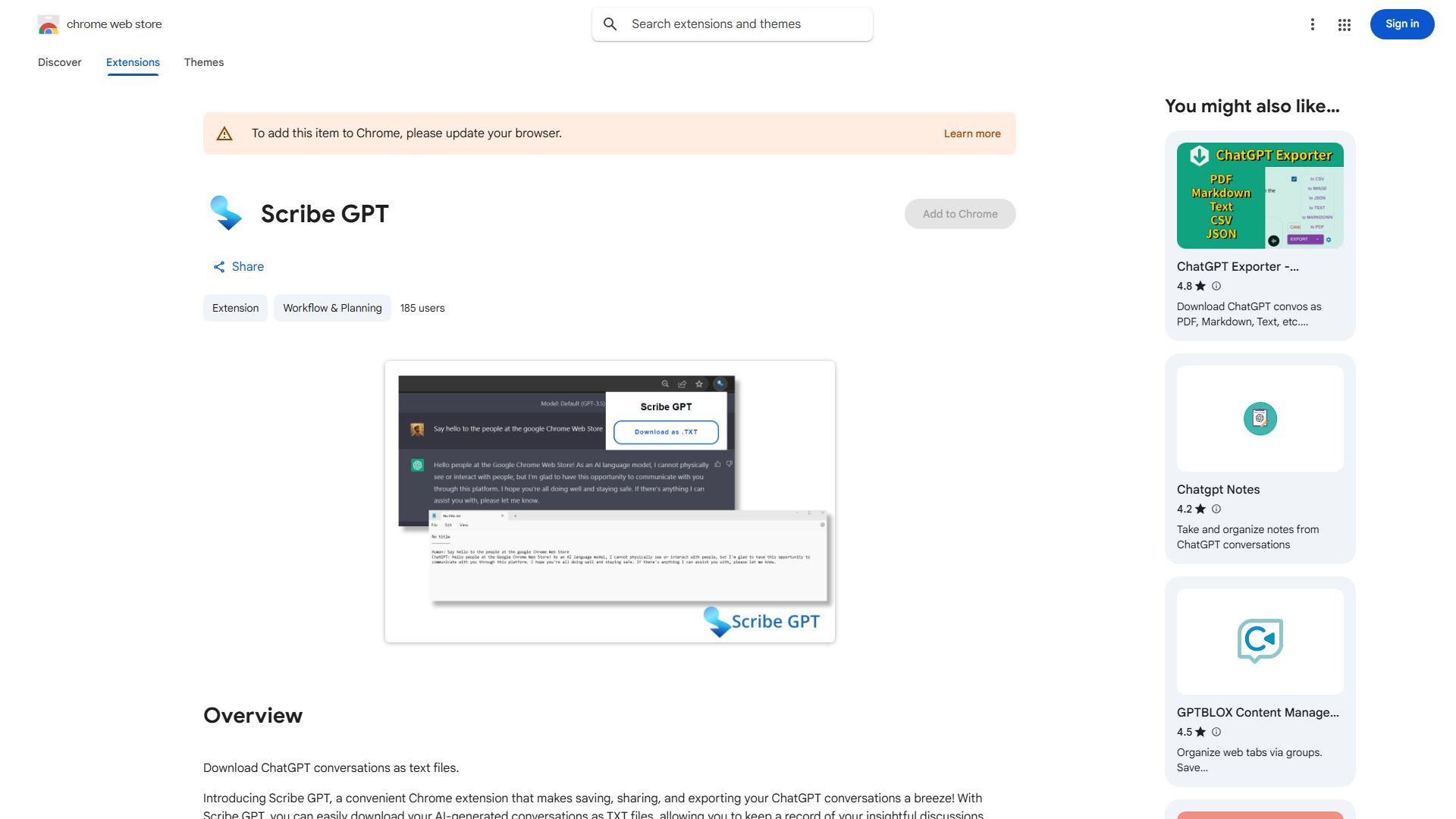
What is Scribe GPT?
Scribe GPT is a powerful Chrome extension designed to streamline the management and sharing of your ChatGPT conversations. This innovative tool allows users to effortlessly save, share, and export their discussions as convenient TXT files. Whether you're a researcher, student, or professional, Scribe GPT simplifies the process of organizing and accessing your AI-driven insights. With its user-friendly interface and robust features, it's the perfect companion for anyone looking to enhance their productivity and collaboration.
How to use Scribe GPT?
Using Scribe GPT is straightforward. First, install the extension from the Chrome Web Store. Once installed, it automatically captures your ChatGPT conversations in real-time. To save a conversation, simply click the Scribe GPT icon in your browser toolbar and select "Save Conversation." You can then share these saved conversations via email, cloud storage, or messaging apps. For future reference, export conversations as TXT files that can be stored locally or in your preferred document management system.
Core features of Scribe GPT?
- Automatic conversation capture: Works in the background to save every ChatGPT interaction without manual intervention
- Seamless sharing options: One-click sharing to colleagues, teams, or across platforms
- Easy export capabilities: Convert conversations to TXT files for offline access and organization
- Search functionality: Quickly find specific conversations using keywords or date filters
- Custom organization: Create folders and tags to categorize conversations by project or topic