What is QuickThink?
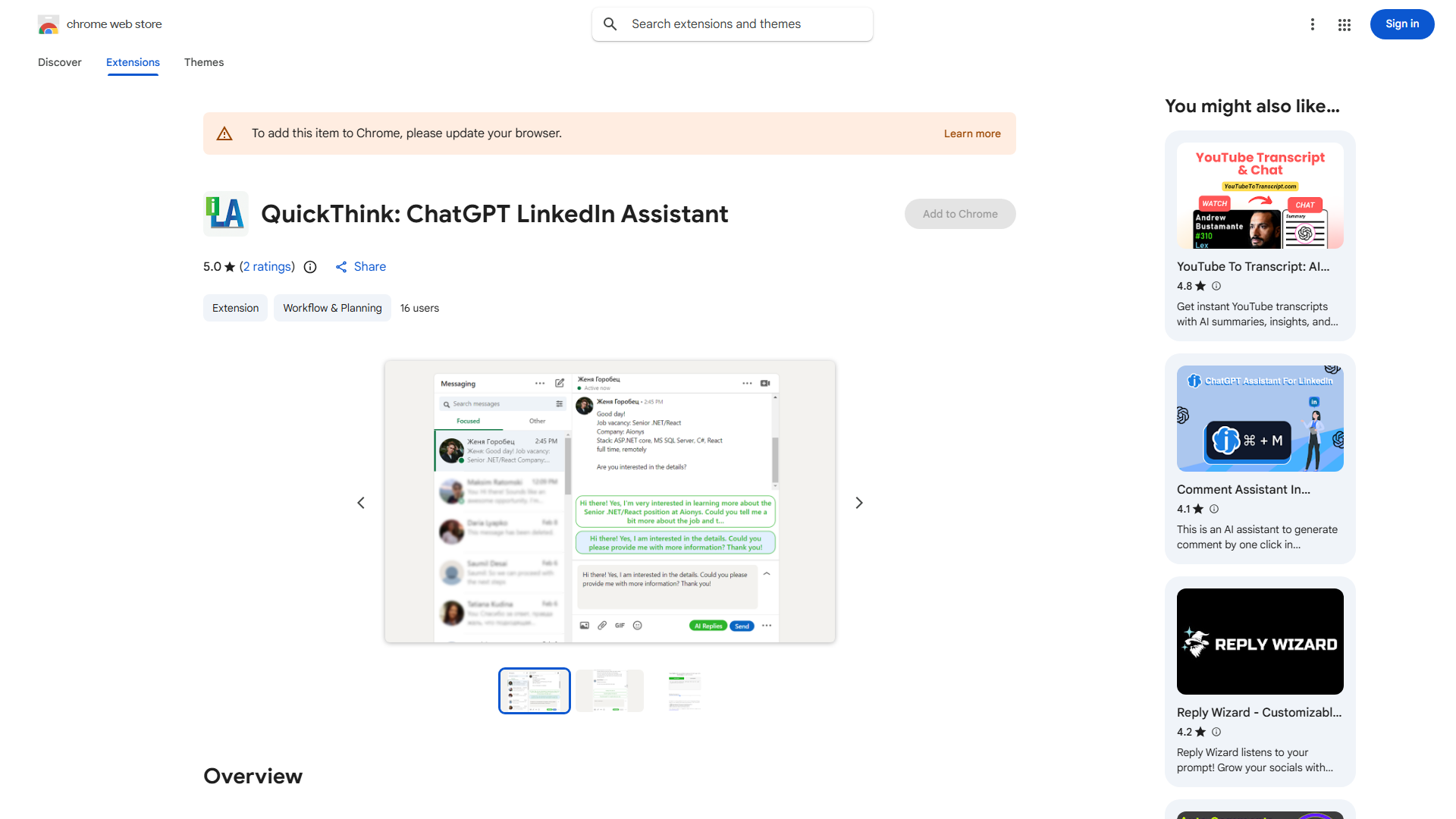
QuickThink is an AI-powered Chrome extension designed for LinkedIn professionals to streamline networking and communication. This innovative tool generates tailored responses to questions, saving users time while ensuring they never miss engagement opportunities. With QuickThink, professionals can effortlessly respond to queries, join discussions, and build connections with confidence, enhancing their LinkedIn presence efficiently.
How to use QuickThink?
Using QuickThink is straightforward. First, install the Chrome extension from the store. Once installed, navigate to your LinkedIn account. When you encounter a question or conversation thread, QuickThink's interface will automatically detect the context. Click the QuickThink button, and the AI will generate a response based on the discussion. You can review, edit, and customize the suggested response before sending, ensuring it reflects your personal style and maintains professionalism.
Core features of QuickThink?
- Natural Language Processing: Generates human-like responses that feel genuine and personalized
- Customizable Templates: Predefined templates for quick responses to common professional questions
- Real-Time Suggestions: Provides intelligent suggestions as you type to enhance your responses
- Context Awareness: Analyzes conversation threads to generate relevant, on-topic responses
- Seamless LinkedIn Integration: Works directly within the LinkedIn interface without disrupting your workflow