What is PyAI?
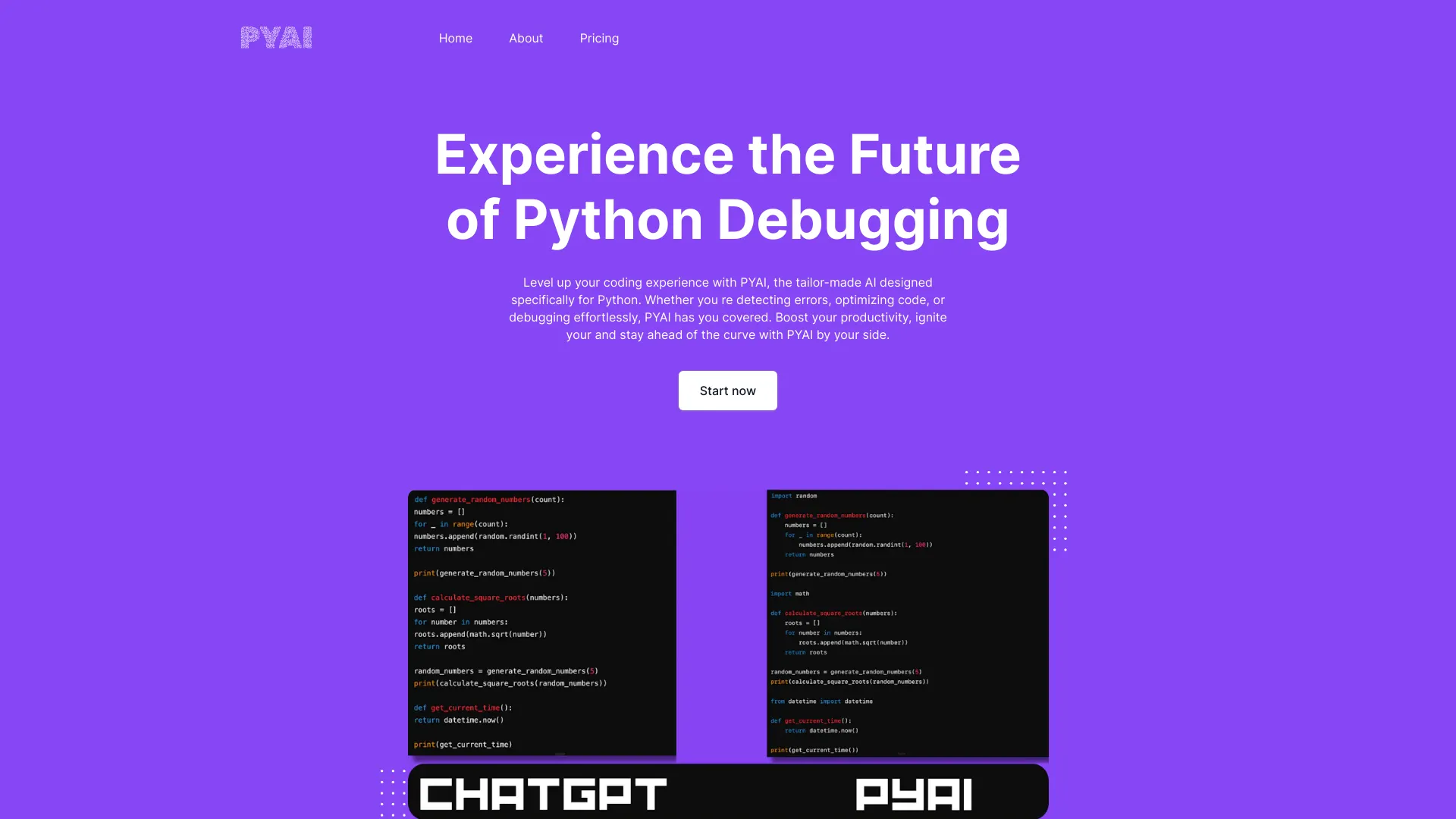
PyAI is a powerful AI-driven Python coding companion designed to streamline development processes. This comprehensive tool serves as an essential asset for developers by offering advanced functionalities including real-time error detection, intelligent code optimization, and automated debugging assistance. PyAI helps developers save time by quickly identifying and resolving issues in their code, resulting in more efficient and error-free Python scripts. With its user-friendly interface and sophisticated AI algorithms, PyAI is suitable for both seasoned developers and beginners looking to enhance their coding workflow.
How to use PyAI?
Using PyAI is straightforward and intuitive. First, install the PyAI extension in your preferred development environment. As you write Python code, PyAI's AI engine analyzes your code in real-time, providing immediate feedback on potential issues. When errors are detected, PyAI offers actionable suggestions and fixes. For optimization, simply run the analysis tool on your script to receive performance improvement recommendations. The debugging feature allows you to step through code execution, with PyAI highlighting problematic areas and suggesting solutions. Integration with popular IDEs ensures seamless workflow without disrupting your coding process.
Core features of PyAI?
- Real-time Error Detection: PyAI's advanced machine learning algorithms identify syntax errors, logical flaws, and potential bugs as you type, preventing issues before they impact your project.
- Intelligent Code Optimization: The tool analyzes your code structure and suggests improvements for better performance, readability, and efficiency, including refactoring opportunities and best practice recommendations.
- Automated Debugging Assistance: PyAI provides detailed debugging information, including variable state analysis and execution flow visualization, guiding you through issue resolution.
- Code Completion and Suggestions: PyAI offers intelligent code completion based on context, learning your coding patterns to provide relevant suggestions and reduce typing time.
- Documentation Generation: Automatically creates comprehensive documentation for your code, including function descriptions, parameter explanations, and usage examples.