
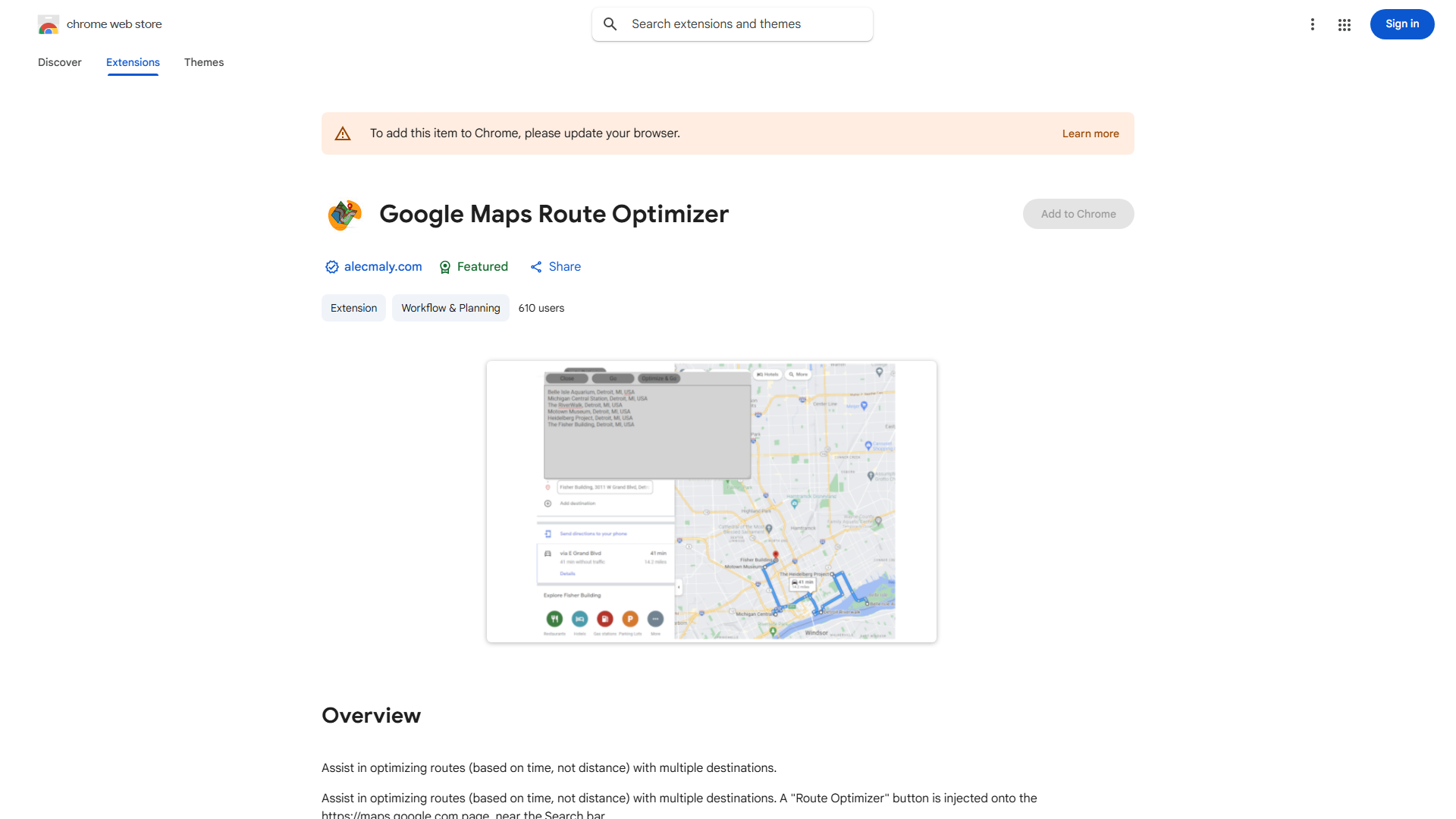
What is Google Maps Route Optimizer?
The Google Maps Route Optimizer is a powerful travel planning tool designed to streamline multi-destination journeys by generating the most efficient routes based on travel time. This innovative application leverages Google Maps' extensive mapping data and real-time traffic information to minimize travel duration and fuel consumption. It serves as an essential companion for business travelers, delivery services, sales representatives, and anyone needing to visit multiple locations in a single trip. The optimizer automatically calculates optimal sequences for your destinations, ensuring you spend less time on the road and more time at your destinations.
How to use Google Maps Route Optimizer?
Using the Route Optimizer is straightforward. First, enter your starting location and all desired destinations in any order. The application will then automatically calculate the most efficient route sequence based on current traffic conditions, distance, and your selected transportation mode. You can specify preferences such as departure time, vehicle type, or avoid tolls/ferries. The tool displays multiple route options with estimated travel times, allowing you to compare and select the best fit for your schedule. Once satisfied, you can save the optimized route directly to your Google Maps for navigation.
Core features of Google Maps Route Optimizer?
- Multi-destination optimization: Plan routes for up to 10 destinations with automatic sequence optimization
- Real-time traffic integration: Receive dynamic route adjustments based on current traffic conditions
- Multiple transportation modes: Choose between driving, walking, cycling, or public transit options
- Time-saving algorithms: Intelligent route sequencing reduces total travel time by up to 30%
- Seamless Google Maps integration: Export optimized routes directly to your navigation app for immediate use
























