
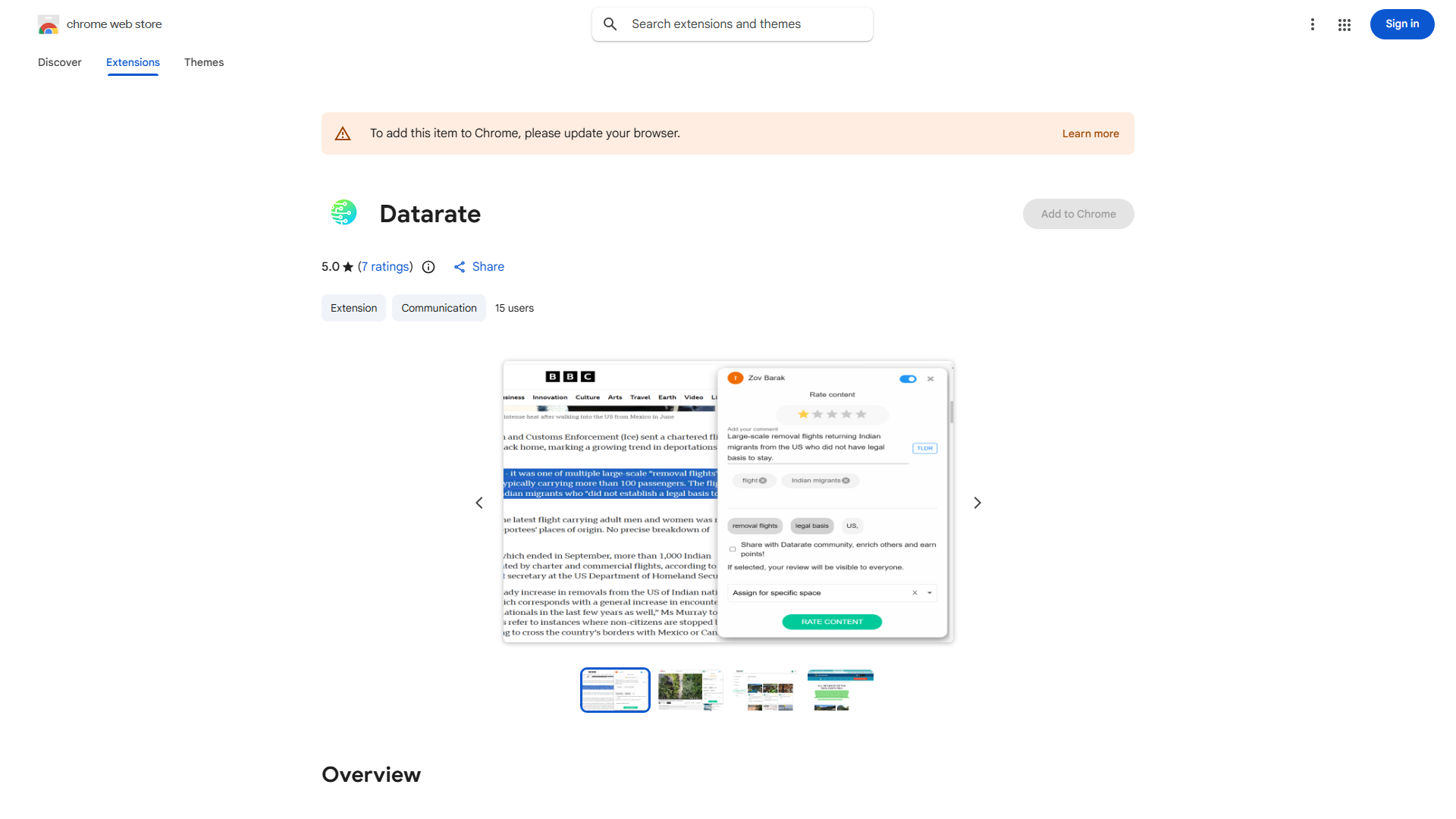
What is Datarate Chrome Extension?
Datarate Chrome Extension is an AI-powered browser tool designed to enhance your online research efficiency. It integrates seamlessly into your Chrome browser to provide instant access to relevant information and insights while you browse. This extension serves as your personal research assistant, helping you gather comprehensive data without switching between multiple tabs or applications. Whether you're conducting academic research, market analysis, or simply exploring topics of interest, Datarate transforms your browsing experience by delivering targeted information directly to your screen.
How to use Datarate Chrome Extension?
Using Datarate is straightforward and intuitive. First, install the extension from the Chrome Web Store. Once installed, activate it by clicking the Datarate icon in your browser toolbar. A sidebar will appear on the right side of your screen, displaying AI-generated insights about the current webpage. You can interact with the sidebar to request specific information, generate summaries, or explore related content. The extension works automatically in the background, analyzing web pages as you navigate and providing relevant suggestions based on your browsing context.
Core features of Datarate Chrome Extension?
- AI-Powered Summarization: Instantly generates concise summaries of lengthy articles and web pages, saving you valuable reading time
- Smart Data Extraction: Automatically identifies and extracts key data points, statistics, and important information from any webpage
- Contextual Recommendations: Provides personalized content suggestions based on your research interests and browsing history
- Real-time Analysis: Continuously analyzes web content as you browse, offering insights and connections you might have missed
- Seamless Workflow Integration: Works harmoniously with your existing browser setup without disrupting your normal browsing habits