
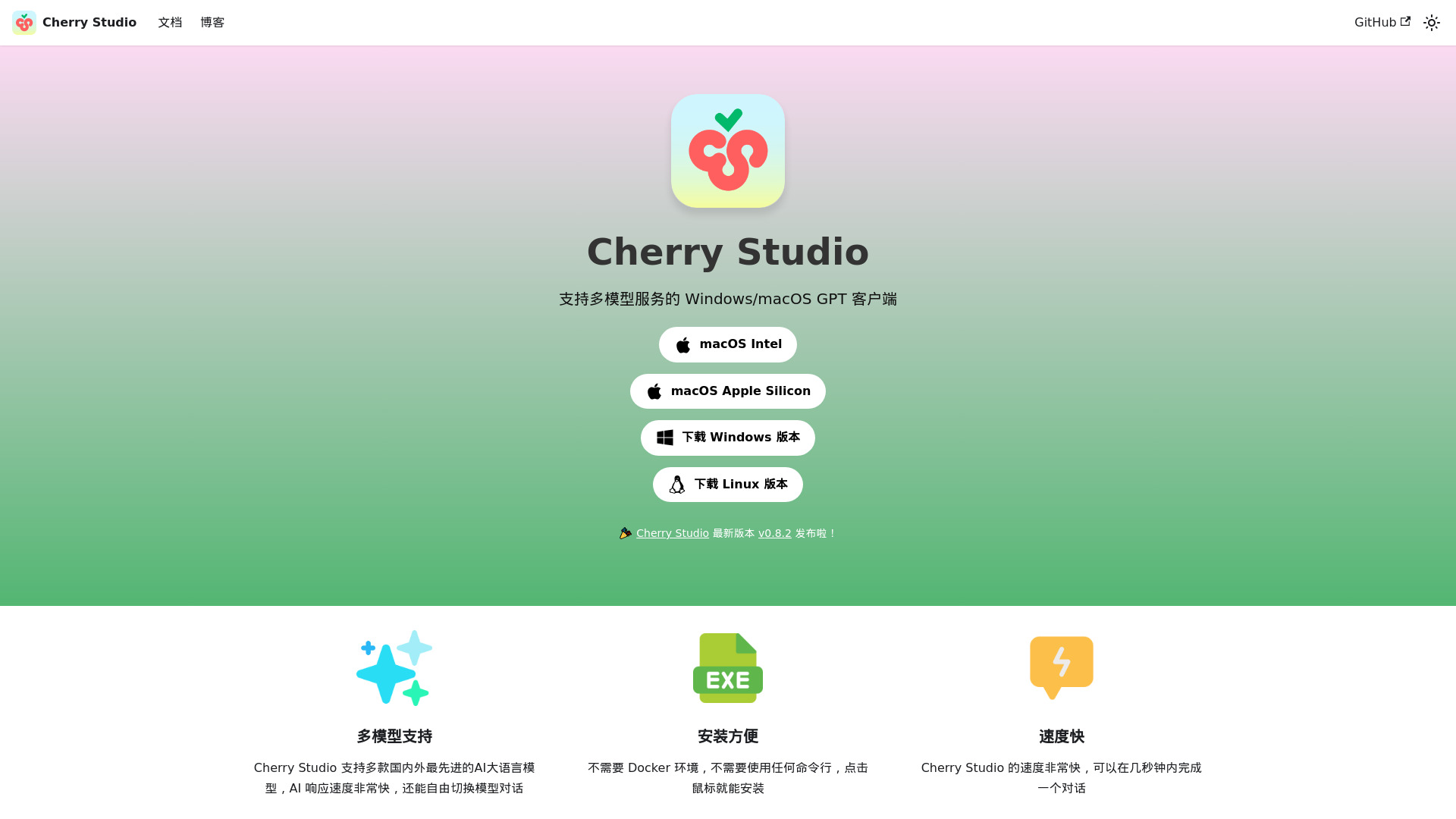
What is Cherry Studio AI?
Cherry Studio AI is a versatile multi-model AI desktop client designed for seamless integration across various platforms. This powerful tool offers a comprehensive suite of functionalities, enabling users to leverage advanced AI capabilities with ease. With its intuitive interface and robust features, Cherry Studio AI is perfect for professionals in creative industries, developers, and data scientists seeking to enhance their productivity.
How to use Cherry Studio AI?
After downloading and installing the client from the official website, launch the application and create your account. Select the appropriate AI model from the model library based on your specific task requirements. Configure the settings and parameters through the intuitive dashboard. Upload your data or content, then initiate the AI processing. Monitor real-time progress and review results in the output panel.
Core features of Cherry Studio AI?
Real-time AI analysis enables instant processing and interpretation of data with high accuracy. Cross-platform compatibility allows seamless operation across Windows, macOS, and Linux systems. User-friendly design simplifies complex AI tasks for users of all skill levels. Multi-model support provides access to various specialized AI models for different applications. Advanced workflow automation streamlines repetitive tasks and enhances productivity.