
What is ChatGPT Delete All Chats?
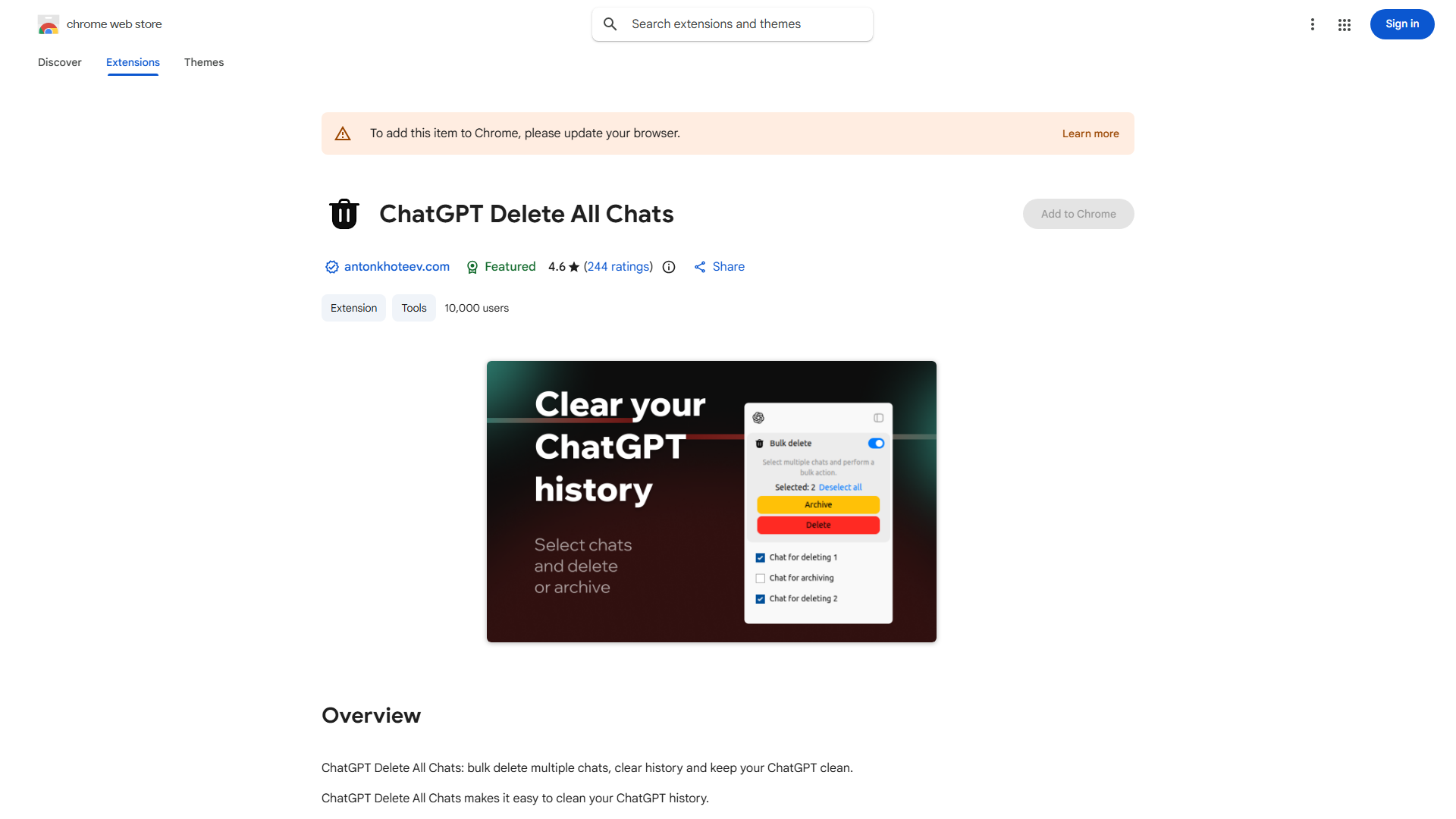
This Chrome extension efficiently manages your ChatGPT history by enabling bulk deletion and archiving of conversations. It enhances privacy and organization, providing a streamlined experience for users seeking a clean chat environment.
How to use ChatGPT Delete All Chats?
Install the extension from Chrome Web Store. Navigate to ChatGPT, click the extension icon, and select "Delete All Chats" or choose specific conversations to archive. Confirm your selection to complete the process instantly.
Core features of ChatGPT Delete All Chats?
- Bulk deletion of all conversations with one click
- Selective archiving for future reference
- Privacy-focused data management
- User-friendly interface with intuitive controls