What is ChatGPT Chrome Extension?
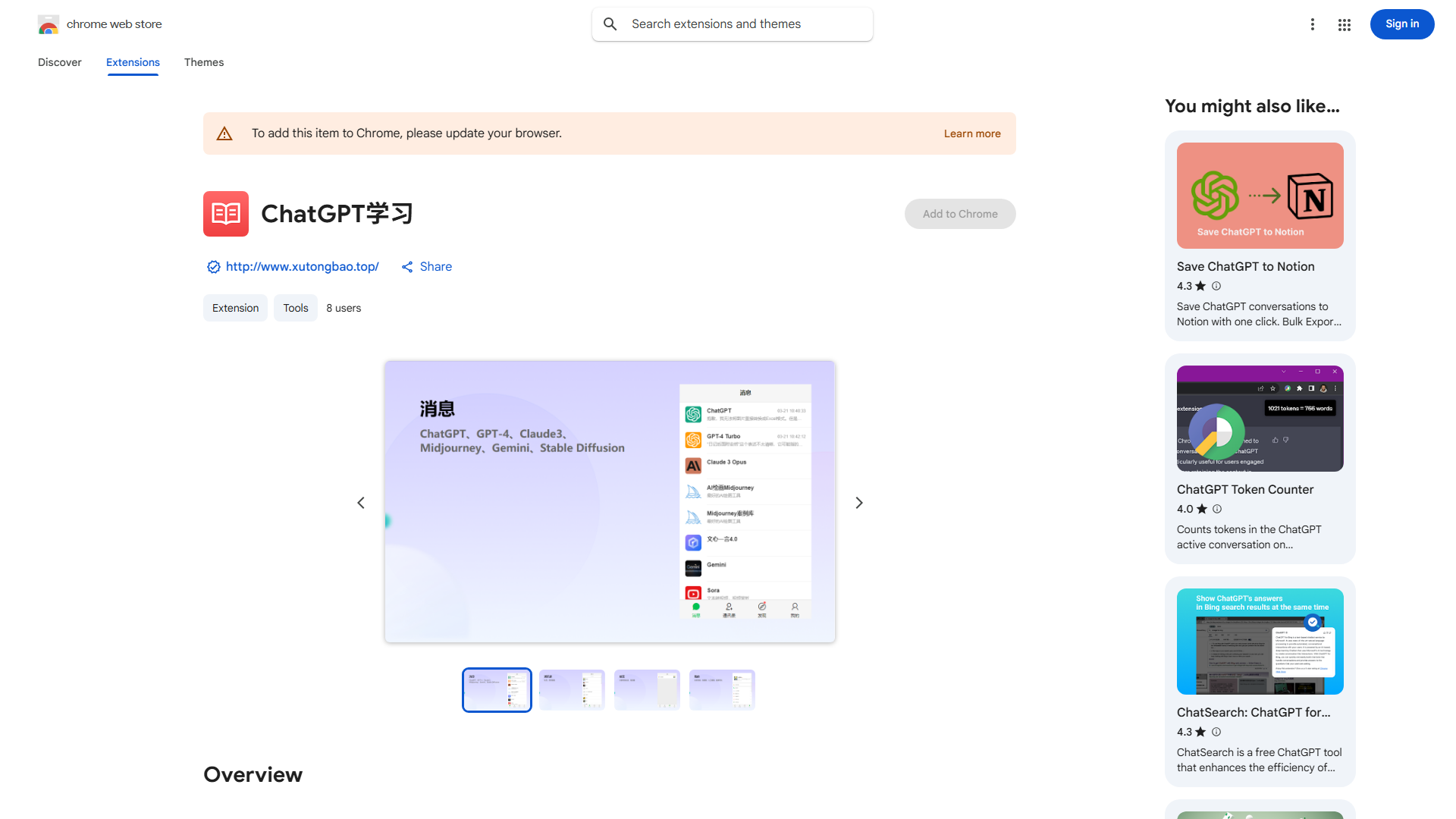
The ChatGPT Chrome Extension integrates ChatGPT's AI capabilities directly into your Chrome browser, transforming your web browsing experience into a more productive workflow. This innovative tool serves as your AI companion, providing intelligent assistance for various online tasks. Whether you're composing emails, conducting research, or creating content, the extension enhances your efficiency with real-time suggestions, translations, and automated generation. Designed for professionals, students, and everyday users, it brings cutting-edge AI technology to your fingertips for seamless online productivity.
How to use ChatGPT Chrome Extension?
Using the ChatGPT Chrome Extension is simple and intuitive. First, install the extension from the Chrome Web Store. Once installed, you'll see the ChatGPT icon in your browser toolbar. Click the icon to open the extension interface. From there, you can access various AI features by selecting the appropriate function and entering your request. The extension processes your input and provides tailored responses, suggestions, or translations directly within your browser. You can use it on any webpage by highlighting text and right-clicking to access the extension's context menu, or by opening it as a sidebar for continuous assistance.
Core features of ChatGPT Chrome Extension?
The ChatGPT Chrome Extension offers several powerful features to enhance your browsing experience:
-
AI-Powered Writing Assistant: Provides intelligent suggestions for email composition, article writing, and content creation, improving your output quality and saving time.
-
Real-time Translation: Instantly translates web pages, articles, and documents across multiple languages, breaking down language barriers during your research or communication.
-
Contextual Understanding: Analyzes the webpage you're viewing and provides relevant AI assistance based on the content, offering more targeted and useful responses.
-
Customizable Prompts: Allows you to create and save custom prompts for frequently performed tasks, streamlining your workflow with personalized AI assistance.
-
Seamless Integration: Works across all websites without disrupting your normal browsing experience, appearing as a helpful sidebar or popup when needed.