
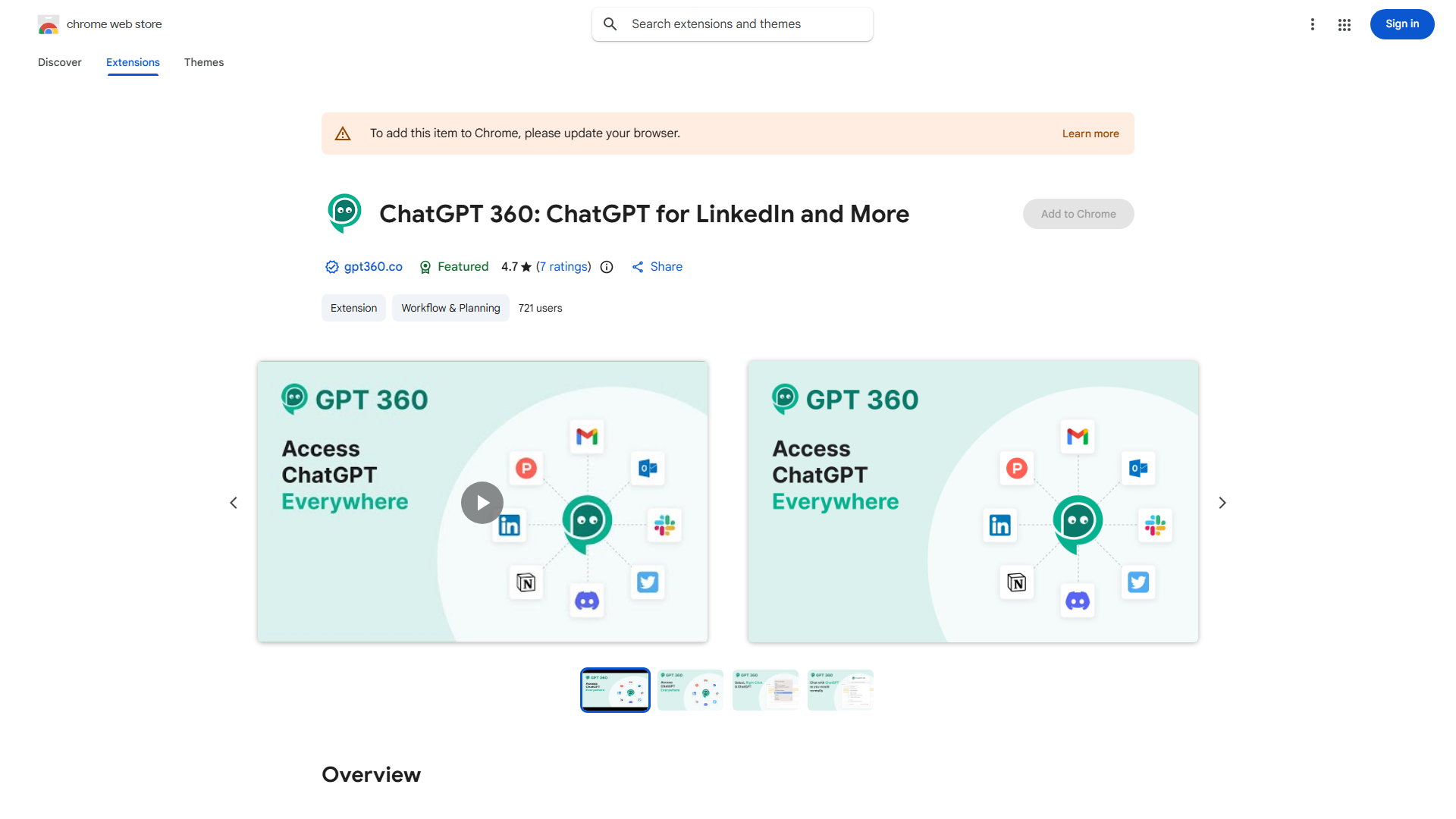
What is ChatGPT 360: ChatGPT Everywhere?
ChatGPT 360: ChatGPT Everywhere is a free Chrome extension that integrates ChatGPT and GPT-4 capabilities into your browser workflow. This productivity tool provides instant access to advanced AI models for generating content, analyzing data, and answering questions. Designed for professionals, it enhances efficiency by bringing AI assistance directly to your browser, transforming how you handle daily tasks and decision-making processes.
How to use ChatGPT 360: ChatGPT Everywhere?
After installing the extension from the Chrome Web Store, click the ChatGPT 360 icon in your toolbar to open the interface. Type your query or task in the input field, then press enter to receive AI-generated responses. The extension works across all websites, allowing you to highlight text on any page and use the right-click menu to send it to ChatGPT 360 for analysis or summarization. You can also save conversations and access them later through the history feature.
Core features of ChatGPT 360: ChatGPT Everywhere?
- Cross-Platform Integration: Works seamlessly on any webpage, supporting text selection and context-aware responses
- Multi-Model Support: Switch between ChatGPT and GPT-4 models based on your task requirements
- Real-Time Assistance: Provides instant answers, content generation, and data analysis without leaving your current page
- Conversation Management: Save, organize, and revisit previous interactions for ongoing projects
- Custom Prompts: Create and save personalized prompt templates for repetitive tasks