What is Rephraser?
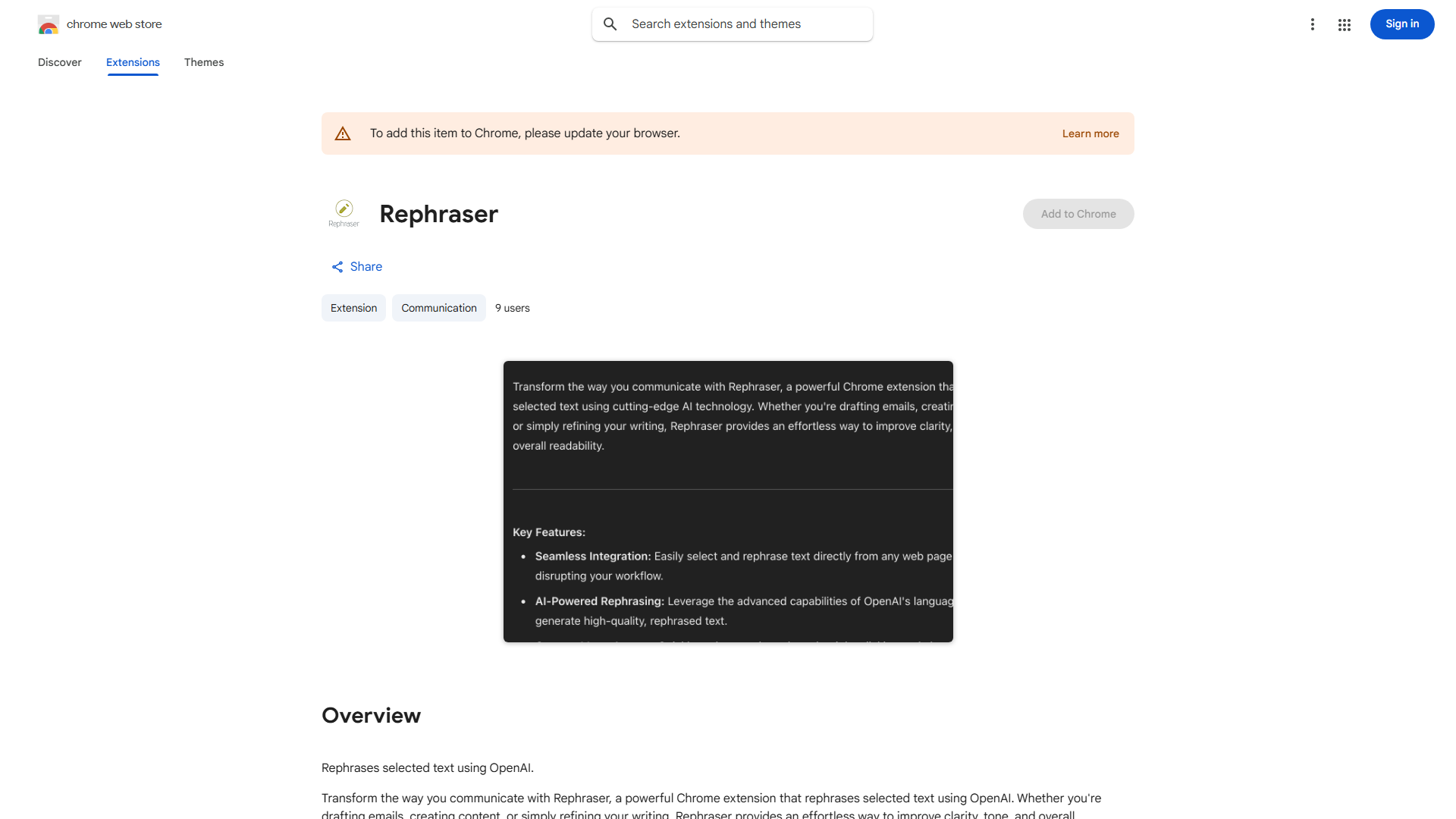
Rephraser is a Chrome extension that leverages OpenAI technology to enhance your writing by automatically rephrasing text. Designed for content creators, bloggers, and professionals, this tool transforms your written work into clearer, more concise, and engaging content. Whether you're crafting blog posts, emails, or professional documents, Rephraser ensures your words shine with precision and impact while saving you time on manual rewriting.
How to use Rephraser?
Using Rephraser is straightforward. First, install the extension from the Chrome Web Store. Once installed, select any text you want to rephrase on any webpage. Click the Rephraser icon in your browser toolbar to open the extension panel. The tool will analyze your selected text and generate multiple rephrased versions. You can then choose the option that best fits your needs or combine elements from different suggestions to create your perfect version.
Core features of Rephraser?
Rephraser offers several powerful features to improve your writing:
- Advanced Natural Language Processing: Utilizes OpenAI's sophisticated algorithms to maintain original meaning while enhancing flow and clarity
- Multiple Rephrasing Options: Provides several alternative versions of your text, giving you flexibility and creative control
- Time-Saving Automation: Eliminates manual rewriting by instantly generating high-quality alternatives
- SEO Optimization: Improves content readability and search engine visibility through enhanced phrasing
- Context-Aware Rephrasing: Adapts suggestions based on the type of content and intended audience