
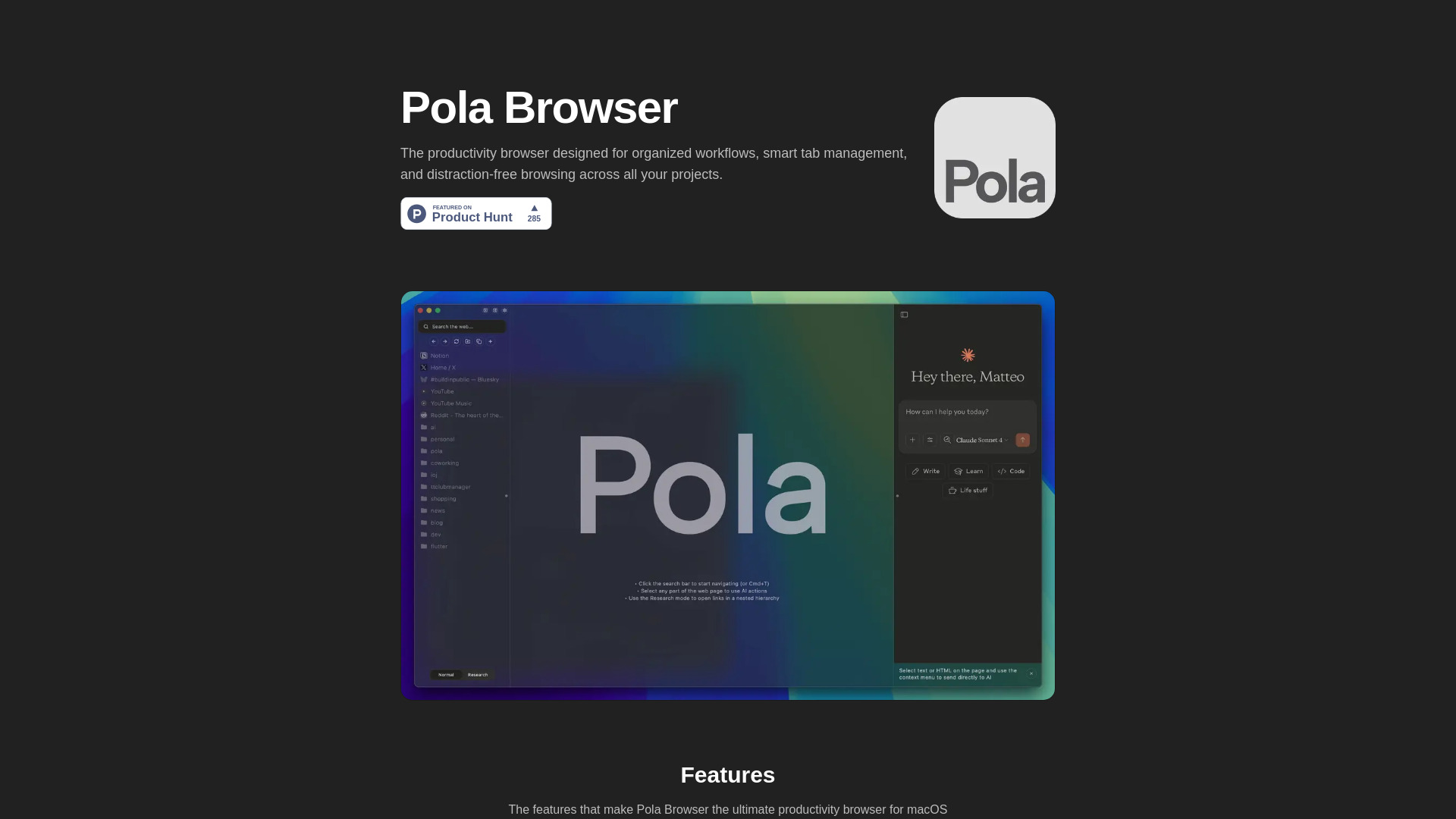
What is Pola Browser?
Pola Browser is a productivity-focused web browser designed specifically for Mac users. It aims to enhance your digital workflow by providing smart organization tools and robust privacy protection. This innovative browser helps you manage multiple tabs efficiently, customize your browsing environment, and browse with confidence knowing your data remains secure. Perfect for professionals, students, and anyone seeking to optimize their online experience, Pola Browser transforms how you interact with the web by eliminating clutter and maximizing efficiency.
How to use Pola Browser?
Begin by downloading and installing Pola Browser from the official website. After installation, launch the application and set up your preferences. To manage tabs effectively, use the smart tab grouping feature to organize related pages together. Create customized workspaces for different projects or tasks by accessing the workspace manager in the sidebar. Switch between workspaces with a single click to maintain focus on your current task. For enhanced privacy, enable the built-in ad and tracker blocker in the settings menu. Regularly update the browser to ensure you have the latest security features and performance improvements.
Core features of Pola Browser?
- Advanced privacy protection with built-in ad and tracker blocking to safeguard your browsing data
- Smart tab management system that automatically groups related tabs and reduces visual clutter
- Customizable workspaces allowing you to create dedicated environments for different projects or tasks
- Intuitive interface with drag-and-drop functionality for easy organization
- Performance optimization features that reduce memory usage and improve loading speeds
- Seamless synchronization across multiple Mac devices using your Apple ID