
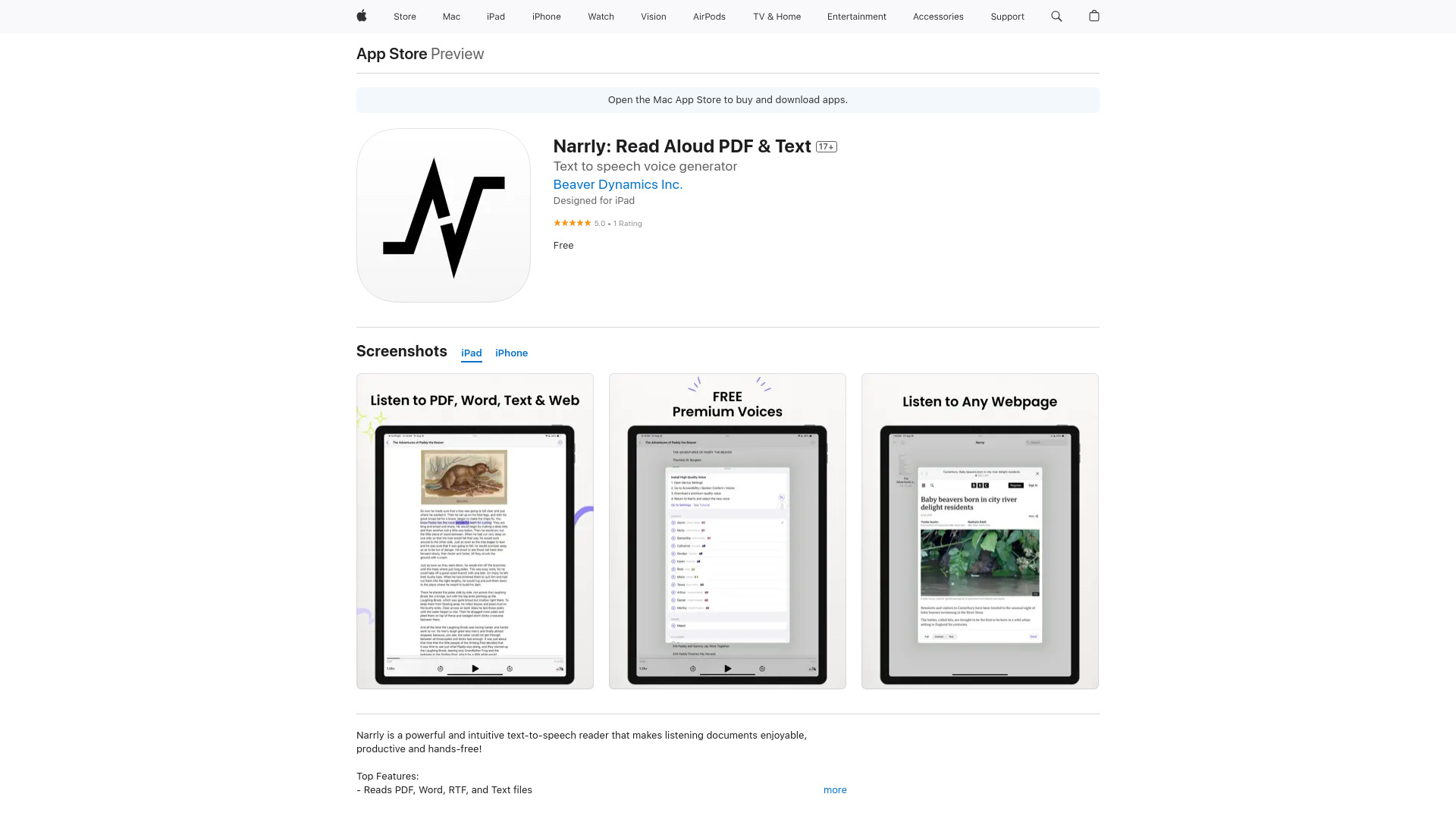
What is Narrly: Read Aloud PDF & Text?
Narrly is a text-to-speech application that transforms digital content into audio. It converts documents, PDFs, and web pages into high-quality sound, perfect for busy students, professionals, and multitaskers. Listen on the go while commuting, exercising, or resting your eyes. Say goodbye to screen fatigue and hello to productive learning anytime, anywhere.
How to use Narrly: Read Aloud PDF & Text?
Using Narrly is simple. First, import content by uploading a PDF/text file or pasting a web link. Next, tap play to start narration. Customize by adjusting reading speed and selecting natural voices. No complicated setup—just import, play, and listen to transform your reading experience.
Core features of Narrly: Read Aloud PDF & Text?
• Multi-format support for PDFs, text files, and web articles
• Natural voice engine with human-like narration
• Customizable playback speeds for skimming or detailed listening
• Intuitive interface for seamless navigation
• Background playback while using other apps