What is Cmd J?:
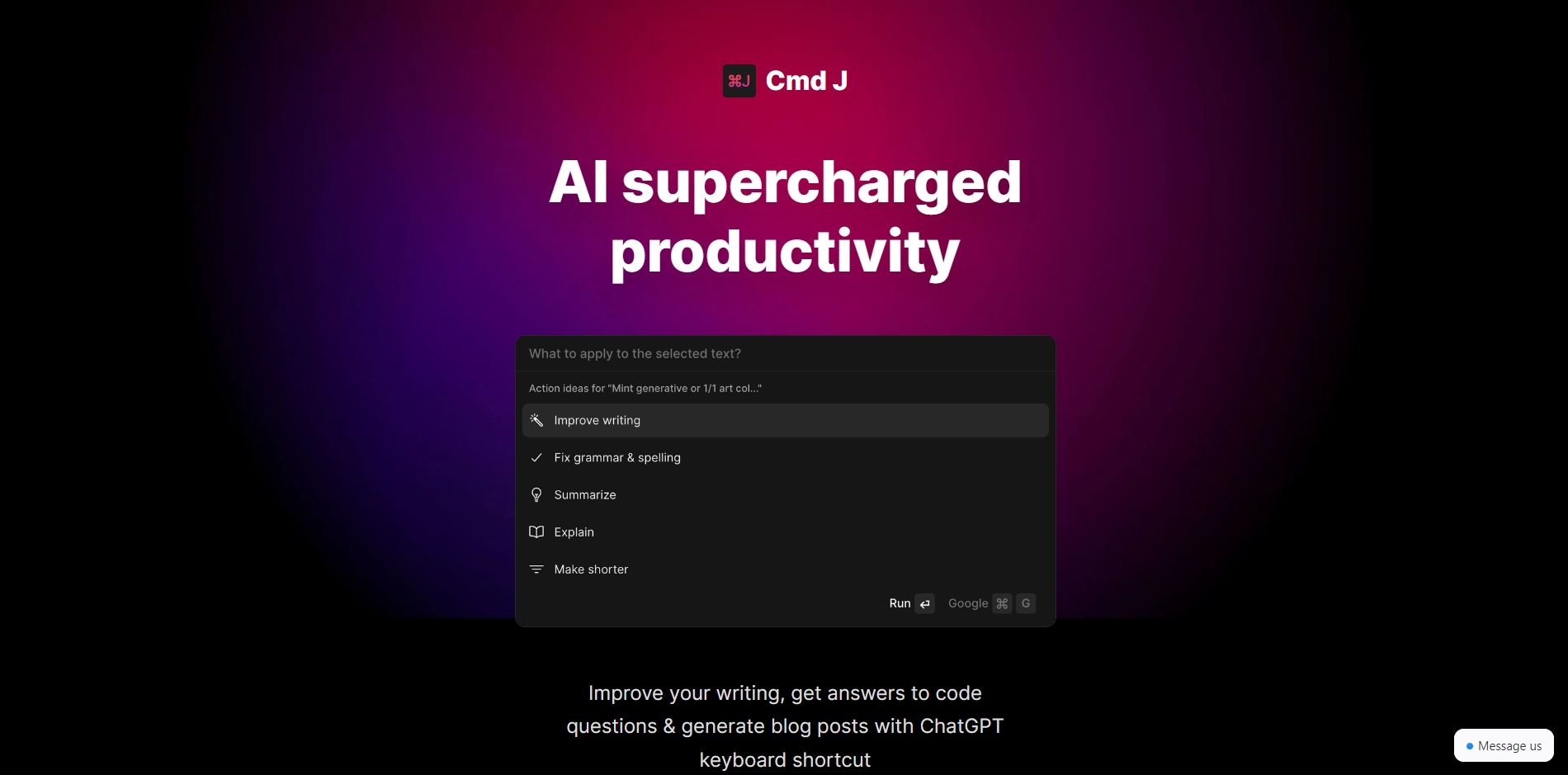
Cmd J is a Chrome extension integrating ChatGPT's AI power directly into your browser, eliminating tab switching and providing instant AI assistance on any website via keyboard shortcut.
How to use Cmd J?:
Install from Chrome Web Store, then press Cmd+J (or Ctrl+J) on any webpage to activate AI assistance. Type requests and receive contextual responses based on current page content.
Core features of Cmd J?:
- Contextual AI understanding of webpage content
- Instant access via customizable keyboard shortcut
- Seamless integration with any website
- Accelerated productivity for content creation
- Accurate responses tailored to your browsing context