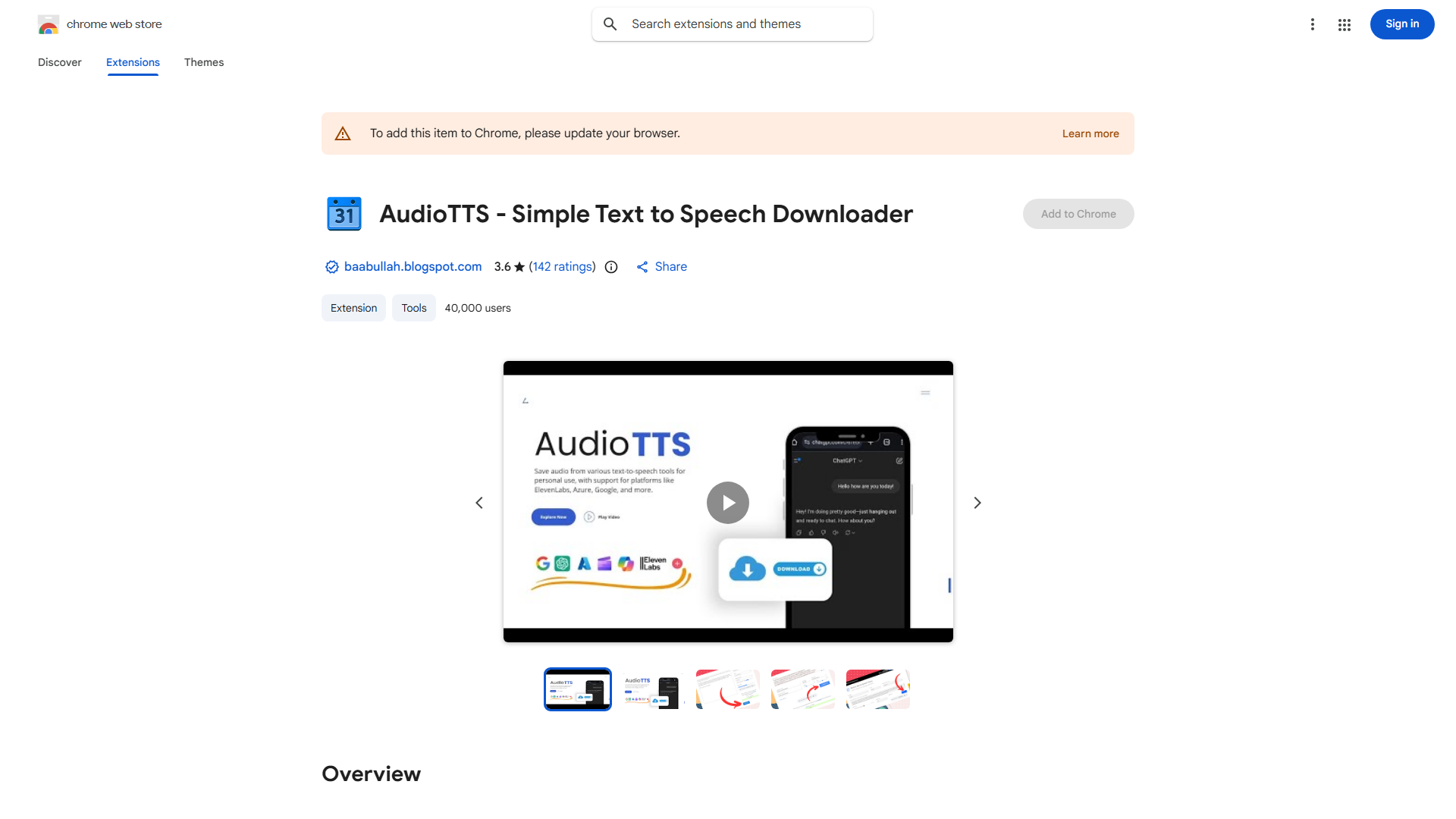
What is AudioTTS?
AudioTTS is a Chrome extension that captures and downloads text-to-speech audio from online platforms. It allows users to save website-generated TTS as MP3 files for offline listening, making it ideal for students, content creators, and researchers who want to consume content more efficiently.
How to use AudioTTS?
Install the extension from Chrome Web Store and pin it to your toolbar. Navigate to a website with TTS functionality, start the audio playback, then click the AudioTTS icon. The extension will detect the audio stream and offer download options. Select MP3 format and click download to save the file to your computer.
Core features of AudioTTS?
- Broad platform compatibility with various websites
- High-quality audio capture maintaining original clarity
- Seamless Chrome integration without performance issues
- Simple MP3 downloads for universal device compatibility
- Intuitive one-click interface for effortless audio capture