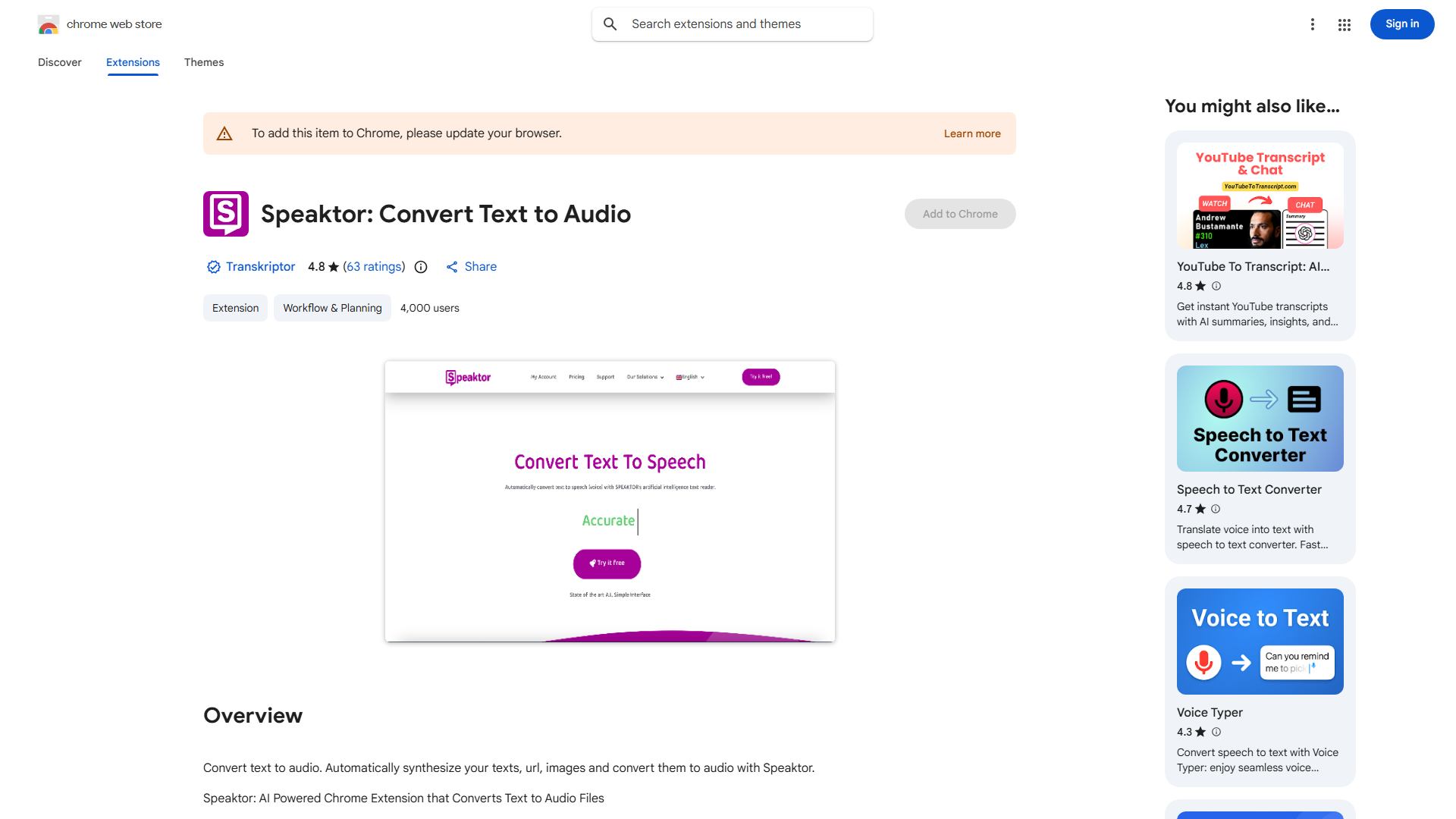
What is Speaktor?
Speaktor is an AI-powered Chrome extension that transforms text into natural-sounding audio across more than 100 languages. This innovative tool enables users to listen to any text-based content on various platforms, making information consumption more accessible and convenient. Whether for learning, multitasking, or accessibility needs, Speaktor provides a seamless way to convert articles, emails, documents, and web content into engaging audio experiences. The extension uses advanced language processing technology to deliver high-quality, human-like narration that adapts to different content types and reading contexts.
How to use Speaktor?
- Install the Speaktor extension from the Chrome Web Store
- Browse to any webpage with text content you want to convert
- Select the desired text by highlighting it
- Click the Speaktor icon in your browser toolbar
- Choose your preferred language and voice settings
- Click play to start listening immediately
- Adjust playback speed, volume, and voice characteristics as needed
- The audio continues playing even when you navigate to other tabs
Core features of Speaktor?
- Multi-language support with over 100 languages and various regional accents
- Real-time text-to-speech conversion with natural intonation and pacing
- Customizable audio settings including speed control, volume adjustment, and voice selection
- Seamless integration with Chrome browser for instant access on any webpage
- Offline listening capability for downloaded content
- Bookmark and save favorite audio conversions for future reference
- Background playback allowing you to multitask while listening