What is Pixelmost - AI App Design?
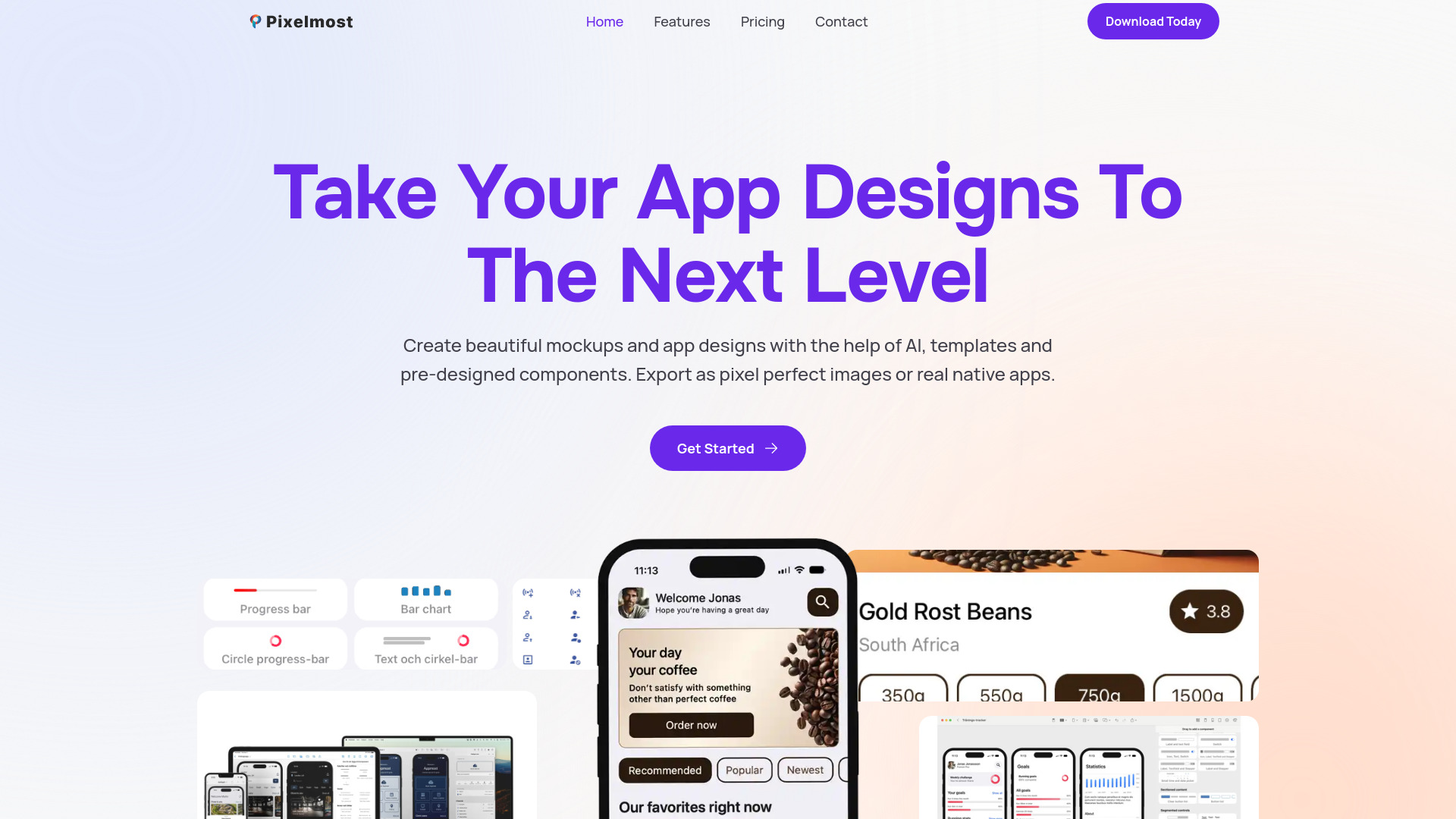
Pixelmost - AI App Design is a revolutionary tool that empowers designers and developers to create stunning mockups, prototypes, and final designs with ease. Utilizing cutting-edge AI technology, Pixelmost streamlines the app design process, allowing users to craft high-quality visuals in a fraction of the time it would take using traditional methods. With its intuitive interface and extensive library of design elements, Pixelmost is perfect for creating user-friendly interfaces, wireframes, and interactive prototypes. Its powerful features include AI-driven design suggestions, real-time collaboration, and seamless integration with popular design software. Whether you're a solo designer or part of a large team, Pixelmost is the ultimate tool for bringing your app design visions to life.
How to use Pixelmost - AI App Design?
Using Pixelmost is straightforward. Start by signing up for an account and accessing the intuitive interface. Begin with selecting a project template or starting from scratch. Utilize the AI-driven design suggestions to kickstart your design process, or import your existing design elements. From there, you can drag and drop various design components from the extensive library, make real-time adjustments, and collaborate with team members in real-time. Once your design is complete, export it directly to your preferred design software for further refinement.
Core features of Pixelmost - AI App Design?
Pixelmost boasts several core features that set it apart from other design tools. These include:
- AI-Driven Design Suggestions: Get inspired with AI recommendations tailored to your design needs
- Real-Time Collaboration: Work alongside team members in real-time, making design decisions effortlessly
- Extensive Design Library: Access a vast collection of design elements, icons, and templates to create unique and professional-looking designs
- Seamless Integration: Effortlessly import and export designs to and from your preferred design software
- Interactive Prototypes: Turn your static designs into interactive prototypes to test and refine your app's user experience