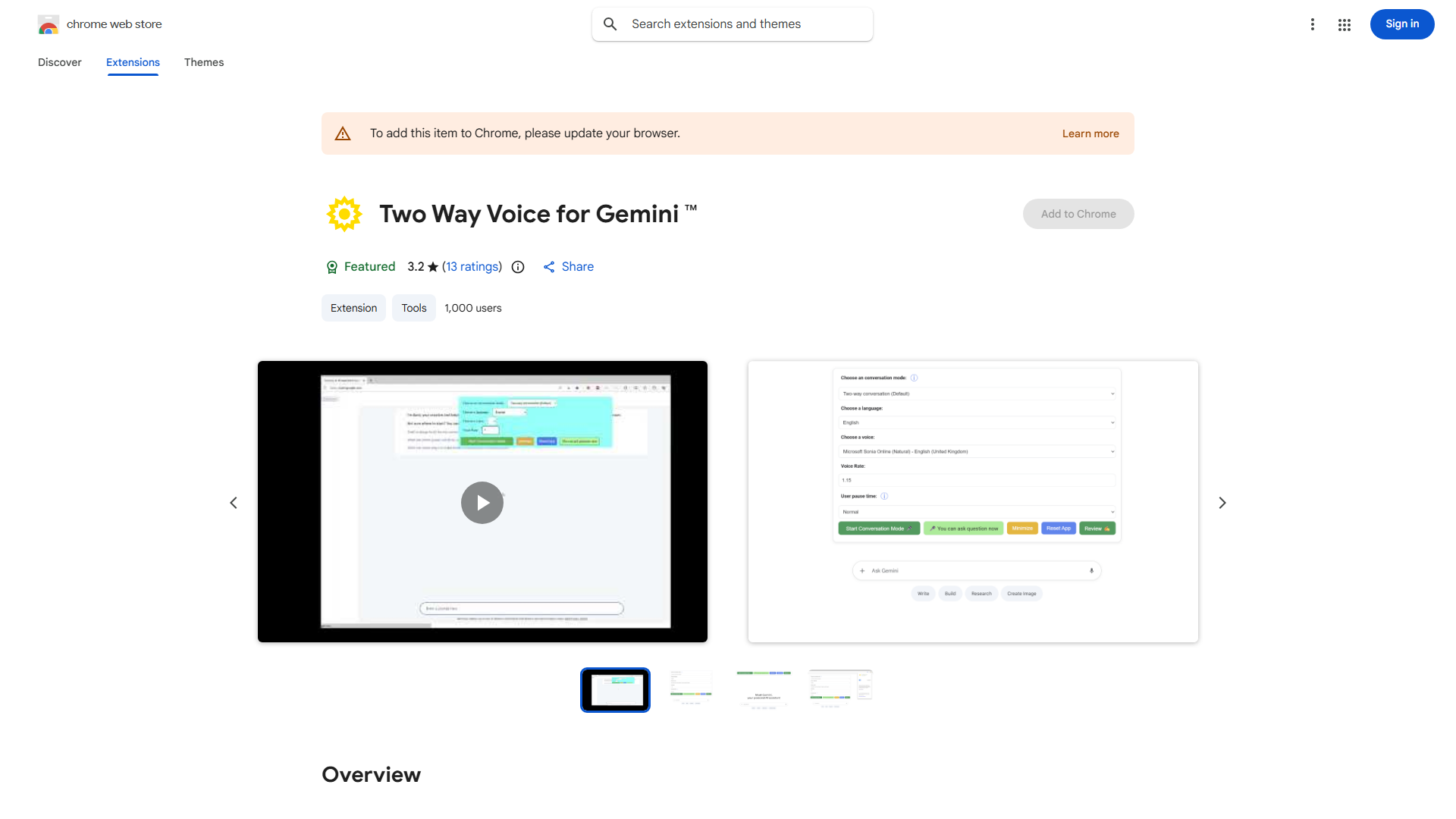
What is Google Bard Voice Extension?
A browser extension enabling hands-free voice interaction with Google Bard, allowing users to ask questions, get information, and have conversations through voice commands.
How to use Google Bard Voice Extension?
Install from Chrome Web Store. Click the Bard icon in your browser toolbar. Activate the microphone button and speak your question clearly. Bard responds with voice or text based on your preferences.
Core features of Google Bard Voice Extension?
- Hands-Free Interaction: Search and ask questions without typing
- Multilingual Support: Communicate in multiple languages globally
- Voice Command Accuracy: Advanced recognition for precise interpretation
- Customizable Voice Responses: Choose voice options, accents, and speeds
- Contextual Understanding: Maintains conversation context for relevant responses